STAY TUNED!
Subscribe to our newsletter and get the 600+ pages eBook Inside ARES:

DWG-compatible CAD has long been seen as a mature product, but generative AI, BIM and the cloud are changing what CAD is expected to do.
This year, Graebert hosted its neXt event on June 3, showcasing the newest developments in CAD through feature demonstrations, executive commentary, and analysis from industry experts. Attendees — including CAD managers and users, engineers and developers, CAD newbies and CAD veterans — learned about the digital transformation of CAD through AI-driven tools, BIM automation, and cloud collaboration. Users of Graebert’s own ARES software products and of other CAD platforms, such as AutoCAD, saw how these technology trends are reshaping day-to-day workflows for CAD in DWG.
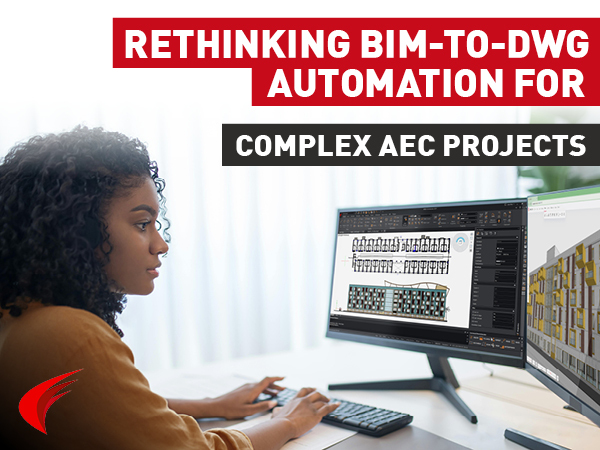
Discover how Niknaz Aftahi highlights ARES Trinity 2027’s BIM-to-DWG automation capabilities, helping AEC teams streamline documentation workflows, reduce manual drafting, and improve project efficiency.
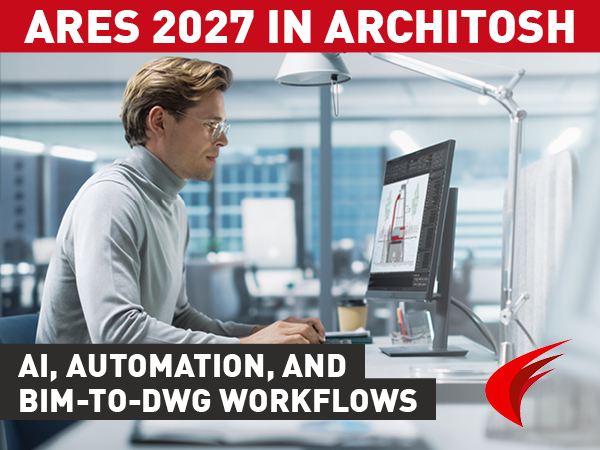
Explore Architosh’s in-depth review of ARES 2027, highlighting A3 AI Assist, BIM-to-DWG automation, Drawings Automation, Autodesk Forma integration, and the ARES Trinity CAD ecosystem.
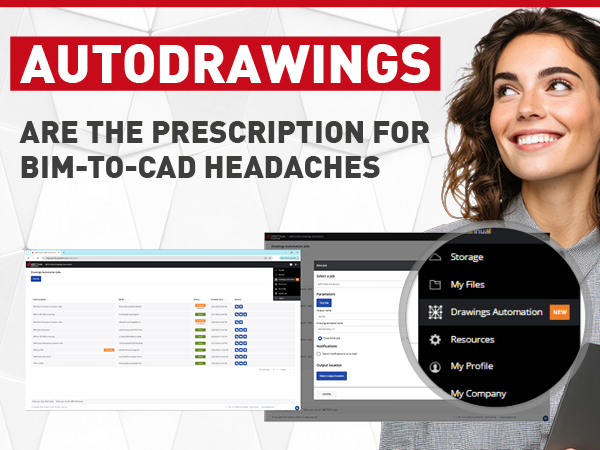
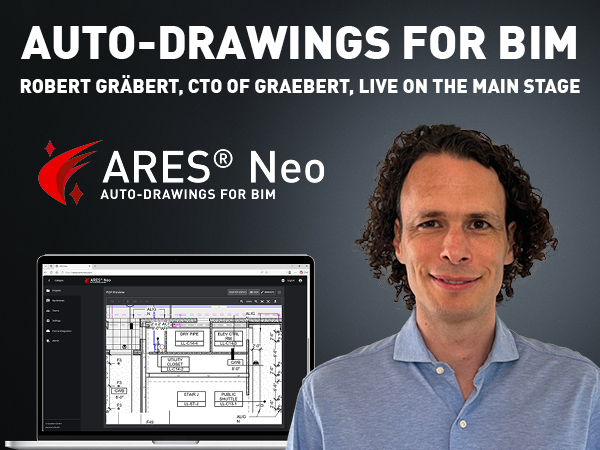
Robert Graebert, CTO at Graebert GmbH, gave a presentation on the subject titled, “Autodrawings — Fast, Cloud-Ready DWG Production for BIM.” His presentation discussed the automation capabilities that are already available in Graebert’s own ARES Commander and ARES Kudo, and have also been integrated into other developer’s products, including Snaptrude, DraftSight Premium, and Qonic.
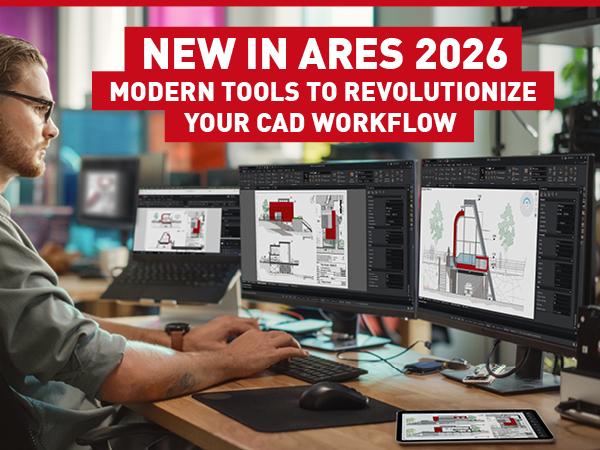
Graebert has launched ARES Commander 2026, the newest version of the No. 1 alternative to AutoCAD. Here, we’ll share some highlights from the many new features in ARES Commander, as well as ARES Kudo and ARES Touch.
Discover how ARES Commander 2025 revolutionizes BIM–CAD workflows for AEC professionals. With time-saving BIM drawings automation, ARES Commander generates smart DWG drawings from Revit or IFC BIM projects, simplifying BIM documentation and streamlining 3D-to-2D workflows.

Discover why Toa Corporation trusts ARES Commander for civil engineering training. Explore the top three reasons behind their choice and how ARES Commander is revolutionizing the industry. From its robust features to user-friendly interface, ARES Commander empowers professionals to design and collaborate efficiently. Join us as we delve into the world of ARES Commander and its impact on civil engineering training at Toa Corporation.
Discover the game-changing capabilities of ARES Commander 2024, the latest version of the renowned CAD software. From customizable Tool Palettes to seamless integration with AutoCAD®, expanded availability of the Ribbon UI, and powerful BIM to CAD features, revolutionize your design process with ARES Commander 2024. Learn more about the top four standout features that empower you to take control of your CAD environment and streamline your workflows.
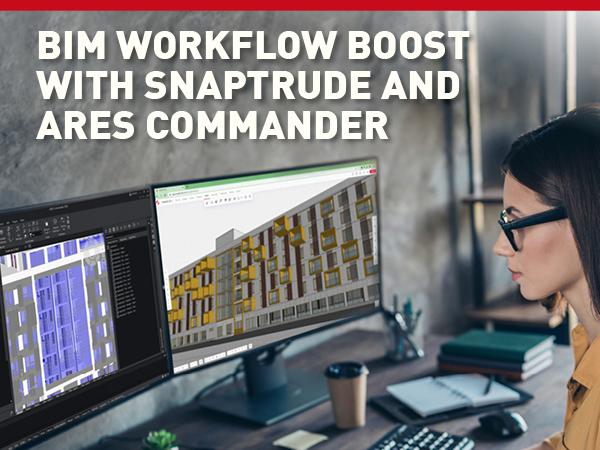
Snaptrude seamlessly integrates with ARES Commander, with its advanced CAD modelling features. With ARES Commander, designers and architects can import multiple BIM models from different sources, including IFC files and Revit’s RVT format, to create their master models.

Did you know that ARES Touch, our mobile DWG Viewer & Editor, is available for both Android and iOS?