STAY TUNED!
Subscribe to our newsletter and get the 600+ pages eBook Inside ARES:

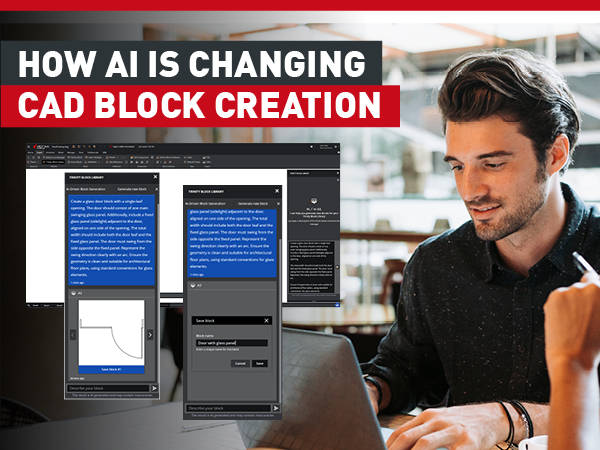
CAD blocks are essential for improving design efficiency, but they can be tedious to create manually. In the latest version of ARES, the world’s leading DWG-compatible CAD software, this capability has evolved significantly. Now users can create symbols and other blocks in CAD with less effort — and less time.
This year, Graebert hosted its neXt event on June 3, showcasing the newest developments in CAD through feature demonstrations, executive commentary, and analysis from industry experts. Attendees — including CAD managers and users, engineers and developers, CAD newbies and CAD veterans — learned about the digital transformation of CAD through AI-driven tools, BIM automation, and cloud collaboration. Users of Graebert’s own ARES software products and of other CAD platforms, such as AutoCAD, saw how these technology trends are reshaping day-to-day workflows for CAD in DWG.
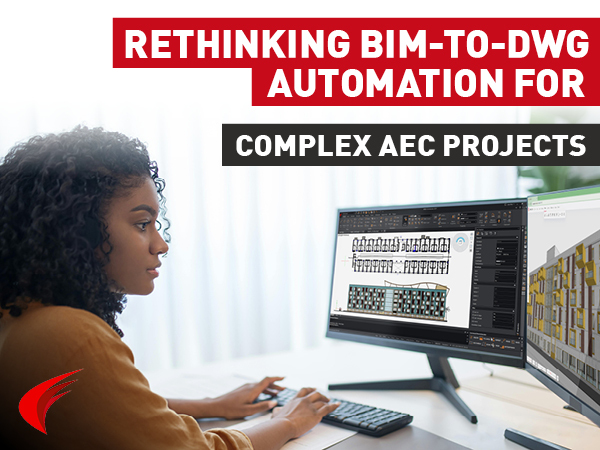
Discover how Niknaz Aftahi highlights ARES Trinity 2027’s BIM-to-DWG automation capabilities, helping AEC teams streamline documentation workflows, reduce manual drafting, and improve project efficiency.
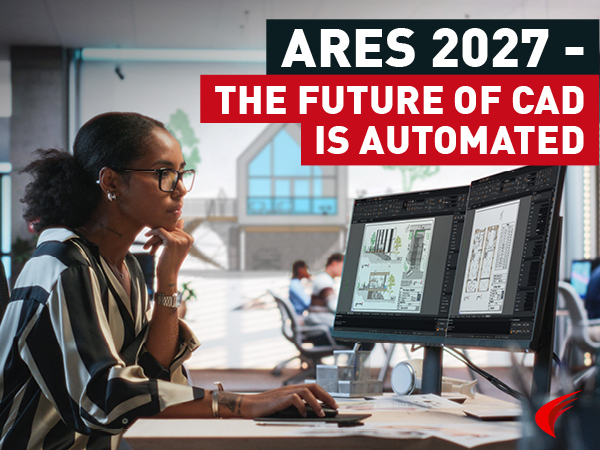
Graebert has released a new version of its desktop CAD software solution: ARES Commander 2027. A full-featured, DWG-native application for creating and modifying CAD files in 2D and 3D, ARES Commander is the No. 1 alternative to AutoCAD.
Graebert has officially launched ARES 2027, and this year’s release makes one thing very clear: the company is going all-in on AI and cloud-connected workflows.

Can artificial intelligence (AI) create CAD drawings? With the rapid evolution of AI services — reportedly appearing by the hundreds each month in 2025 — there’s growing interest in how AI can be applied to CAD drawing creation.

2D CAD workflows on laptops with the right specs and cloud tools offering real-time collaboration, comments, and smooth DWG editing.

Learn how to share DWG-format CAD drawings easily and efficiently by using view-only links. Avoid the hassles of email attachments, prevent version confusion, and collaborate in real time.

Discover when and why you should convert CAD data to PDF. This guide also shows how ARES Commander lets you export PDFs without installing a PDF printer.

See how repetition and practice drawings strengthen your 2D CAD skills. Access free Graebert Academy courses to boost your CAD skills.

Did you know that ARES Touch, our mobile DWG Viewer & Editor, is available for both Android and iOS?