STAY TUNED!
Subscribe to our newsletter and get the 600+ pages eBook Inside ARES:

This year, Graebert hosted its neXt event on June 3, showcasing the newest developments in CAD through feature demonstrations, executive commentary, and analysis from industry experts. Attendees — including CAD managers and users, engineers and developers, CAD newbies and CAD veterans — learned about the digital transformation of CAD through AI-driven tools, BIM automation, and cloud collaboration. Users of Graebert’s own ARES software products and of other CAD platforms, such as AutoCAD, saw how these technology trends are reshaping day-to-day workflows for CAD in DWG.
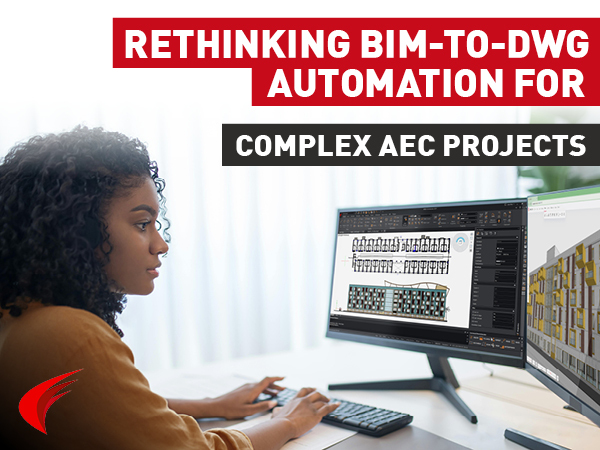
Discover how Niknaz Aftahi highlights ARES Trinity 2027’s BIM-to-DWG automation capabilities, helping AEC teams streamline documentation workflows, reduce manual drafting, and improve project efficiency.
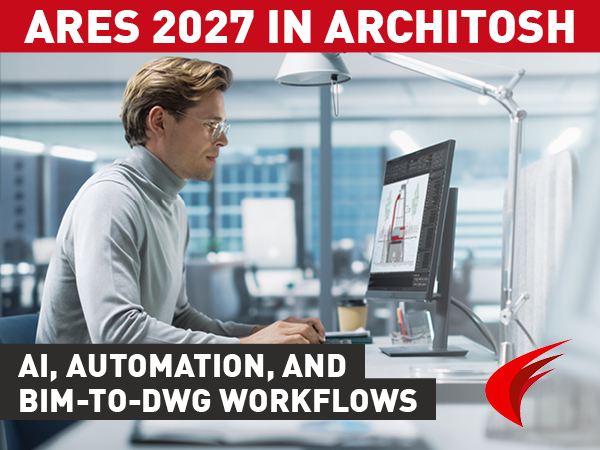
Explore Architosh’s in-depth review of ARES 2027, highlighting A3 AI Assist, BIM-to-DWG automation, Drawings Automation, Autodesk Forma integration, and the ARES Trinity CAD ecosystem.
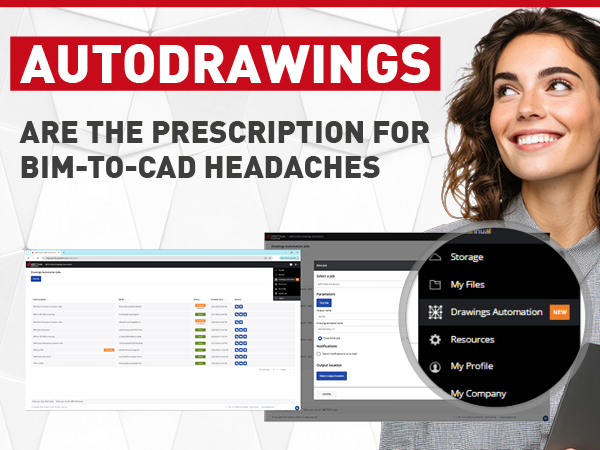
Robert Graebert, CTO at Graebert GmbH, gave a presentation on the subject titled, “Autodrawings — Fast, Cloud-Ready DWG Production for BIM.” His presentation discussed the automation capabilities that are already available in Graebert’s own ARES Commander and ARES Kudo, and have also been integrated into other developer’s products, including Snaptrude, DraftSight Premium, and Qonic.
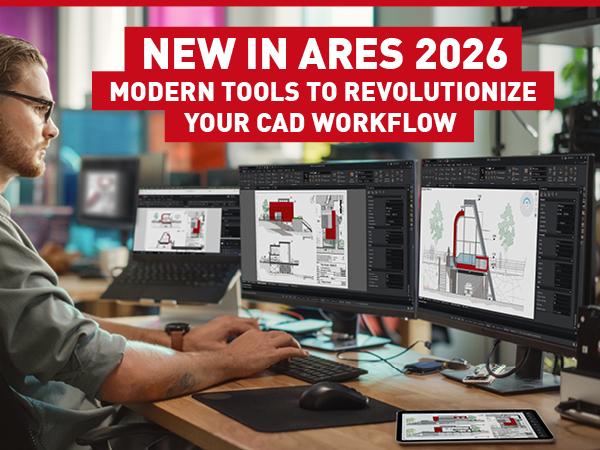
Graebert has launched ARES Commander 2026, the newest version of the No. 1 alternative to AutoCAD. Here, we’ll share some highlights from the many new features in ARES Commander, as well as ARES Kudo and ARES Touch.
Discover how ARES Commander 2025 revolutionizes BIM–CAD workflows for AEC professionals. With time-saving BIM drawings automation, ARES Commander generates smart DWG drawings from Revit or IFC BIM projects, simplifying BIM documentation and streamlining 3D-to-2D workflows.
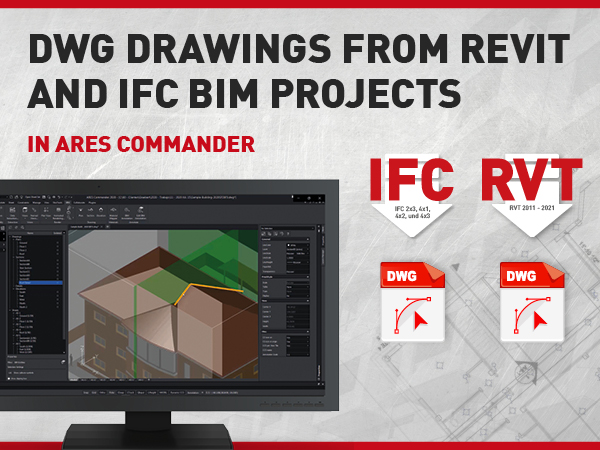
In this blog, we will see how we can create 2D drawings in DWG format from BIM models. Remember that we can import BIM files either in Revit RVT format or in IFC format. We can even combine them to unify BIM information from different sources, and use BIM filters to isolate only the content that we want to see in our drawings.
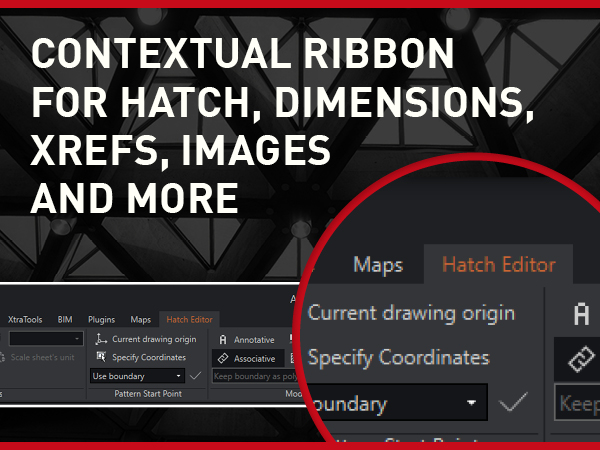
To work more efficiently on your drawings, you need easier access to your tools. Under this premise, ARES Commander seeks a constant evolution that allows you to make your workflow more and more efficient.
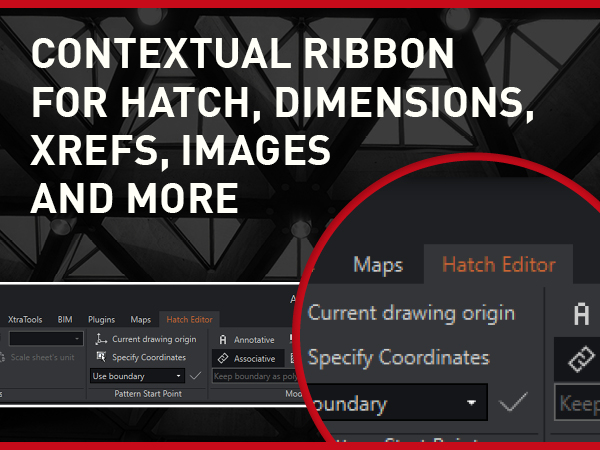
To work more efficiently on your drawings, you need easier access to your tools. Under this premise, ARES Commander seeks a constant evolution that allows you to make your workflow more and more efficient.
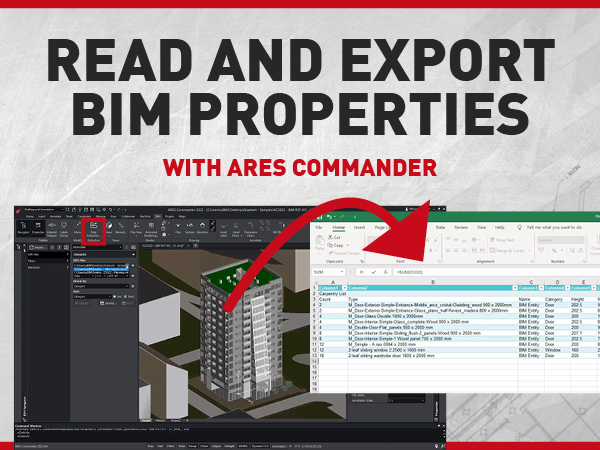
In this blog, we will see how to access and extract the information of BIM projects imported in ARES Commander.
Did you know that ARES Touch, our mobile DWG Viewer & Editor, is available for both Android and iOS?