Collaborative CAD Software for Modern Construction Workflows
In the construction industry, efficiency and accuracy are crucial at every stage of a project. From early design reviews to detailed documentation, construction teams rely on CAD to coordinate across disciplines, avoid costly errors, and ensure projects are delivered on time. Modern construction workflows require tools that not only create precise drawings, but also connect office and field teams in real time.

The ARES Trinity connects engineers, contractors, and field crews with DWG-native CAD software
From design offices to job sites, construction teams need seamless CAD workflows, cloud-enabled collaboration tools, and mobile drawing access—ensuring accurate plans, faster delivery, and reduced rework. Draft with precision, share instantly, and keep construction teams aligned from office to job site.
Create, Edit & Comment on DWG files
with the ARES Trinity Collaboration Features
—
CAD Drafters / Engineers
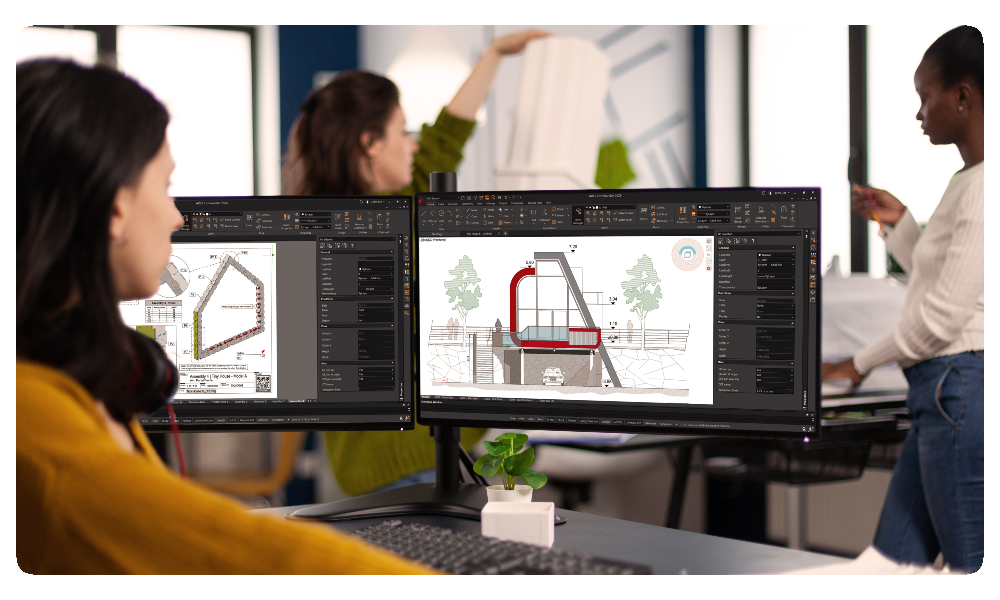
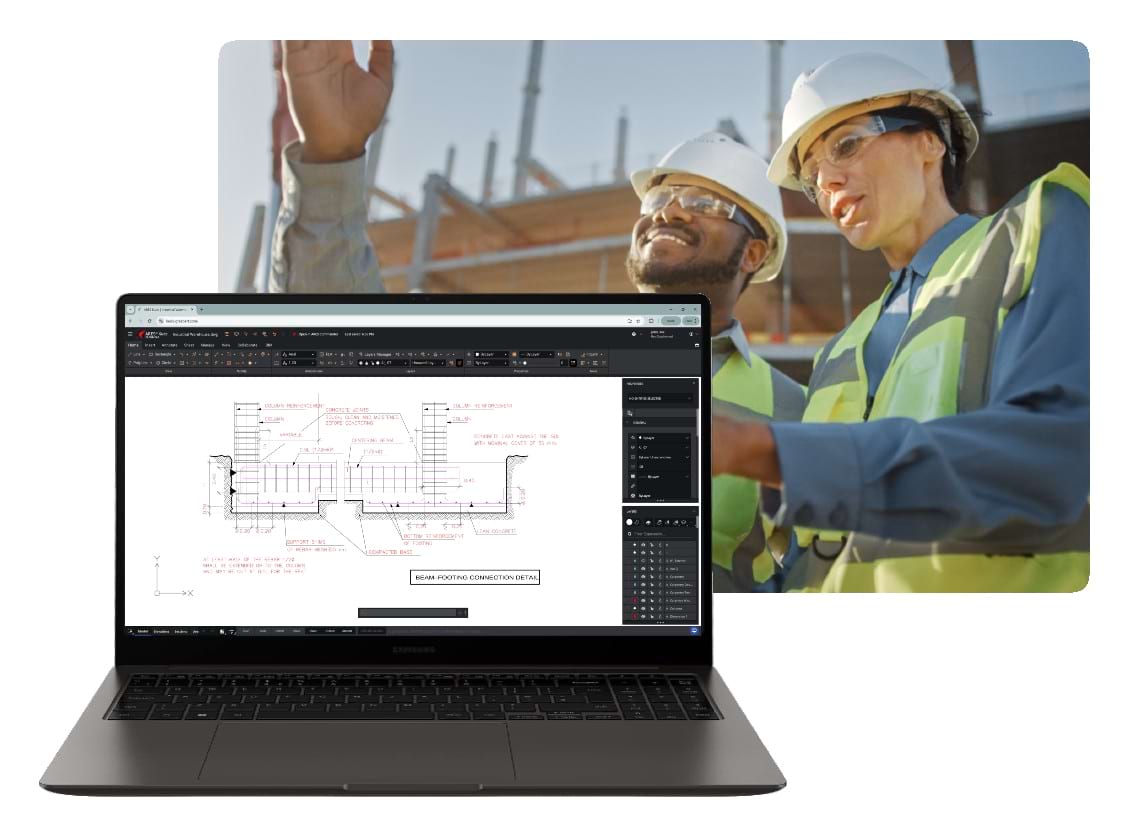
The ARES CAD software enables construction professionals to streamline documentation, visualize complex details, and manage project information consistently. With DWG-native technology and a complete set of 2D drafting tools, teams can produce and update drawings with confidence. Integrated collaboration features enable stakeholders to review, comment, and share updates without version conflicts, reducing delays and rework.
Field Workers / Subcontractors
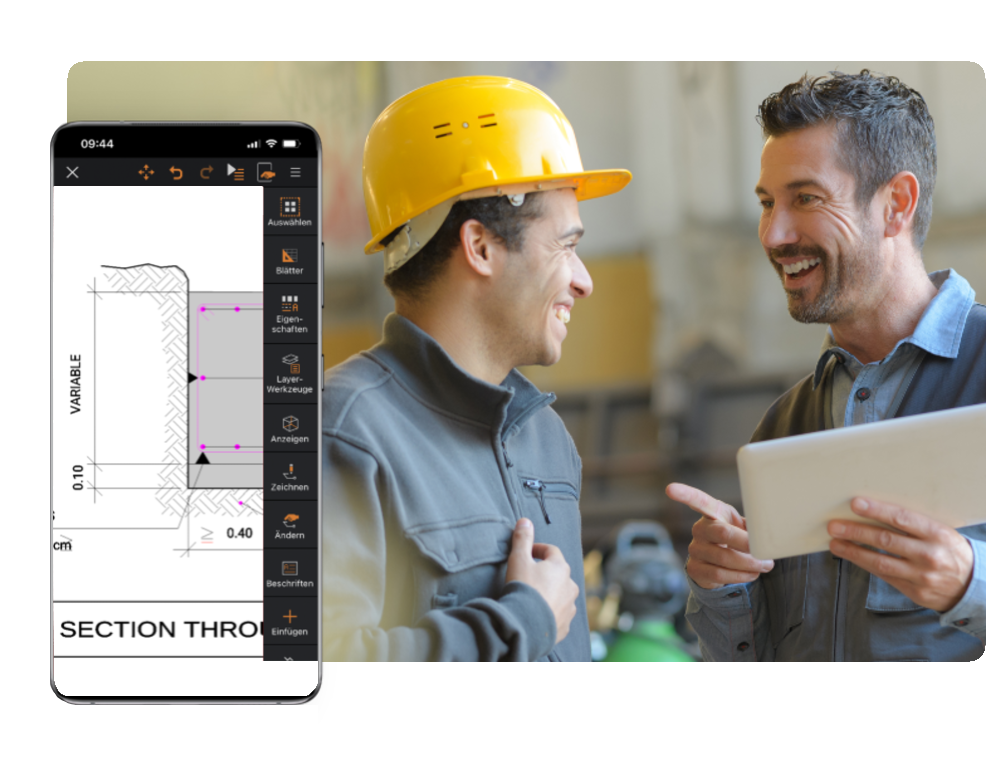
Construction projects often involve distributed teams — engineers, contractors, and subcontractors working both in the office and on-site. Cloud-based CAD with ARES Kudo and mobile access with ARES Touch make it possible to review drawings, add markups, and share updates directly from the job site. View-only links and role-based permissions ensure that the right information is securely accessible, while version tracking provides transparency for all stakeholders.
Clients / Project Managers
For construction companies managing tight budgets and multiple stakeholders, compatibility and cost efficiency are key. A DWG-native solution ensures seamless collaboration with partners using AutoCAD or other DWG-based tools. Cross-platform flexibility means drawings can be accessed on desktop, browser, and mobile, reducing the need for costly additional licenses.
The N°1 Alternative to AutoCAD
for Construction
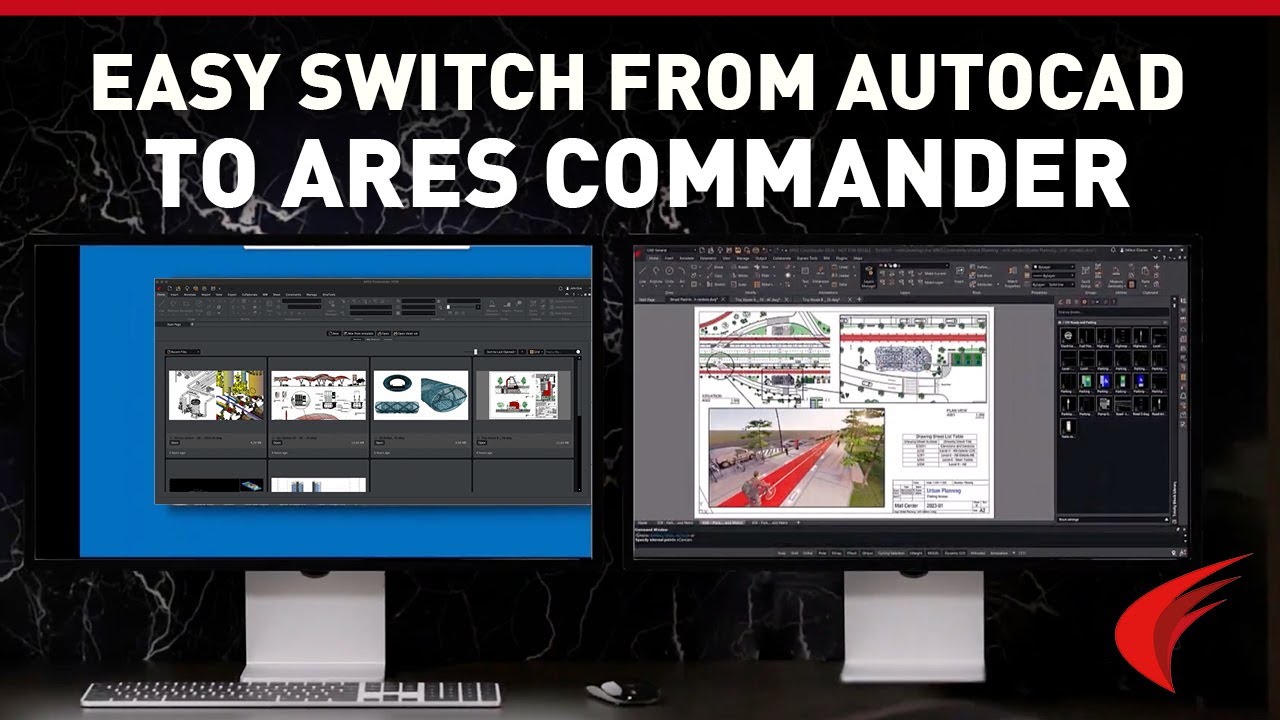
The ARES Trinity of CAD Software is a professional, full-featured alternative to AutoCAD; it is DWG-compatible and provides you all the features you need for technical drawings. In addition to desktop CAD, the ARES Trinity has robust mobile and web CAD capabilities. The transition for AutoCAD users is easy thanks to the familiar interface.
“Employees who had previously worked with AutoCAD took about 15 minutes to learn ARES CAD Software.”
Top CAD Features
for Construction Projects
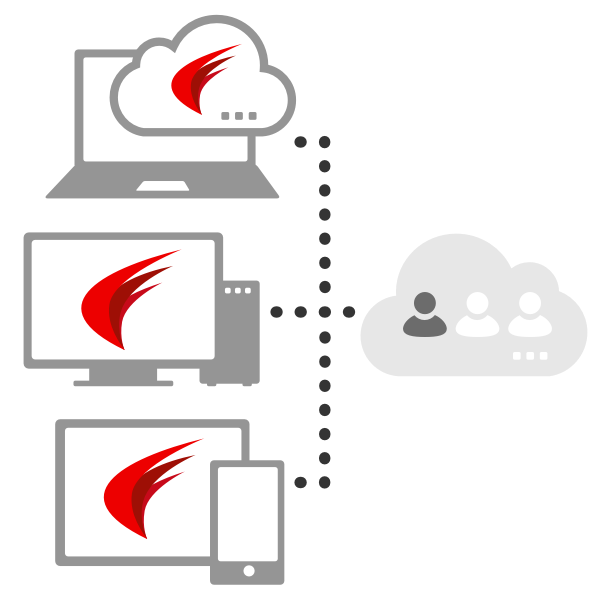
Much more than a suite of three CAD solutions, our Trinity concept combines the strengths of desktop computers, mobile devices and cloud computing into a unique CAD ecosystem. With ARES Commander, you keep the ability to work offline on your main computers as usual. With ARES Kudo and ARES Touch you further add the agility of Cloud and Mobile CAD.
Check out this sampling of features and commands in the ARES Trinity of CAD software:
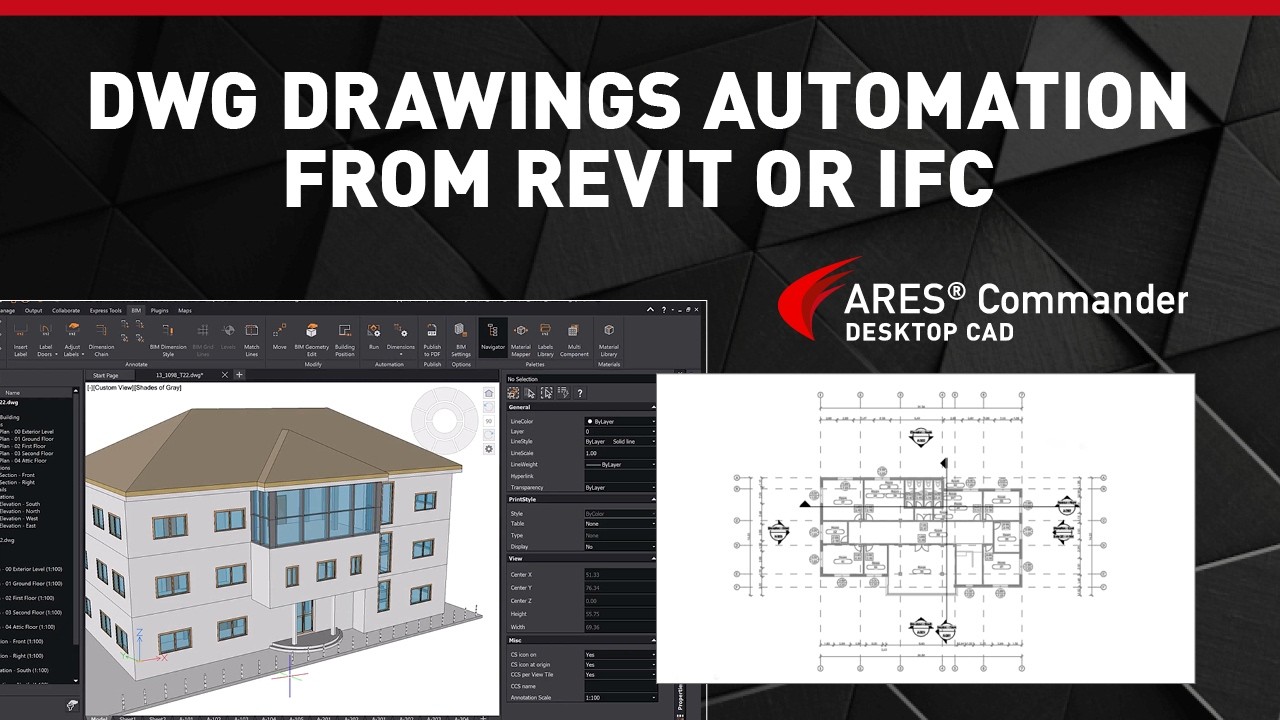
Automate 2D DWG drawings from Revit or IFC files
Generate construction-ready documentation from building information modeling (BIM) projects, ensuring consistent updates when design changes occur.
Printing, Sheet Sets & PDF import/export
Organize multiple construction drawings within one project, making it easier to manage revisions and maintain consistency.

Invite your Contacts to View and Comment for Free
Use View-only links to share a free, live-updated version of your drawing for online viewing and commenting. Collect feedback from customers easily and revoke access anytime.
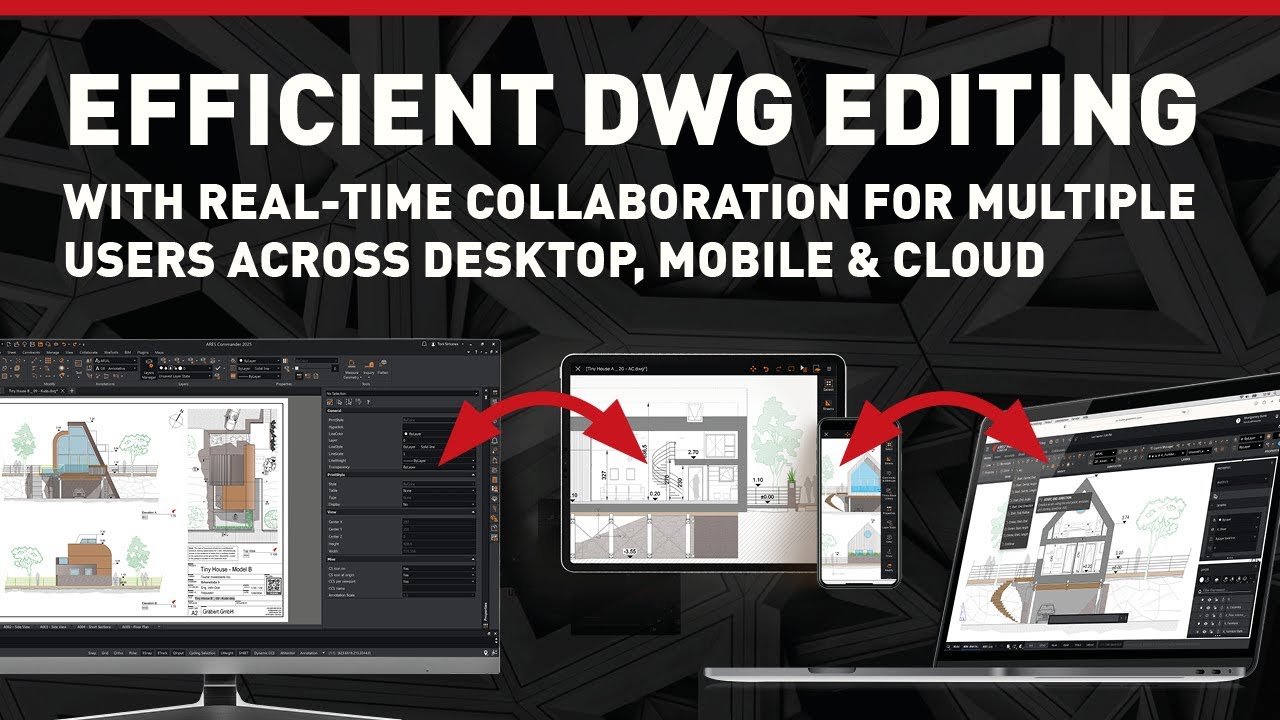
Real-time Collaboration — No Conflicting Changes
ARES Trinity’s modern session handling prevents conflicting changes by allowing one user to edit while others view and comment, with the option to alternate editing sessions for real-time collaboration.
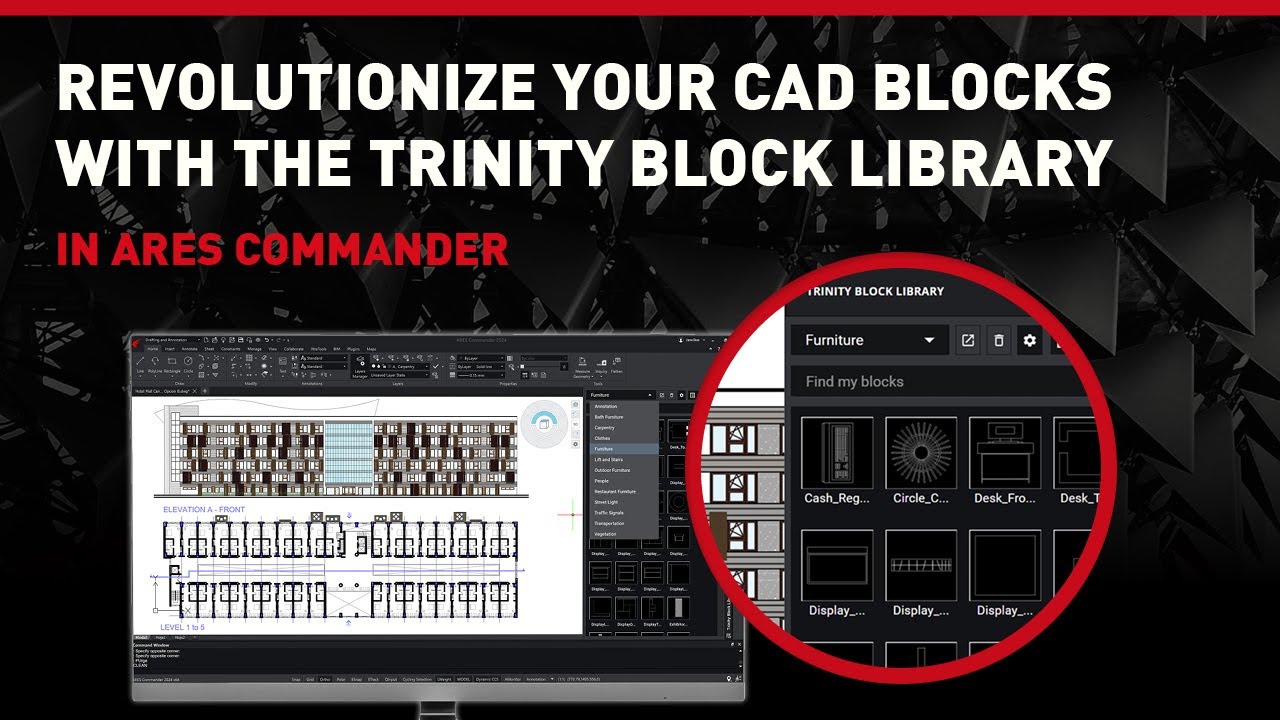
Create Block Libraries to Share Across Your Company
Use the Trinity Block Library to share online block libraries, that can be live-updated across all your users. Alternatively, you can reuse or create Tool Palettes.
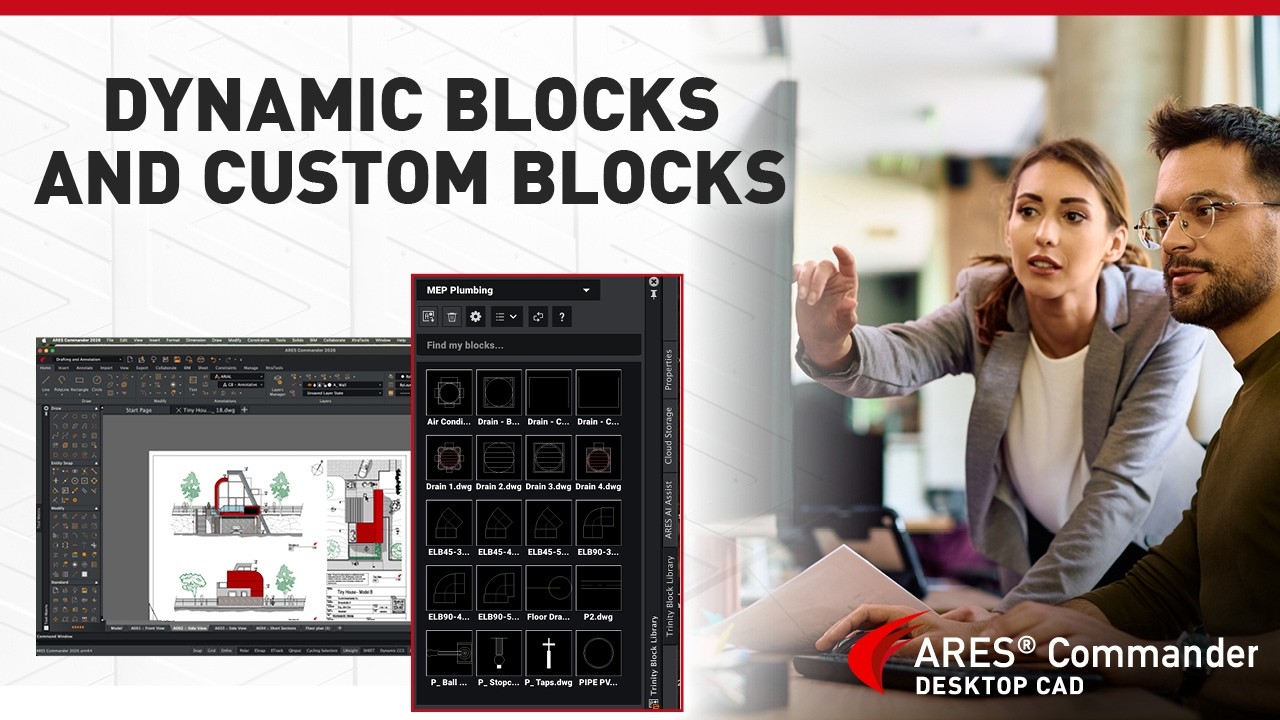
Dynamic blocks & Custom Blocks
Use parametric blocks created in ARES Commander or AutoCAD to work faster and easier. More than 450 dynamic blocks are provided in our Tool palettes and Trinity Block Library.
Which Version Is Best For You?
See the main differences between ARES Kudo Free, ARES Kudo Professional, and ARES Commander (Desktop CAD) with Trinity
| ARES Kudo Free |
ARES Kudo Professional |
ARES Commander with Trinity Subscription |
|
|---|---|---|---|
| User Profile | |||
| User Profile | Free Viewing & Commenting (Online) | Occasional 2D CAD & Collaboration (Online) | Intensive 2D/3D CAD & Collaboration |
| Price | |||
| Price | Free | From 200€ per year/user |
From 375,00 € per year/user |
| Video | |||
| Video | Watch Video | Watch Video | Watch Video |
| Cloud Storage Integrations | |||
| Cloud Storage Integrations | ✔ | ✔ | ✔ |
| Mobile version (ARES Touch) | |||
| Mobile version (ARES Touch) | ✘ | ✔ | ✔ |
| Work Online (ARES Kudo) | |||
| Work Online (ARES Kudo) | ✔ | ✔ | |
| Work Offline (without Internet) | |||
| Work Offline (without Internet) | ✘ | ✘ | ✔ |
| Viewing & Commenting | |||
| Viewing & Commenting | ✔ | ✔ | ✔ |
| 2D & 3D Viewing of DWG and DXF files | |||
| 2D & 3D Viewing of DWG and DXF files | ✔ | ✔ | ✔ |
| Comments & Markups (Photos, Voice, Stamps) | |||
| Comments & Markups (Photos, Voice, Stamps) | ✔ | ✔ | ✔ |
| Email notifications | |||
| Comments & Markups (Photos, Voice, Stamps) | ✔ | ✔ | ✔ |
| CAD features | |||
| CAD features | ✘ | 2D | 2D & 3D |
| Printing & Sharing | |||
| Printing & Sharing | ✘ | ✔ | |
| Advanced Collaboration | |||
| Advanced Collaboration | ✘ | ✔ | ✔ |
| AI & Automation | |||
| AI & Automation | ✔ | ✔ | |
Discover AI & Drawings Automation
to level up your productivity
A3 (ARES AI Assist), your virtual CAD expert, will provide intelligent assistance directly inside your DWG drawings.
ARES Online Drawings Automation lets you automate and batch-process complex or repetitive tasks.

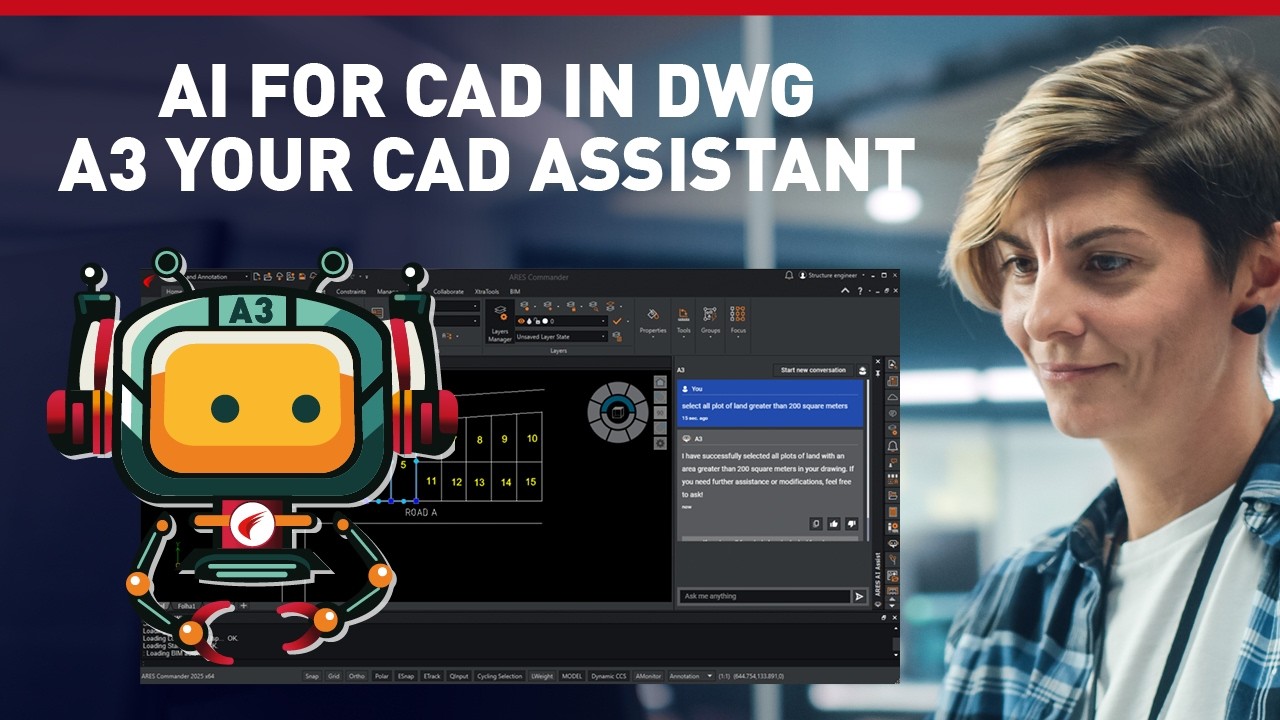
A3: Your AI Assistant for CAD in DWG
ARES AI Assist (or A3 for short) lets you make selections and modifications effortlessly using natural language through its dedicated side palette. A3 understands requests and executes them instantly, making editing and organizing your drawings faster than ever!
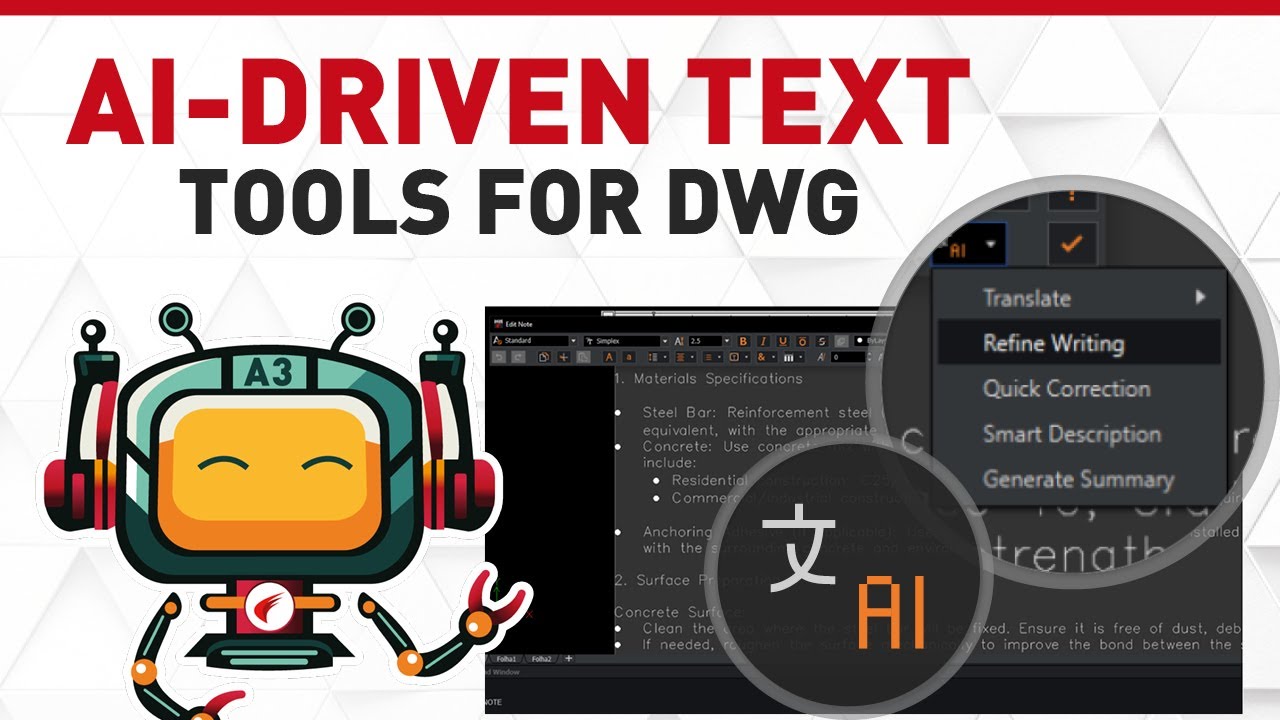
AI-Driven Text tools for DWG to Translate & Improve Texts
Whether you’re editing Mtext, generating summaries, or navigating complex CAD documentation, A3 (aka ARES AI Assist) helps you work smarter and faster. Perfect for architects, engineers, and CAD professionals looking to enhance their design toolkit with smart automation.

Online DWG Drawings Automation for BIM – Auto-Drawings from Revit & IFC with ARES Kudo
Automatically generate 2D floorplans, sections, and elevations from Revit or IFC files with the Automation features in the cloud. Seamlessly process tasks on a powerful, server-based system; batch convert multiple files at once or schedule recurring tasks (e.g. overnight automation with ready-to-use DWG files every morning).
Integrated into your CAD workflow
Your workflow demands a CAD platform that supports all the file formats you use, without any translation complications.
ARES CAD software supports the DWG format natively, so you won’t struggle with missing or mangled data when you open DWG files that were created in AutoCAD. You’re free as well to import and export DXF, PDF, XLS, and many other formats. The files you receive from collaborators, the files you create for clients — ARES CAD software handles them all.

Enabling Modern CAD Workflows
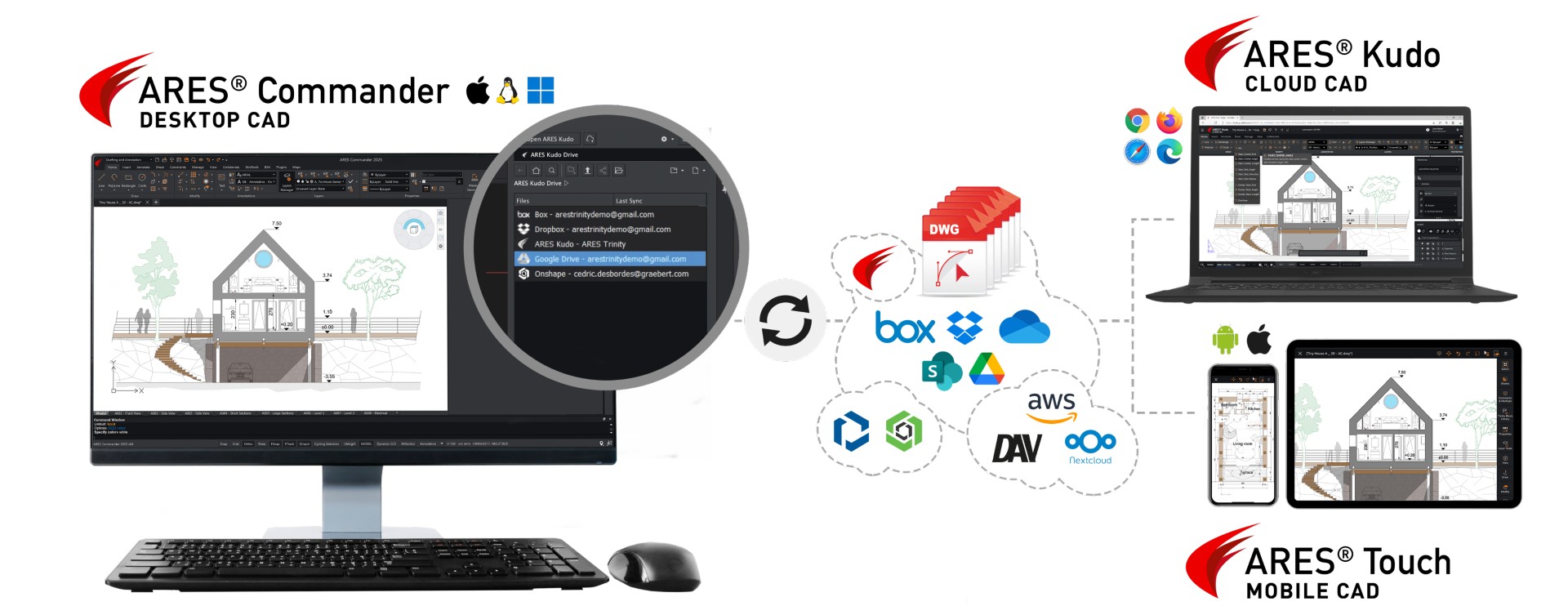

Work offline as well as online ON ANY DEVICE and wherever you want.
KEEP all your DWG Files at your cloud provider of choice.
What our customers say
Cloud CAD in DWG: 2D & 3D
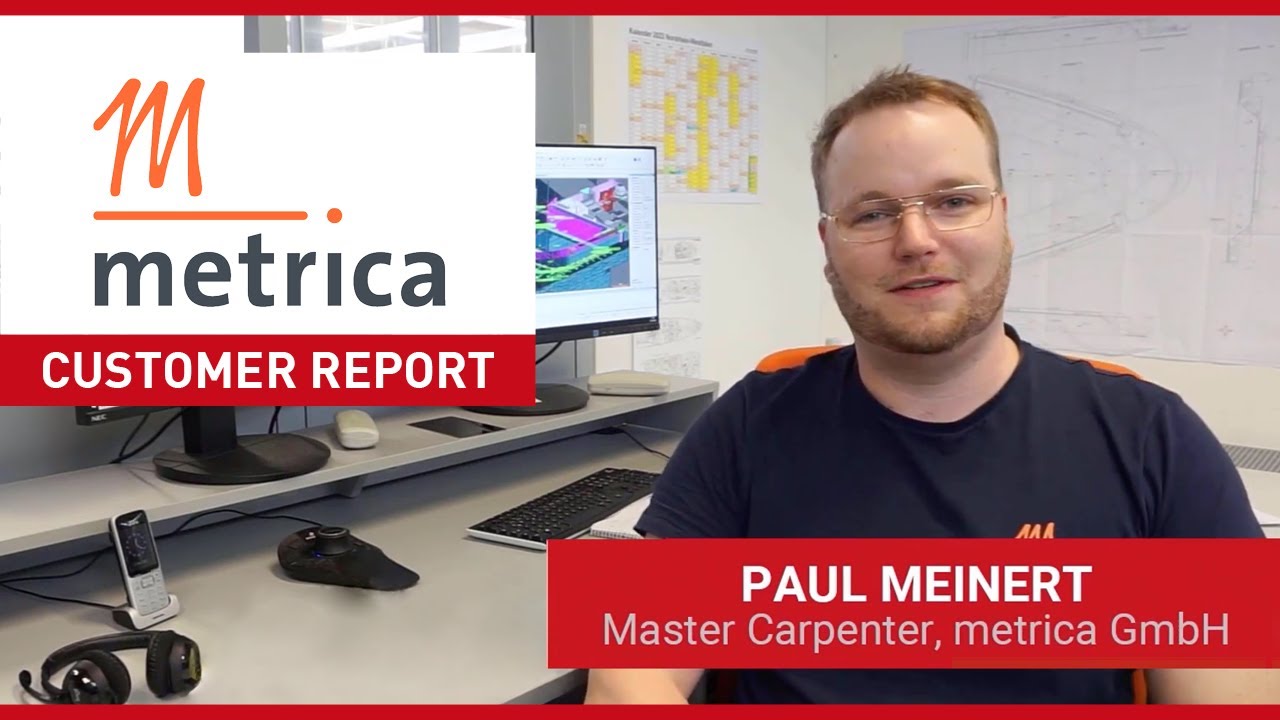
Metrica from Germany (luxury interior design of yachts & residences worldwide), uses ARES CAD software as a setter and the ARES Trinity of CAD Software products support the company in its daily CAD work.

Collect Feedback Online
Nüsing uses ARES CAD software to create technical drawings that document projects and accompany them through to final assembly. An application based on ARES Commander supports technicians and sales with parametric components that are automatically inserted into the drawing.
From Concept to Construction
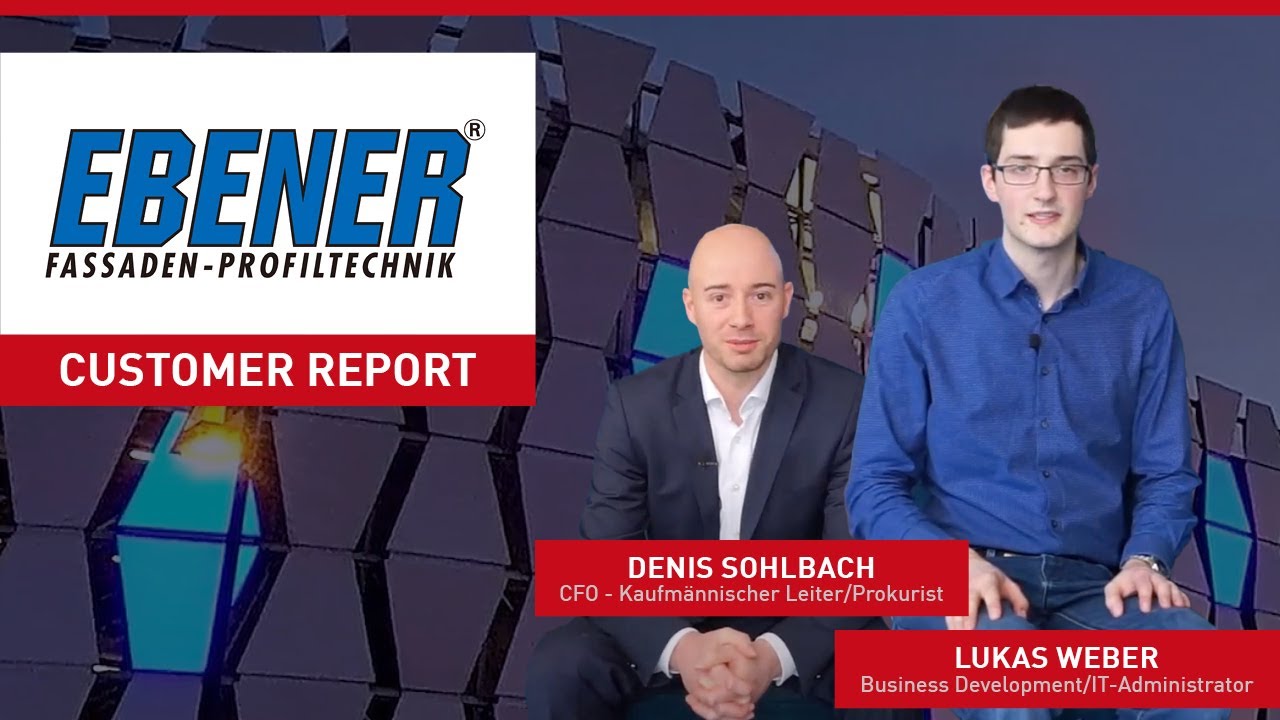
Ebener GmbH is transforming modern architecture through their innovative and sustainable metal facade solutions. From design to installation, its full-service approach and cutting-edge technology make them the go-to partner for hi-tech facades.
Evaluate the ARES Trinity of CAD yourself
ARES Partner Solutions
for Construction
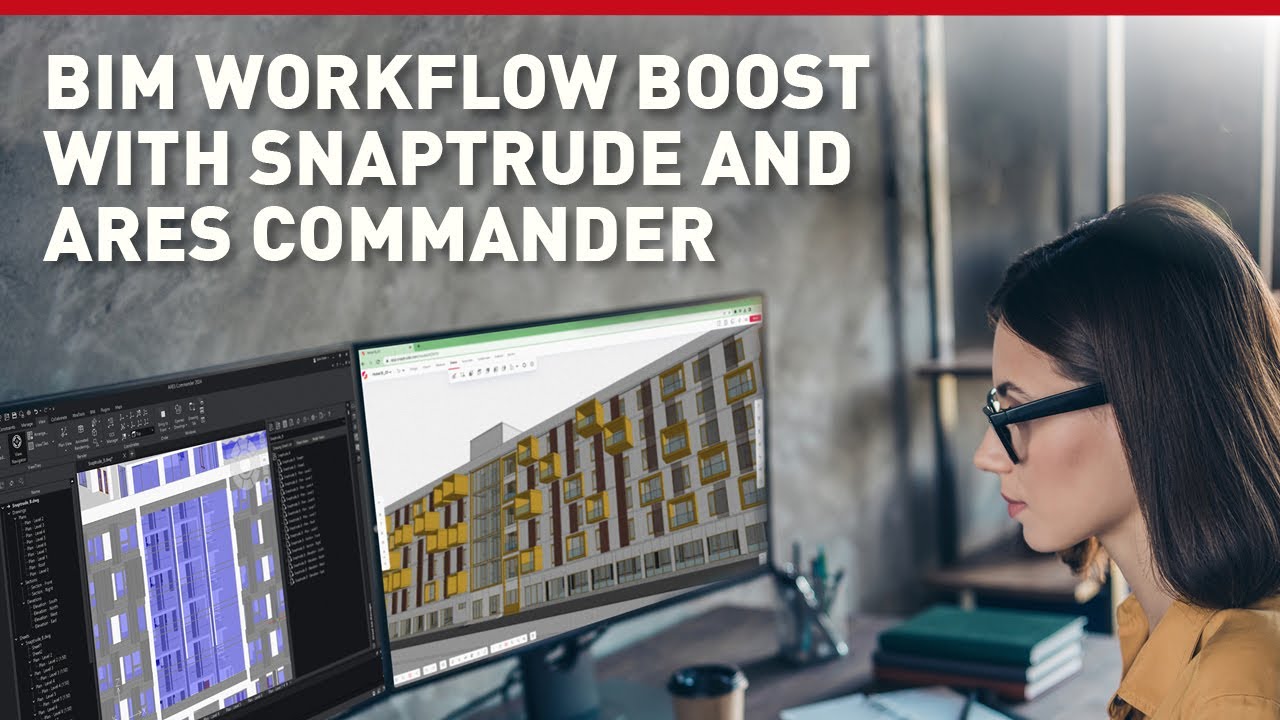
Snaptrude for ARES Commander
Cloud-based BIM tool for collaborative building design

Snaptrude provides real-time multi-user collaboration and generates feedback on building cost, compliance, and climate studies in order to assist users in making well-informed design decisions. Users can now interact in real-time, access real-world data, and create automated bills of quantities thanks to technologies like intelligent automation, parametric design, and smart spaces, which speed up and improve the design process.
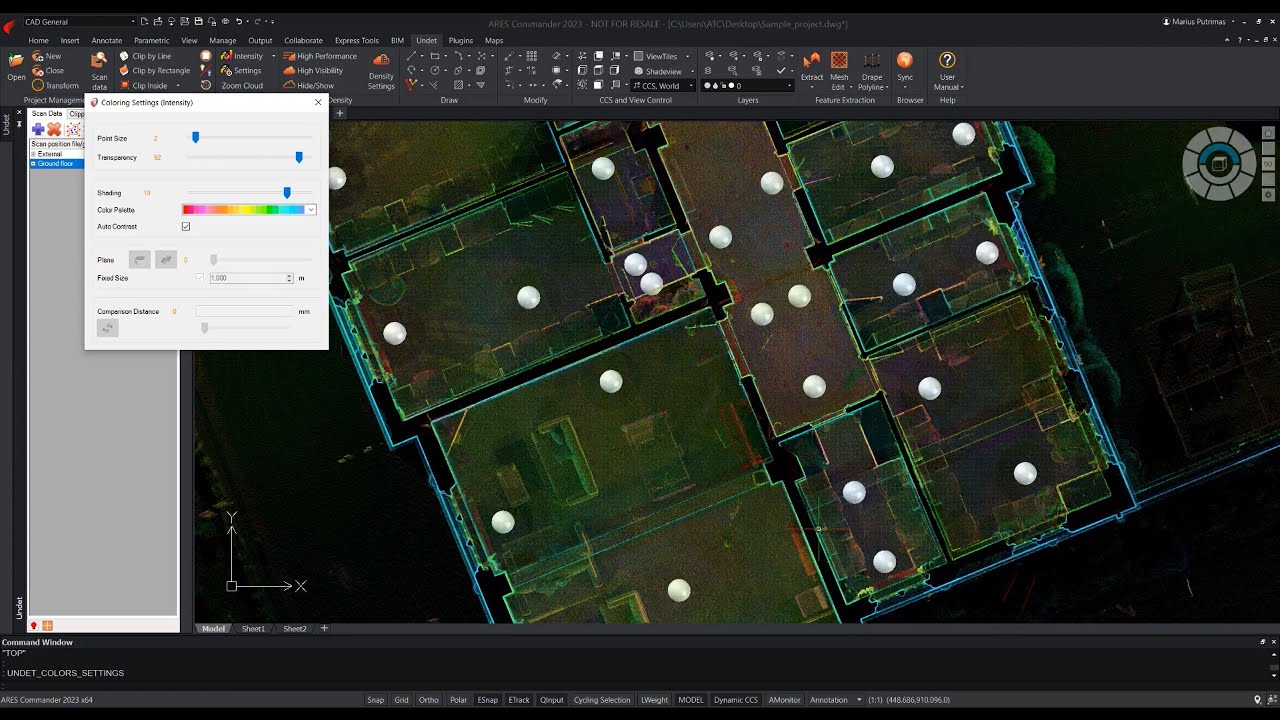
UNDET Point Cloud Plugin
Use Point Cloud Data in ARES Commander
The UNDET Point Cloud Plugin for ARES Commander lets you import and handle point cloud data directly inside the ARES CAD Software.
Frequently asked questions
Explore More Inside Our Blog

How to Run 2D CAD Smoothly on a Laptop
2D CAD workflows on laptops with the right specs and...

Share CAD Drawings Securely with View-Only Links
Learn how to share DWG-format CAD drawings easily and efficiently...

How to Convert DWG to PDF: A Quick Guide for CAD Beginners
Discover when and why you should convert CAD data to...