STAY TUNED!
Subscribe to our newsletter and get the 600+ pages eBook Inside ARES:


Graebert is on a mission to help you dig deeper with your CAD tools. Under the influence of Cloud, Mobile and BIM technologies, DWG-editing CAD software has entered a new era. In the Graebert Annual Meeting 2019, learn how these new opportunities can help you to differentiate distinctly against your competition. CAD experts are joining the Graebert Annual Meeting 2019 from all over the world for a highly productive event on Nov. 20 in Berlin for keynotes, testimonies and product news to taking place at the former royal porcelain manufactory known as KPM – short for Königliche Porzellanmanufaktur Berlin. => Follow the hashtag #Graebert19 on twitter on November 20 to get live updates from the keynotes! On Nov. 21, at Graebert’s headquarters in Berlin, guests of #Graebert19 will have an opportunity to meet Graebert GmbH’s executives and professionals to discuss how their business can leverage from the Graebert’s Desktop, Mobile

ARES Touch (Mobile CAD) is part of our Trinity family and it follows you on the go. You can download the mobile CAD app from Google Play or the App Store for free. Inside ARES Touch, you find a quick tour, explaining various key features of the application.
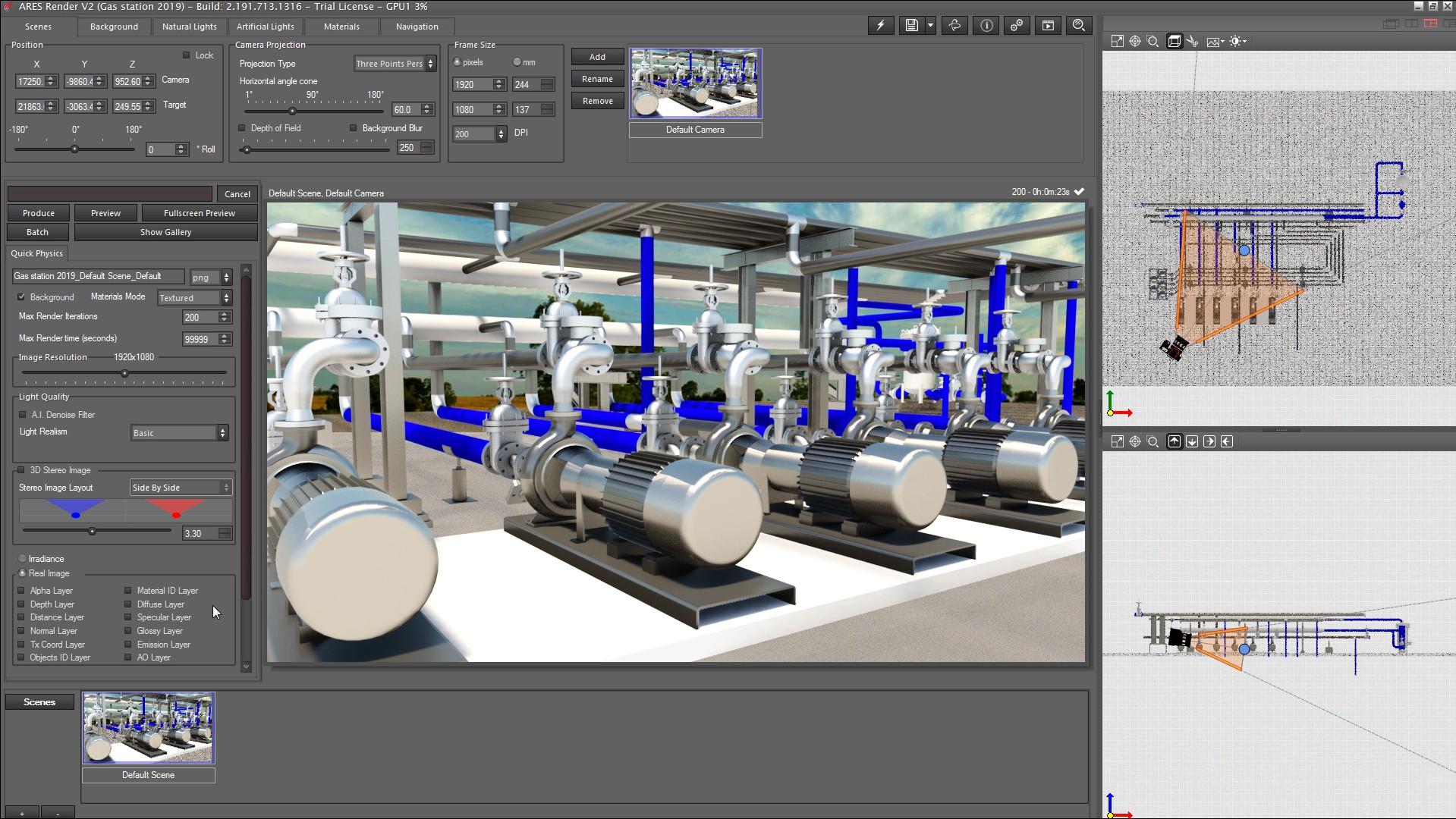
ARES Render, is a plugin for ARES Commander that will allow us to render in real-time and generate high-resolution photo-realistic images quickly and easily, thanks to the powerful tools offered by this plugin.
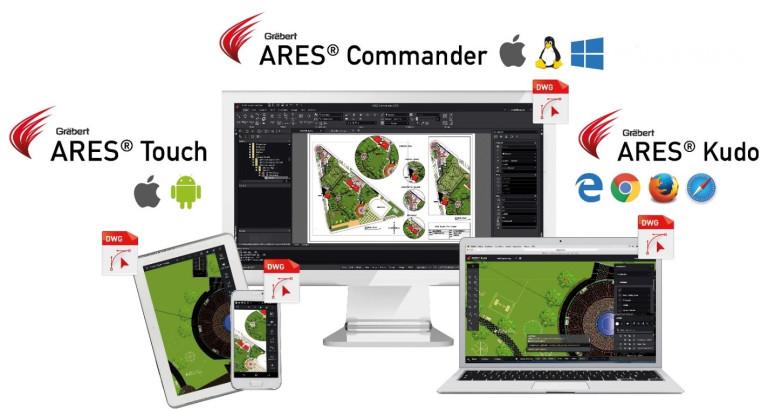
‘ In a collaborative environment, multiple users can work and access drawings from any device, at any time. As Greabert GmbH offer trinity of CAD as cad solution available for Web, Desktop and Mobile. ‘
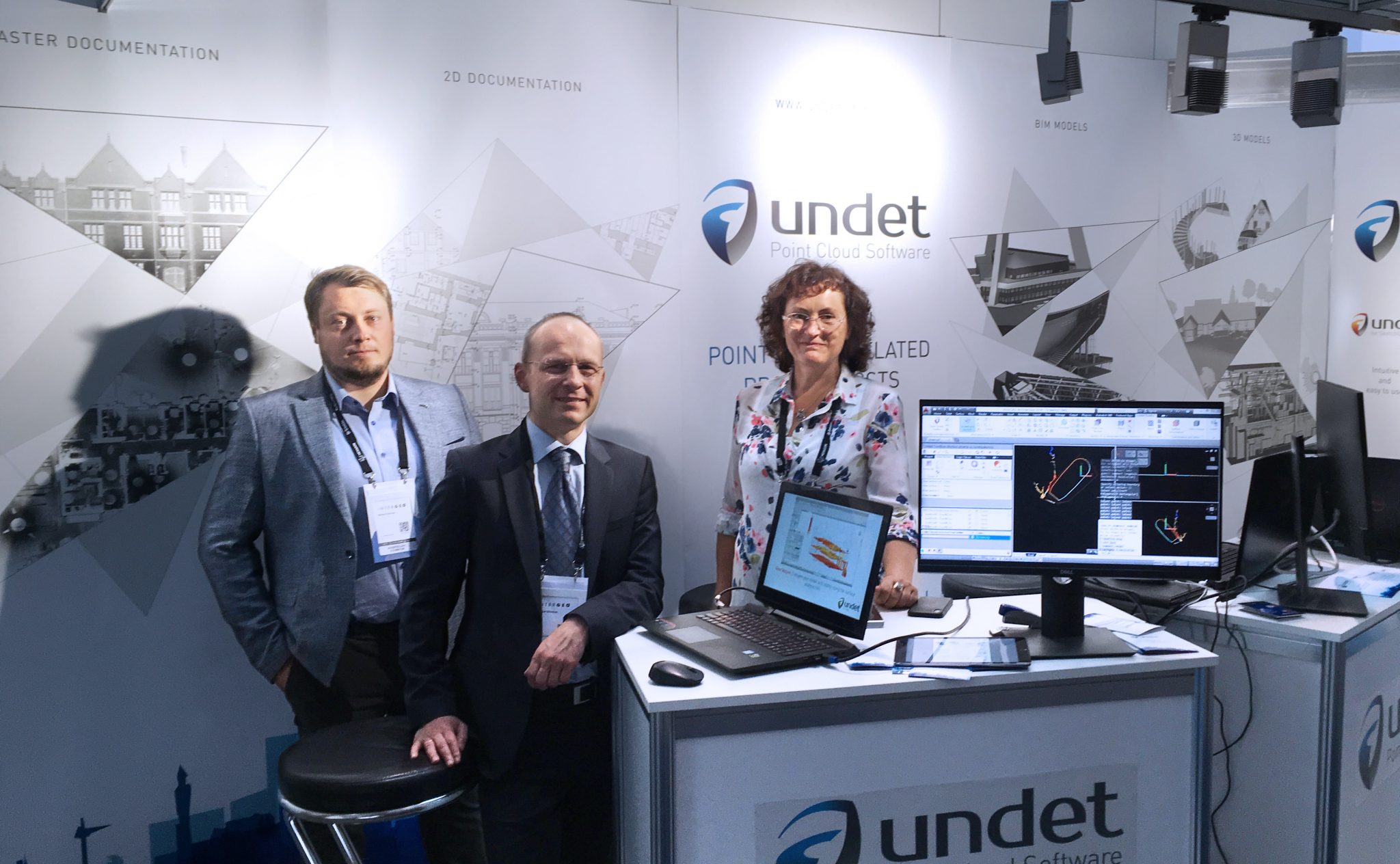
The ARES Trinity of CAD Software along with its UNDET Point Cloud Plugin team held a booth at the Intergeo2019 running from 17-19 September 2019. Innovative and cutting-edge technologies were presented at Intergeo, the world’s largest trade fair for geodesy, geoinformation and land management.
A notable exception is Graebert’s ARES Trinity of CAD, a desktop/mobile/browser platform that allows the user to store data in their choice of online products such as Dropbox, Box, Google Drive, and Microsoft One Drive. Graebert built its ARES platform using ODA software as a foundation
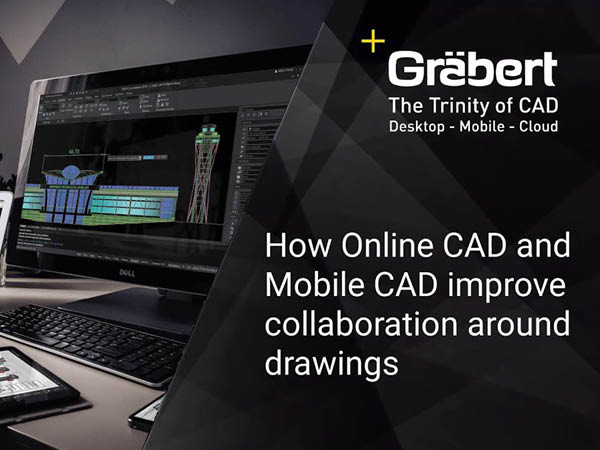
This video explains the ARES Trinity of CAD workflow starting from ARES Commander to ARES Kudo and ARES Touch, including use cases for prominent features such as Voice Note, Picture Note, Commenting and view-only links. We are working on ARES Commander with an open drawing from a local folder. Using the CLOUD STORAGE palette, we can save the drawing in a cloud storage service like Box, Google Drive, Dropbox or Microsoft OneDrive. In this way, we will be able to continue working with this project, from any other device because any modification we will save here locally is instantly synchronized with the cloud storage and therefore all the other users and all my devices. In this example, we have uploaded this version of the drawing to the cloud in a BOX folder. A VOICE NOTE appears in the drawing. Let’s play it… “Hello Milton, Please send me more information about
Save the date! The next Graebert Annual Meeting will take place in Berlin on November 20-21. Keynotes on November 20 and Private Meetings on November 21. Graebert partners and CAD enthusiasts will join from all over the world. Stay tuned! #cloudcad #dwg #cadsoftware #Graebert19
Graebert brings an exciting collection of Plugins of CAD users. Plugins for ARES Commander are designed to enhance the inbuilt functionalities of ARES Commander with industry-specific or utility features.
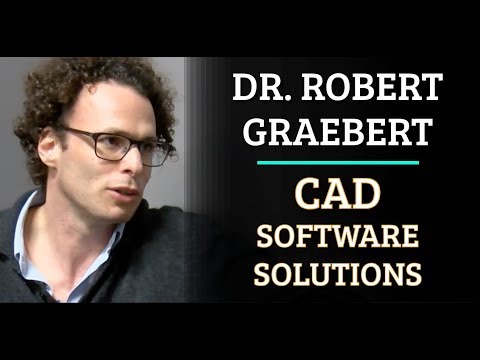
Robert Graebert in discussion with Allen Saakyan at the Congress On the Future of Engineering Software (COFES) event

Did you know that ARES Touch, our mobile DWG Viewer & Editor, is available for both Android and iOS?