STAY TUNED!
Subscribe to our newsletter and get the 600+ pages eBook Inside ARES:

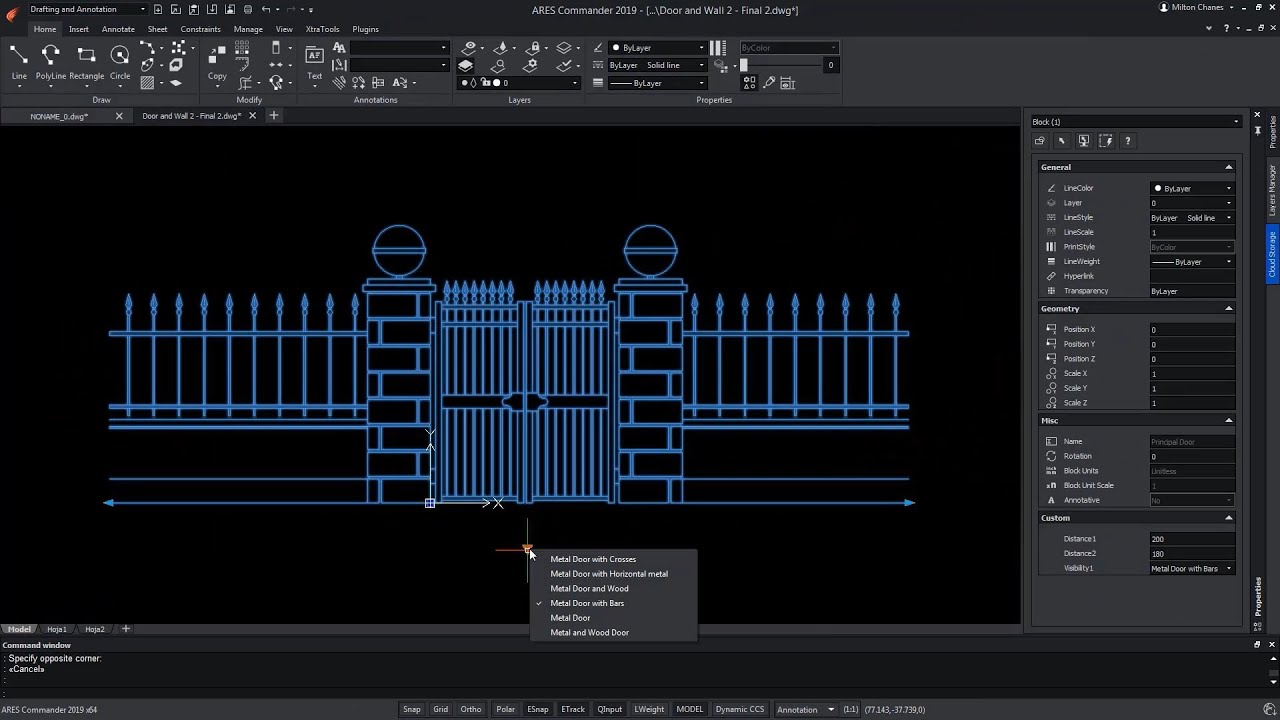
The new Custom Block Editor of ARES Commander helps you to create smarter blocks. In this video we show how to use grips and parametric actions such as Move, Scale, Stretch, Rotate, Pattern, or Mirror. You can also create custom blocks with different states having elements that are hidden or shown. Combining multiple of these grips and actions allows you to create much smarter blocks. One custom block may replace tens of the blocks you currently use which will significantly increase your productivity.

In continuation of our first tutorial on custom blocks, we would like to introduce further features for customizable blocks with a second tutorial. At first, we focus on creating a customizable block that can be mirrored after insertion by clicking on a special handle and later, to create two different variants of a block using the visibility state.

On March 27, 2019, the Graebert-Japan Meeting was held in Tokyo, Japan. The focus of this year was on Graebert’s Modern DWG editing concept with The ARES Trinity of CAD Software. The Graebert-Japanese meeting was a great success, with a packed conference hall despite the tight schedule for Japanese companies with the end of their fiscal year and the upcoming spring holidays.
Graebert is the second leading source of DWG-based drafting technology in the world after Autodesk. It creates its own line of drafting tools, delivered as an innovative “Trinity” of desktop, mobile, and cloud (browser-based)
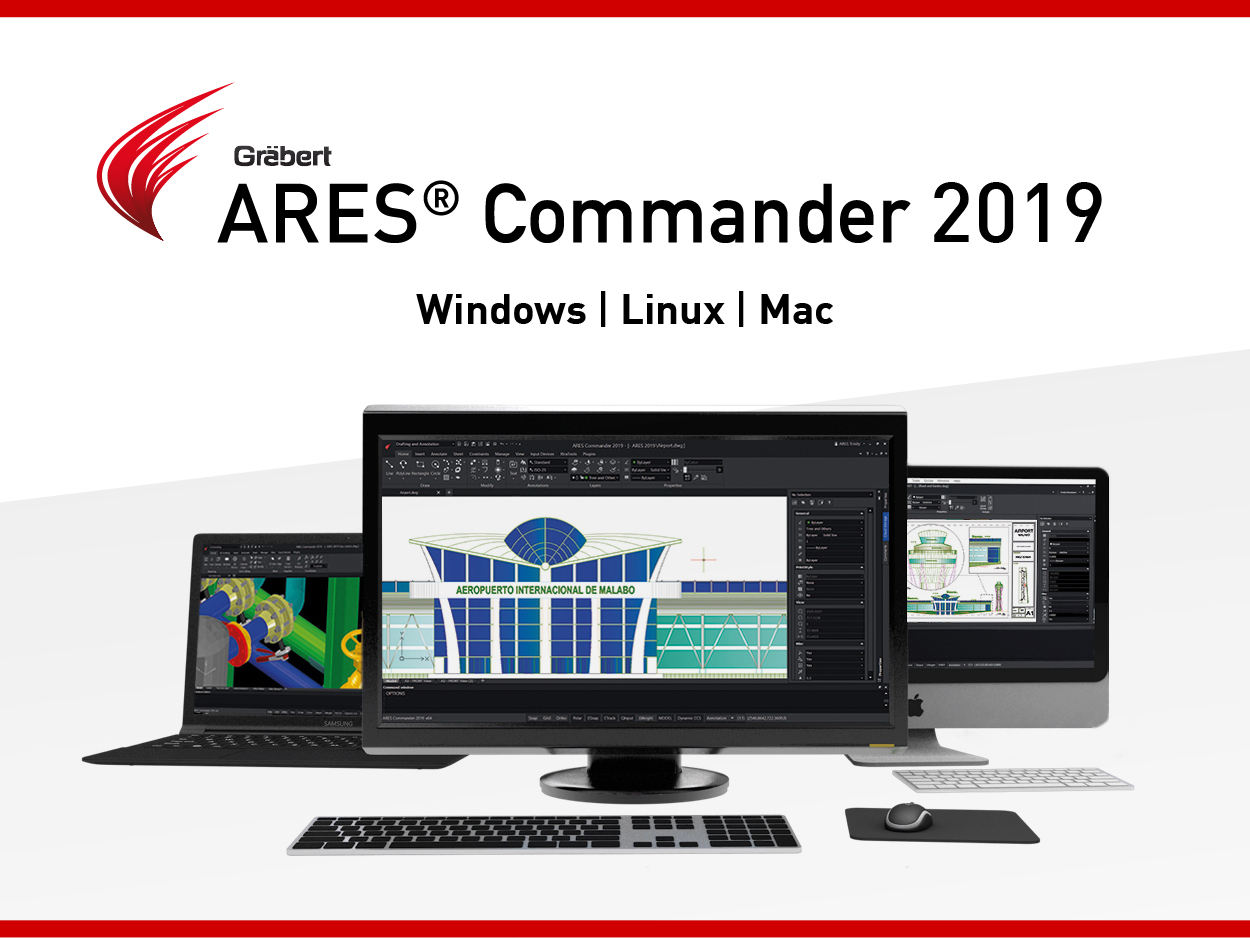
If you have not tried yet the new ARES Commander 2019, we would like to highlight in this article some of the great features of this release.
ARES Commander is using the DWG format as its native format which makes it easy to share files with other CAD software such as AutoCAD® or MicroStation®. In the previous version we released the possibility to read and modify drawings saved in the DWG 2018 format. Now, this format becomes also the default format to save your drawings.
‘Increasingly, Graebert is bringing its tools up to speed with AutoCAD and customers are showing their satisfaction with it by buying the tools. AutoCAD’s iron grip on the drafting market has been broken and there are several competitors in the field that can fill the need for 2D drafting.’
‘Graebert is seeing a clear trend of concentric circles of (.dwg) users, each with its own requirements for engaging with CAD data.’ – Anthony Frausto-Robledo Read more on www.architosh.com

Top Three New Features in ARES Commander 2019 ARES Commander 2019 is expected to be released in the second half of January 2019. Until then you can try the new features from a Pre-release version mentioned below: + For Windows 32bits: www.graebert.com/getares2019PRforwin32 + For Windows 64bits: www.graebert.com/getares2019PRforwin64 To learn more about all the new features coming in ARES Commander 2019, download our PDF document here. Please note that the Pre-release version is not intended for production use and is only available to get an early look at the upcoming features of Graebert’s CAD software, ARES Commander. Every year ARES Commander is expected to have new features. We have chosen our top three features from the upcoming ARES Commander 2019 to share with you before the final release. 1. Commenting On Drawings Commenting Panel in ARES Commander (Desktop) This new side palette will allow users to discuss the project. The same palette will be

The Graebert Annual Meeting is a yearly event organized by Graebert to announce its upcoming features and most recent technologies. Graebert partners, guest speakers and journalists are joining from all over the World.

Did you know that ARES Touch, our mobile DWG Viewer & Editor, is available for both Android and iOS?