
Save in DWG 2018 format with ARES Commander
- 21/02/2019
- Posted by: Graebert
- Category: Tips & Tricks
No Comments
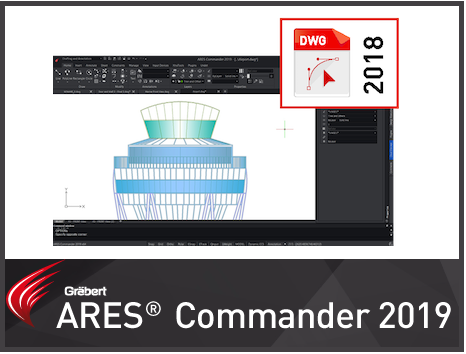
Amit Kumar explains how to Save in DWG 2018 format in ARES Commander

‘ARES Commander is using the DWG format as its native format which makes it easy to share files with other CAD software such as AutoCAD® or MicroStation®. In the previous
Learn some tips and tricks from Amit Kumar, the program Manager of Graebert India.
