STAY TUNED!
Subscribe to our newsletter and get the 600+ pages eBook Inside ARES:


ARES Trinity of CAD platform provides intelligent and automated DWG CAD solutions to multiple industries, including AEC and manufacturing. And it does so by providing favorable economics over rivals so companies can redeploy capital towards remote work and emerging technologies
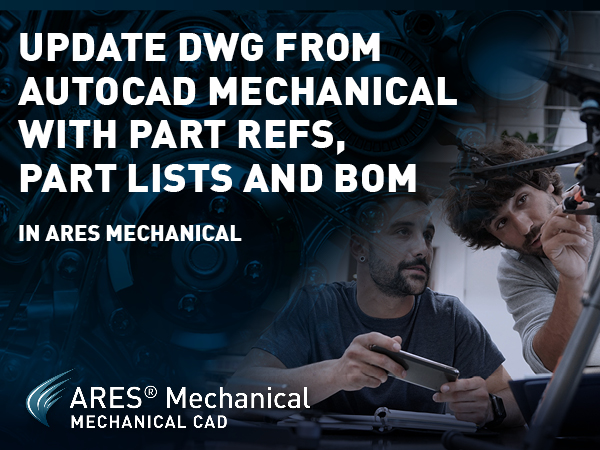
Update & Modify 2D drawings created in AutoCAD Mechanical using ARES Mechanical Nowadays, new product design is most frequently done with 3D CAD solutions. But in parallel, billions of older 2D mechanical drawings need to be maintained. In this blog, we will see how we can use ARES Mechanical to update and modify 2D drawings that were created with AutoCAD Mechanical. Part-references and how to edit it? Let’s start with part references, which are represented here with blue points. With a double-click, we can edit the part ref information. In this dialogue we can, for example, click on Customize to add another field for the Vendor and slightly modify the description. We see here a quantity of 1. If the same part is inserted multiple times, we can change the quantity here. Copy part-reference Alternatively, we can copy a part ref several times in a quantity of 1, like this.
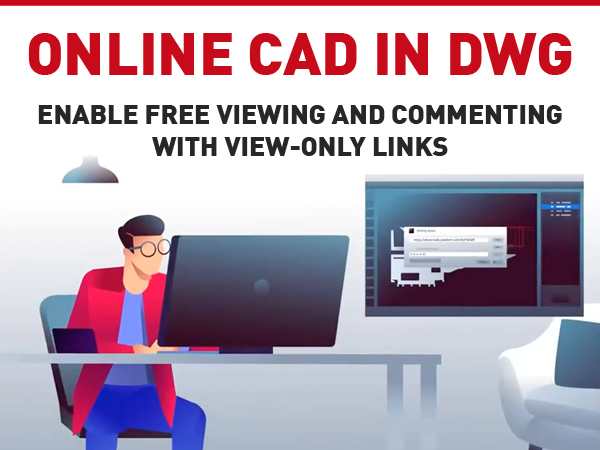
Introduction of View-only links: View-only links are URLs created by ARES users to share a drawing online. They can be used by non-ARES users to view and comment on a specific drawing for free. They are very easy to use, as you only need to click on the link and the drawing will open in your Internet browser. Ideally, we recommend using them on a computer, because of the larger screen size. Live-updation of View-only links: Most importantly, they are live-updated when any modification is made. Therefore, you can be sure that you are always looking at the latest version of the file. This link becomes the single source of truth for the project. When you open that link, you will notice that there is a place to log in at the top-right corner. Login in View-only link: Logging in is only required to comment, and we will come back

ARES Touch is a Mobile CAD solution for DWG drawings on Android and iOS. After installation, all the viewing and dimensioning features are available for free. If you subscribe or buy an ARES Trinity license, you will also be granted access to the editing and collaboration features we will see in this demo.
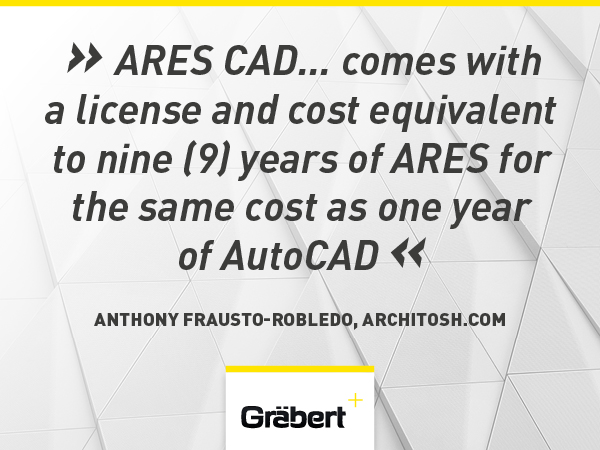
Anthony Frausto-Robledo talks about further notes on BIM and ARES Aertworks US deal ‘BIM is becoming more central to Graebert’s ARES Commander. The latest technologies are aimed at the realities of drawings production. In Graebert’s press release this week announcing their new reseller partnership with US CAD distributor AERTWORKS, the German software company made note that AERTWORKS has discontinued its US distribution of BricsCAD in favour of ARES CAD. ARES CAD, which comes with a license and cost equivalent to nine (9) years of ARES for the same cost as one year of AutoCAD, has been the chief (.dwg), file-based CAD competitor of BricsCAD, in a mutually shared attack on US-based Autodesk’s AutoCAD. For its part, Autodesk has hardly rolled over in this pitched battle for its legacy 2D/3D CAD dominance. Still, the US-based CAD company appears to have a significant weakness when competing for large enterprise accounts due to the fact that
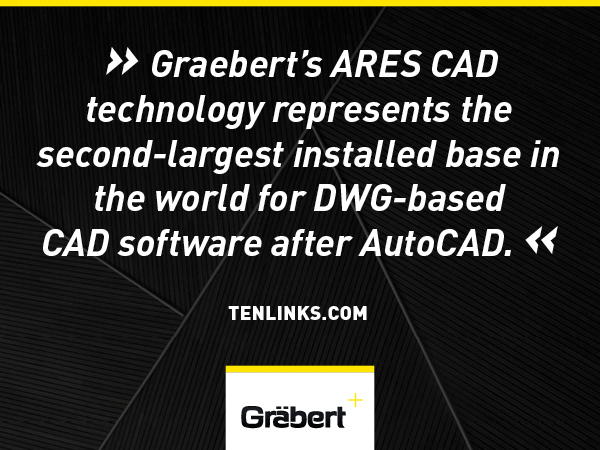
Ten Links talks about AERTWORKS Partners with Graebert ‘AERTWORKS, a provider of design and innovation management solutions, announced that it has signed a partnership with Graebert GmbH to resell its ARES Trinity of 2D/3D CAD software for desktop, mobile, and cloud in the United States of America. Using .DWG as its native format, the ARES Trinity of CAD software enables CAD users to read, create, and modify files directly in the same format as AutoCAD, but for a fraction of the cost. From dialogs to keyboard commands, the user interface feels naturally familiar and is optimized to facilitate a seamless transition from any other CAD software. Graebert’s ARES CAD technology represents the second-largest installed base in the world for DWG-based CAD software after AutoCAD. Millions of professionals are already working with CAD software powered by ARES.’ Read more on www.tenlinks.com
Anthony Frausto-Robledo talks about ARES CAD Technology Reseller Aertworks in the US ‘ARES CAD technology to be further accelerated in United States market due to new reseller partnership between Graebert and AERTWORKS. Germany’s software firm Graebert has formed an agreement with US-based AERTWORKS, a provider of design and innovation management solutions, to resell Graebert’s ARES Trinity of 2D/3D CAD software for desktop, mobile, and cloud in the United States of America. ARES CAD TechnologyGraebert’s ARES CAD technology is based on the (.dwg) file format in native form, meaning the software is essentially fully native compatible with Autodesk’s AutoCAD; it can read, create, and modify files directly in the same format as AutoCAD, but for a fraction of the cost. ARES CAD technology at the desktop level feels largely familiar to its US rival’s software, from dialogs to keyboard commands, facilitating the ability for companies, teams, and individuals to transition from
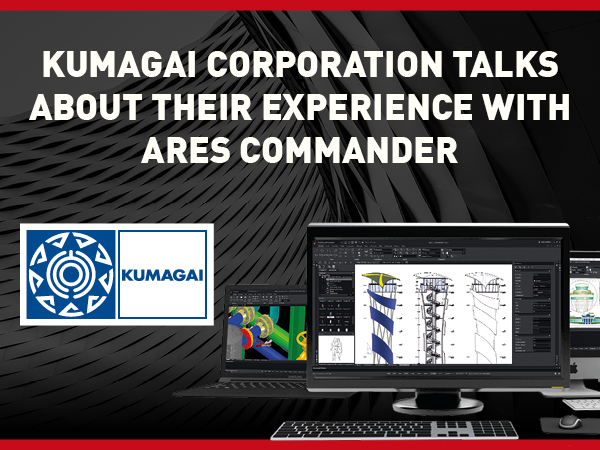
In this blog article, we’ll tell you how Kumagai Gumi introduced ARES to the world. Kumagai Gumi was founded in 1898. Since then, they have made efforts to social developments for 120 years such as the modernization of Japan, the reconstruction of ruinous national land after the war, and the rapid economic growth. They also have offices in Hong Kong, Vietnam, Sri Lanka, and Myanmar. Their firm employs almost 3,000 people in total. They construct not simply a building or structure, but also a community that will be formed by the individuals that come. “We can switch easily because it’s almost the same as AutoCAD.”Kumagai Corporation How did Kumagai Corporation learn about ARES Commander? Kumagai has previously used Autodesk’s products. However, as the number of licences grew, their costs grew as well. As a result, they began looking for compatible CAD software. They opted to use ARES in 2015 after

Wilfried Graebert, CEO of Graebert says some words about who Graebert is, and what makes it unique. Founded in 1977, Graebert has 40 years of experience in CAD and in the DWG format which has no equivalent on the market.
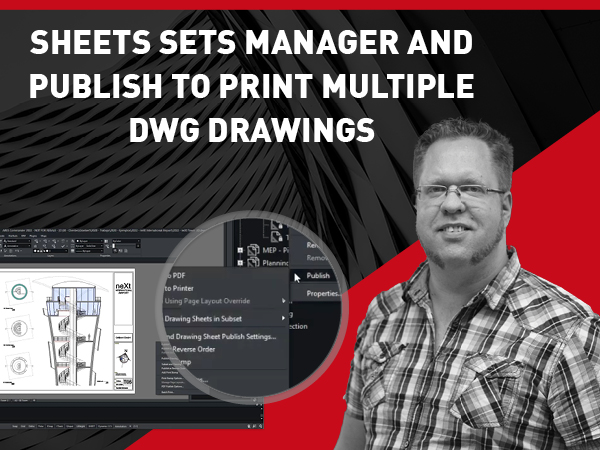
Learn how ARES Commander can speed up the process of organizing large drawings with the Sheets Sets Manager. The Sheet Set Manager is a great tool to organize the work with sheets, keeping all drawings and sheets accessible at the same point and at the same time offers a flexible way to customize the structure making it able to support several kinds of projects and workflows. Sheet Sets are typically used in large projects involving multiple drawings and sheets to print. Such projects will imply multiple versions and each version will be printed on paper or PDF.

Did you know that ARES Touch, our mobile DWG Viewer & Editor, is available for both Android and iOS?