STAY TUNED!
Subscribe to our newsletter and get the 600+ pages eBook Inside ARES:

Graebert is the second leading source of DWG-based drafting technology in the world after Autodesk. It creates its own line of drafting tools, delivered as an innovative “Trinity” of desktop, mobile, and cloud (browser-based)
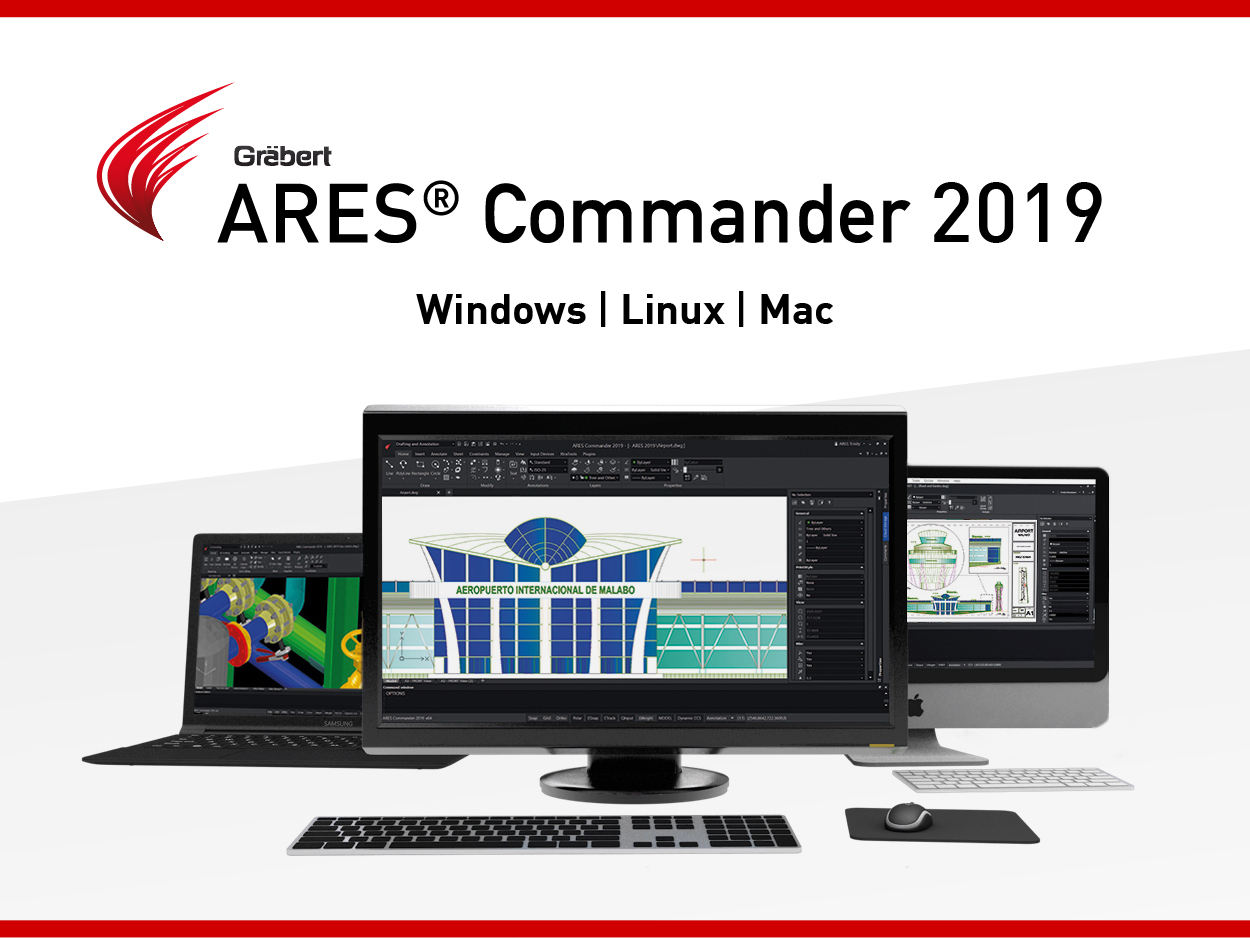
If you have not tried yet the new ARES Commander 2019, we would like to highlight in this article some of the great features of this release.
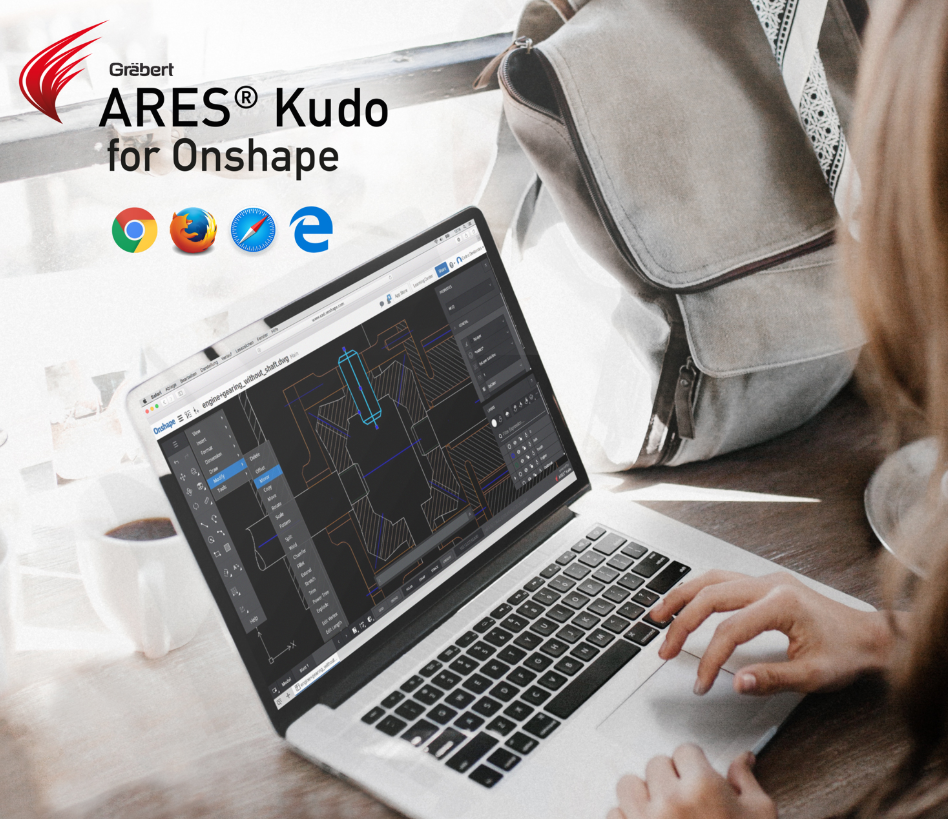
‘With other CAD software, creating and modifying DWG drawings would require you to download the file on your computer and upload it to your Onshape Documents, manually, again and again after each modification. Using the ARES Kudo app, you can read and modify your DWG drawings without ever leaving the Onshape environment.’
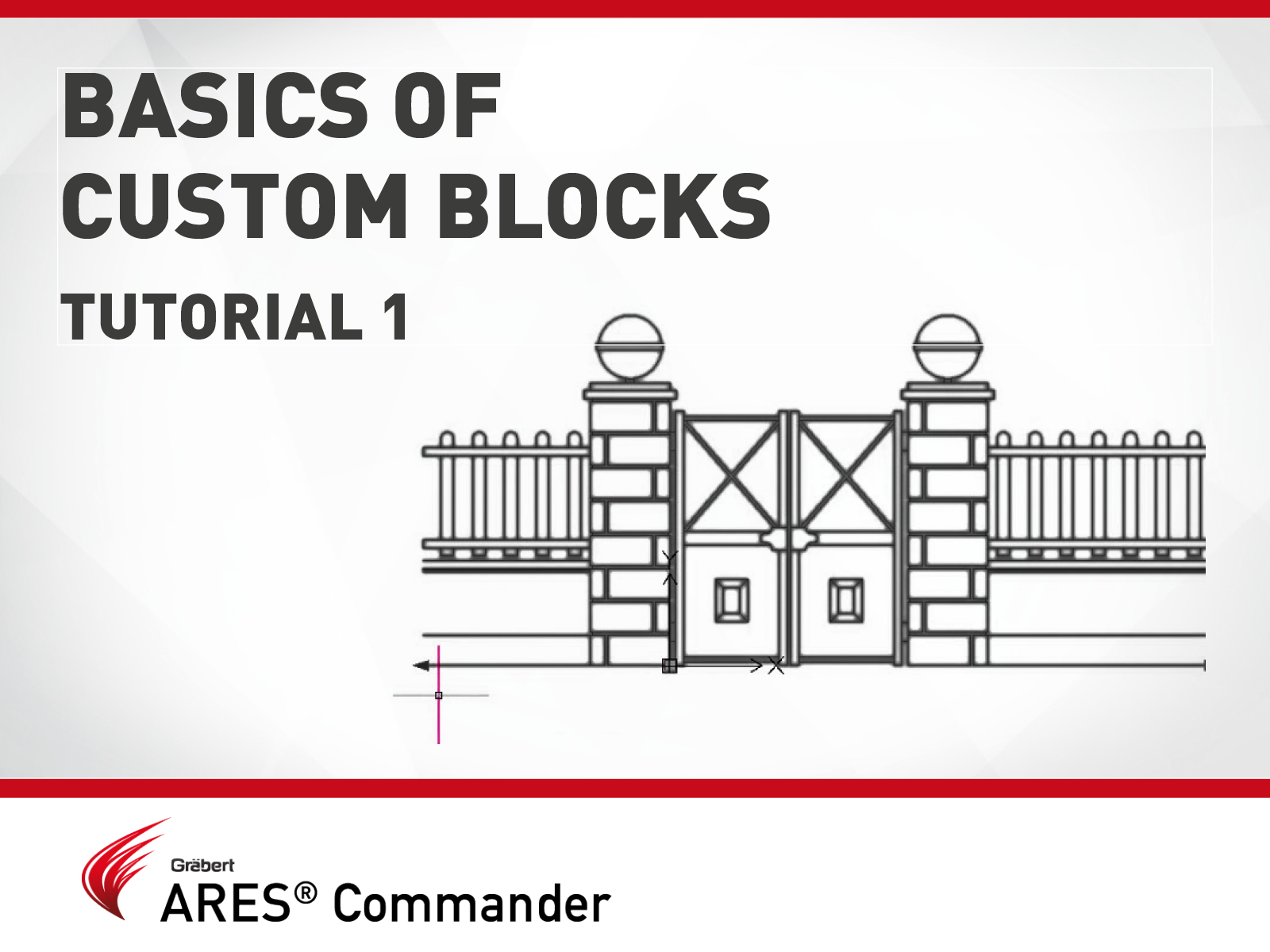
Custom blocks are blocks for which you can define rules and constraints that allow you to quickly change their size, shape, and appearance.
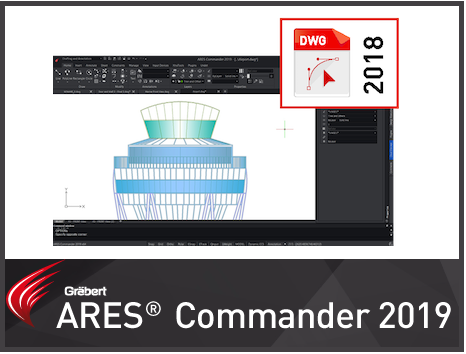
ARES Commander is using the DWG format as its native format which makes it easy to share files with other CAD software such as AutoCAD® or MicroStation®. In the previous version we released the possibility to read and modify drawings saved in the DWG 2018 format. Now, this format becomes also the default format to save your drawings.

Graebert among the first Advanced Technology Partners to achieve the AWS Industrial Software Competency with its Cloud-based CAD technology ARES Kudo. In the video above, you see Robert Graebert, CTO Graebert GmbH explaining how Graebert GmbH’s Cloud-based technology for DWG editing, ARES Kudo, is leveraging Amazon Web Services technologies to scale it’s IT infrastructure.

In this video, we will learn how to use the “Visibility” parameter in order to change between the 6 types of doors that can be seen here.

‘Increasingly, Graebert is bringing its tools up to speed with AutoCAD and customers are showing their satisfaction with it by buying the tools. AutoCAD’s iron grip on the drafting market has been broken and there are several competitors in the field that can fill the need for 2D drafting.’
‘Graebert is seeing a clear trend of concentric circles of (.dwg) users, each with its own requirements for engaging with CAD data.’ – Anthony Frausto-Robledo Read more on www.architosh.com

Top Three New Features in ARES Commander 2019 ARES Commander 2019 is expected to be released in the second half of January 2019. Until then you can try the new features from a Pre-release version mentioned below: + For Windows 32bits: www.graebert.com/getares2019PRforwin32 + For Windows 64bits: www.graebert.com/getares2019PRforwin64 To learn more about all the new features coming in ARES Commander 2019, download our PDF document here. Please note that the Pre-release version is not intended for production use and is only available to get an early look at the upcoming features of Graebert’s CAD software, ARES Commander. Every year ARES Commander is expected to have new features. We have chosen our top three features from the upcoming ARES Commander 2019 to share with you before the final release. 1. Commenting On Drawings Commenting Panel in ARES Commander (Desktop) This new side palette will allow users to discuss the project. The same palette will be

Did you know that ARES Touch, our mobile DWG Viewer & Editor, is available for both Android and iOS?