STAY TUNED!
Subscribe to our newsletter and get the 600+ pages eBook Inside ARES:

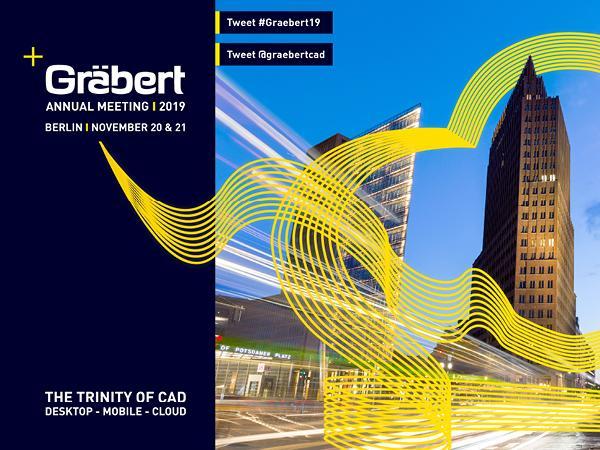
Save the date! The next Graebert Annual Meeting will take place in Berlin on November 20-21. Keynotes on November 20 and Private Meetings on November 21. Graebert partners and CAD enthusiasts will join from all over the world. Stay tuned! #cloudcad #dwg #cadsoftware #Graebert19

LCI has been using ARES Commander CAD Software since the beginning to develop laboratory designs, and recently we started benefiting from ARES Kudo cloud-based CAD solution, especially during the construction supervision process
Graebert brings an exciting collection of Plugins of CAD users. Plugins for ARES Commander are designed to enhance the inbuilt functionalities of ARES Commander with industry-specific or utility features.

The Institution of Engineers Malaysia (IEM) in Kuala Lumpur invited Cedric Desbordes, sales and marketing executive at Graebert on May 13, 2019 to talk about the guidelines and standards used for CAD Drawings in Design & Management of Engineering Projects.
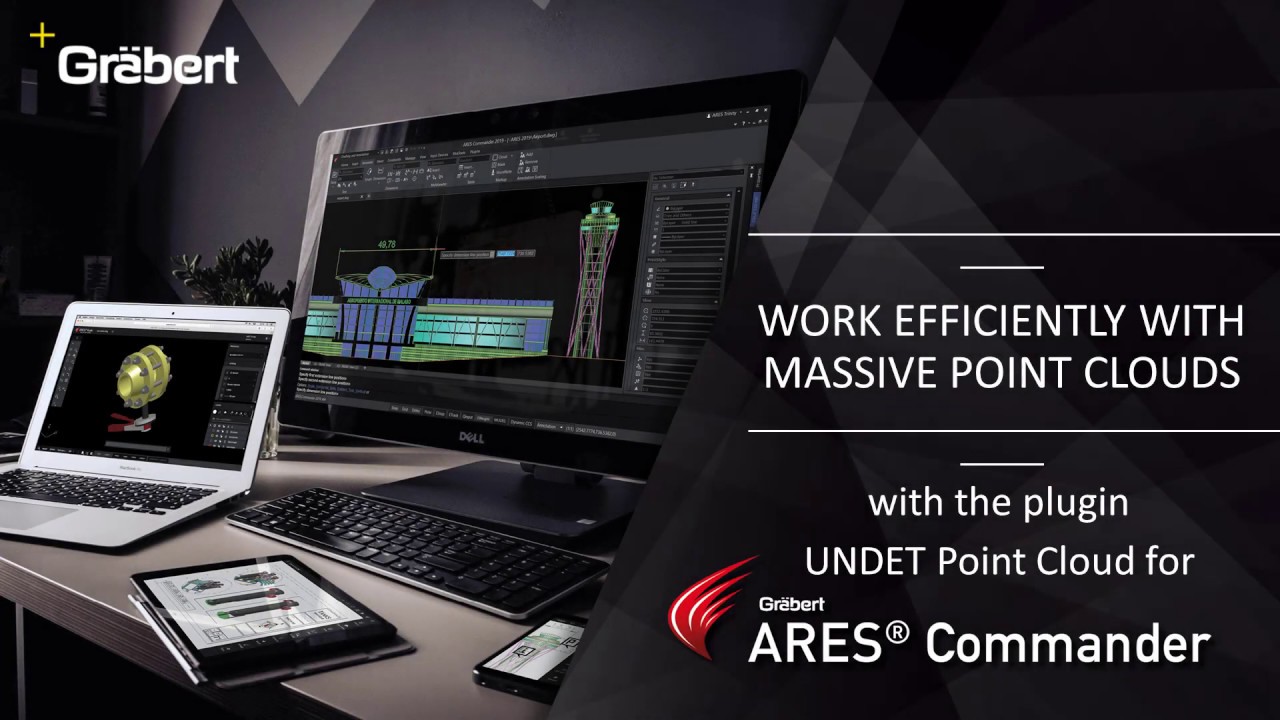
Use Point Cloud Data in ARES Commander The UNDET Point Cloud Plugin for ARES Commander lets you import and handle point cloud data directly inside the ARES CAD Software. Project Management + Undet Indexer – Allows to bring in numerous file types from different scanner vendors. *.E57, *.LAS, *.LAZ, *.PTS, *.DP, *.FLS, *.FPR, *.LSPROJ, *.FWS, *.CL3, *.CLR, *.ZFS, *.RSP, ASCII / NEZ (X,Y,Z/i/RGB). So you can bring in point clouds derived from any technology or application such as Airborne LiDAR, UAV/UAS/Drones, Mobile Mapping Systems, Terrestrial Scanners, Handheld Scanners or Photogrammetry. + Open – Open Undet projects (load point cloud to CAD environment). + Close – Unload point cloud Clipping Box Management + Create, resize, turn on/off Undet Clipping Box – Undet Clipping Box allows rapid point cloud slicing, from bigger chunks to the dollar-bill slices. Color Management + Point Cloud Coloring Options – Enables rendering in natural colors, by intensity, or by
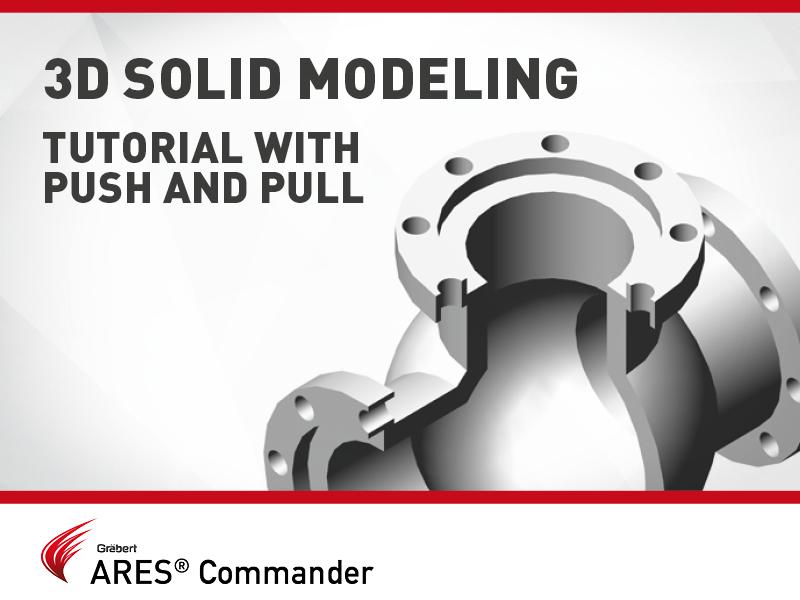
In this video, we will see in action the command Push and Pull of ARES Commander, as well as other functions to model this 3D drawing.
Robert Graebert in discussion with Allen Saakyan at the Congress On the Future of Engineering Software (COFES) event
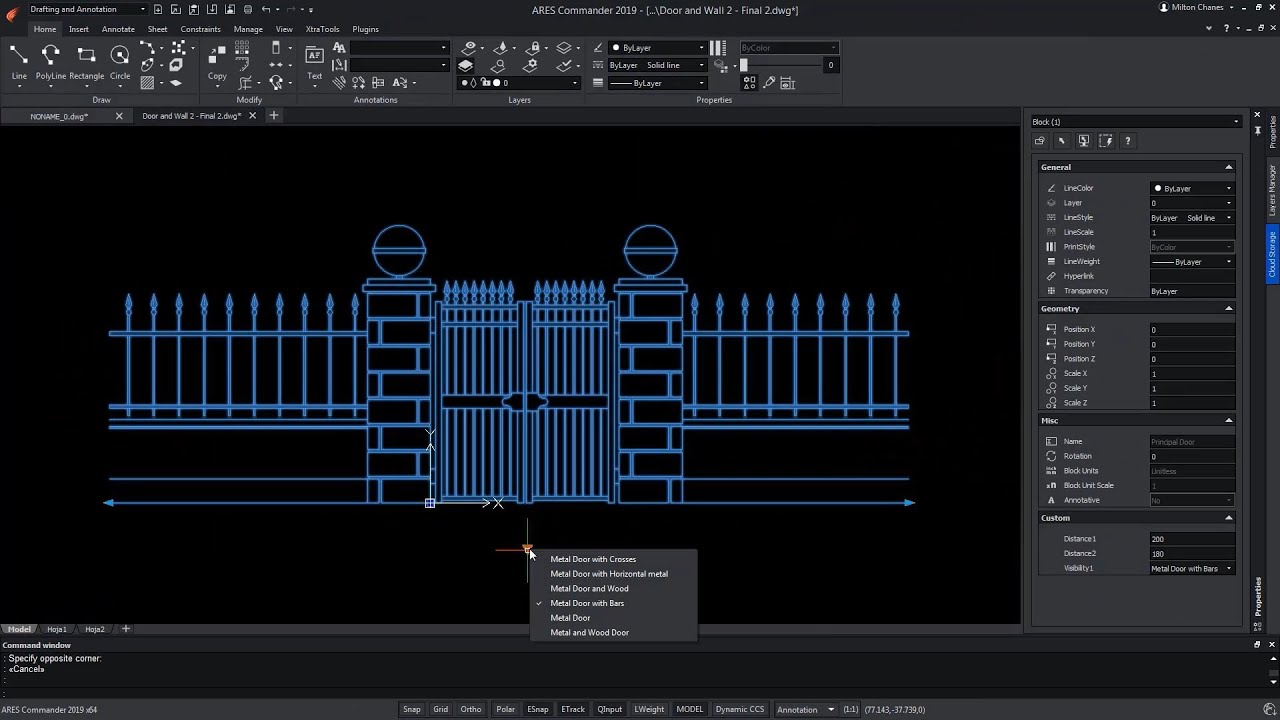
The new Custom Block Editor of ARES Commander helps you to create smarter blocks. In this video we show how to use grips and parametric actions such as Move, Scale, Stretch, Rotate, Pattern, or Mirror. You can also create custom blocks with different states having elements that are hidden or shown. Combining multiple of these grips and actions allows you to create much smarter blocks. One custom block may replace tens of the blocks you currently use which will significantly increase your productivity.

In continuation of our first tutorial on custom blocks, we would like to introduce further features for customizable blocks with a second tutorial. At first, we focus on creating a customizable block that can be mirrored after insertion by clicking on a special handle and later, to create two different variants of a block using the visibility state.

On March 27, 2019, the Graebert-Japan Meeting was held in Tokyo, Japan. The focus of this year was on Graebert’s Modern DWG editing concept with The ARES Trinity of CAD Software. The Graebert-Japanese meeting was a great success, with a packed conference hall despite the tight schedule for Japanese companies with the end of their fiscal year and the upcoming spring holidays.

Did you know that ARES Touch, our mobile DWG Viewer & Editor, is available for both Android and iOS?