STAY TUNED!
Subscribe to our newsletter and get the 600+ pages eBook Inside ARES:


ARES Kudo for Onshape After collaborating on the Onshape Drawings experience, Onshape and Graebert extend their collaboration with ARES Kudo for Onshape, An Optimal Solution for Onshape Users Dealing with DWG or DXF files Onshape Inc. (www.onshape.com) is a company founded in 2012 and headquartered in Cambridge, MA, USA. It raised $169M from leading investors to build the next generation of Product Design solutions. Kim Salmon, Director Marketing at Onshape explains what sets Onshape apart: “Onshape is a modern, fully cloud-based, 3D CAD system that eliminates design gridlock: the constant waiting, distractions, and hassles that prevent engineers from doing their best work. Onshape unites advanced modeling tools and design data management in a secure cloud workspace that is accessible on any device and never loses data. With no files to lose or corrupt, no license keys to manage, and no installed desktop software, Onshape helps engineering teams get out of the
With ARES Kudo we can potentially log in on any computer and access to our drawings online….
System Requirements Upgrade Your System Hardware to get Better Performance with ARES CAD. As a minimum, Linux and Windows computers should have the hardware and software specified below. For better performance, your computer could have stronger hardware: Any current model of Macintosh computer runs the MacOS version: Download a FREE Trial version of ARES CAD Software now!

Kenneth Wong writes about Perpetual vs Subscription in reaction to Autodesk’s subscription-only strategy ”Graebert, which develops the 2D drafting and drawing program ARES, believes AutoCAD perpetual licensees who are not too keen to move to a subscription may look favorably at ARES as a candidate for replacement. The company offers ARES both as subscription and perpetual licenses.” Read the full article on DigitalEngineering.news

The program offers new and changed functions in the areas of the user interface, commands, and additional system variables. NEW USER INTERFACE ELEMENTS UIStyle command switches the user interface between dark and light themes. After entering the command, ARES Commander must be exited and then started again for the theme to change. Command: uistyle The current setting is stored in the ColorTheme variable. This command is a shortcut to going into the Settings dialog box to change the theme: Options command, System Options, Display, User Interface style. Press the Shift+cursor keys to move selected entities by a specified increment. Dynamic Custom Coordinate System temporarily aligns the x,y-plane with the appropriate face on a 3D solid object. This lets you draw in 3D as if you were in 2D. The figure below shows a rectangle drawn on the side of the solid. A rectangle is drawn on the side of the solid

Amit Kumar writes about how to reset ARES Commander to defaults ”Each user account on a system will have its own ARES Commander settings. Resetting to defaults will only affect the currently active user account. To reset in a different account, you must first log in to that user.” Read the full article on CAD Blog by Amit here.
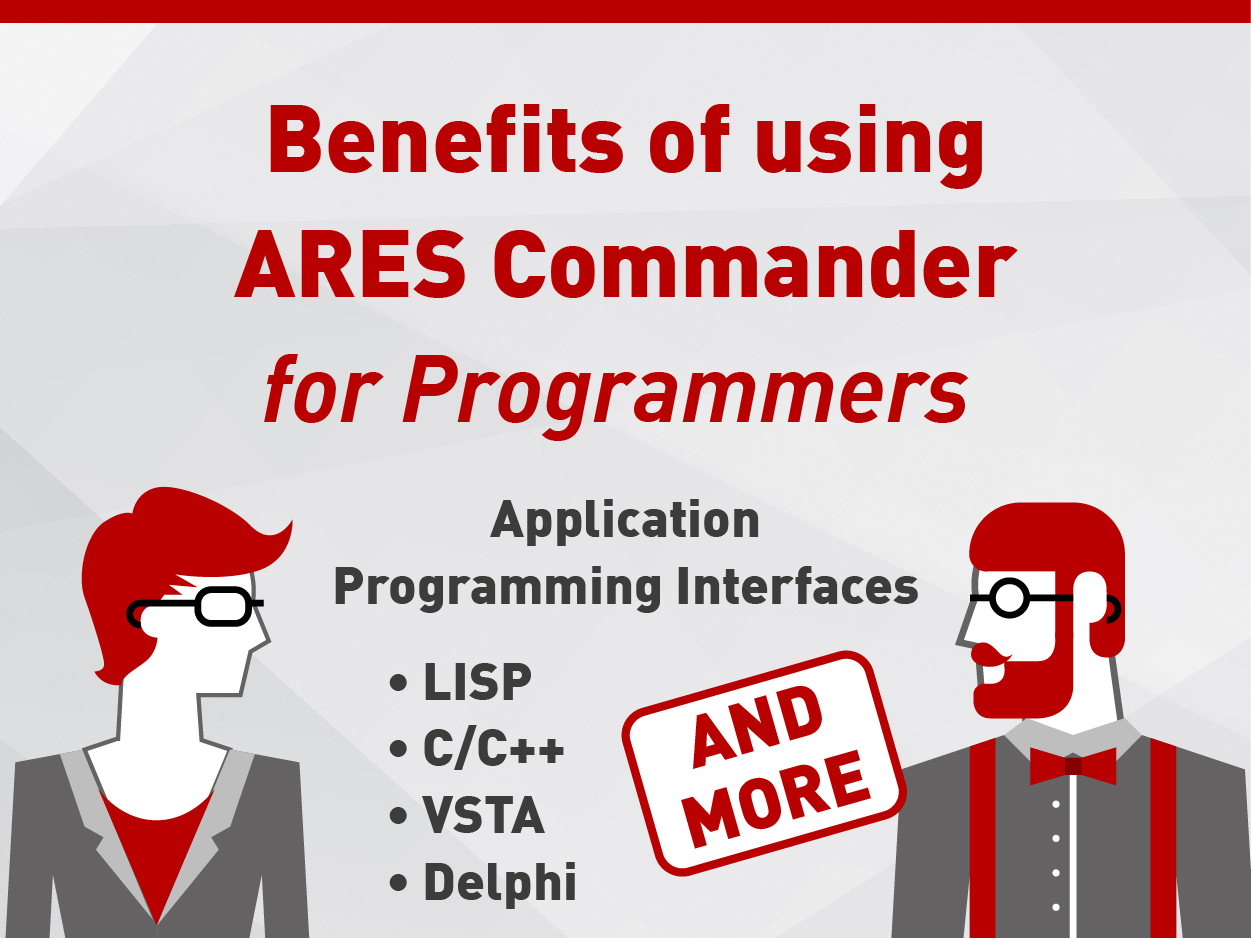
For Programmers: Application Programming Interfaces The program provides you with a host of programming languages and interfaces for creating your own functions and plug-ins: • LISP • C/C++ • Visual Studio for Applications (VSTA) • Delphi • Common Object Model (COM) • Design Runtime Extension (DRX) • DraftSight API You can add content from other application using OLE (object linking and embedding) objects in drawings, or through the Drawing Resource palette. The program has a built-in LISP interpreter, as well as an IDE (integrated development environment), using Microsoft VSTA (visual studio tools for applications), and .NET languages. The program features autoloading of add-ins, conversion, and headers from ADS (AutoCAD development system), C++, a CFx/DRX API including the ARES user interface functions, and the Teigha development platform from the Open Design Alliance, Delphi, COM, and toolbar and menu macros. ARES OEM is a stand-alone version for third-party developers with an open

Benefits of ARES ARES Commander is designed to be compatible with all of existing DWG and DXF files. The program has its own command structure, yet uses aliases to be compatible with many of the commands and variables found in other CAD programs like AutoCAD and IntelliCAD. The user interface with its ribbon, palettes, and command bar will probably look immediately familiar to you. The program has all the standard 2D drawing and editing commands, like Line and Trim, as well as advanced functions like associative dimensioning and annotative scaling. The program creates and modifies 3D ACIS-based solid drawing objects, and can apply geometric and dimensional constraints on and between entities. Graebert used its three decades of experience in the CAD business to build the program from scratch, employing the most current computer programming technology. The program offers you a number of significant benefits. Impressive Compatibility The program uses DWG

In the video above, we show users how the new BLOCK ATTRIBUTE MANAGER allows you to modify the attributes of a block in a very intuitive and fast way. A block can contain attributes. In this example, we see a tree that contains 3 different types of attributes and each of them is completed. Others, on the other hand, only have 2 complete attributes of the 3 that it contains. But, we could complete them. However, not all attributes are important to be seen on a technical level. Some may only serve as a reference or extended information of an element with the aim of being exported to an excel sheet, for example. ARES Commander offers us the BLOCKATTRIBUTEMANAGER command that can be executed quickly with the keyboard shortcut BAM. So, we can see for example that this block has been inserted in the drawing 38 times. At the same time

The HELIX entities are present in the technical drawing, either in the mechanical drawing or in the architectural drawing, which we will be able to represent in 2D or 3D. However, Helices are hard to achieve with standard CAD tools. Therefore, ARES Commander offers the possibility of creating 2D and 3D HELIX, from the same command, called HELIX. The process to create them is very simple. First, we indicate a point. Next, to indicate a radius for the first turn of the HELIX (the base) by writing or indicating it with a click on the drawing. Furthermore, to determine the radius of the top of the HELIX. Where we can also write a value, or determine it with a click on the drawing. In the command line, some options appear that allow us to modify the characteristics of the HELIX. For example, let’s take into account the height. The HELIX can

Did you know that ARES Touch, our mobile DWG Viewer & Editor, is available for both Android and iOS?