STAY TUNED!
Subscribe to our newsletter and get the 600+ pages eBook Inside ARES:

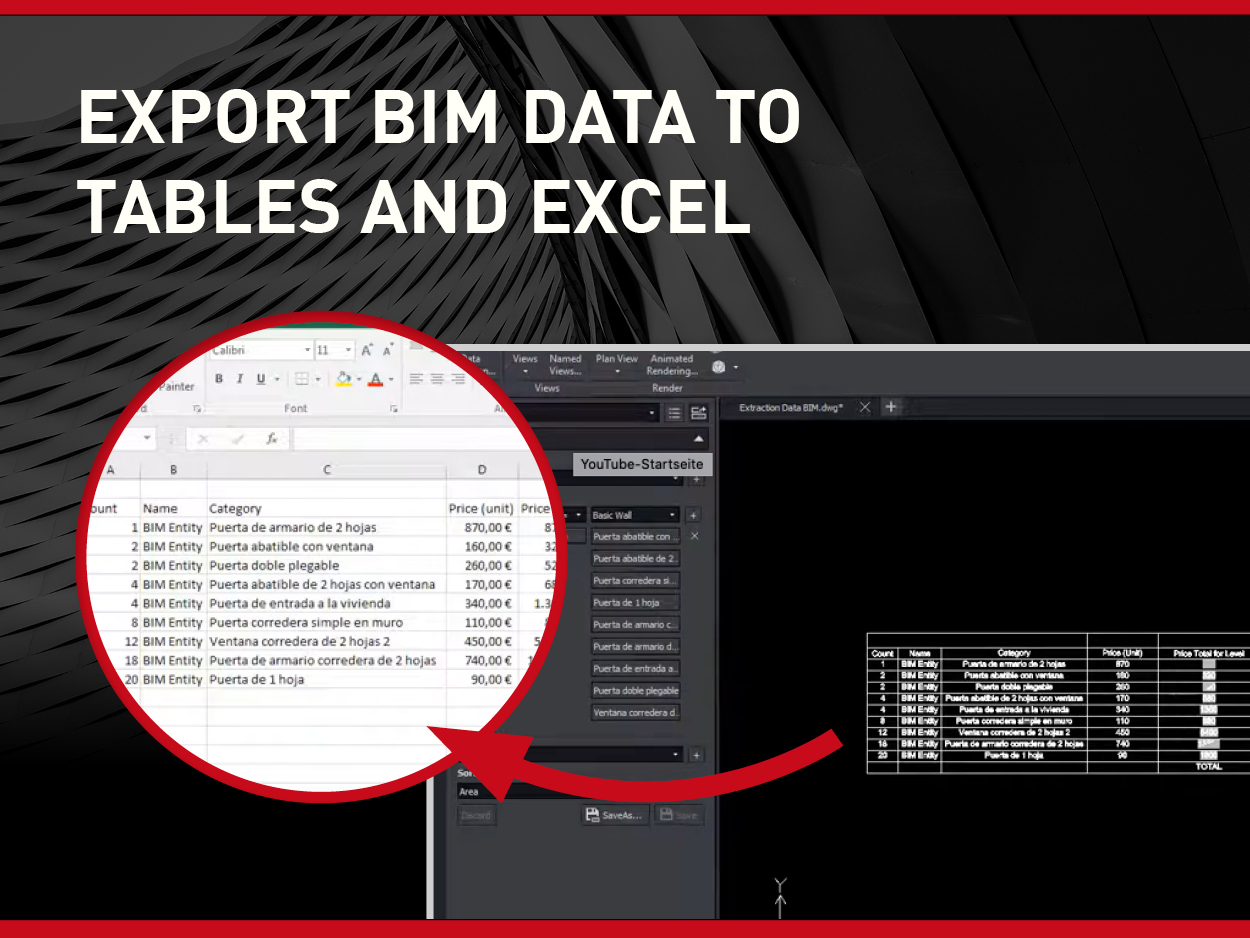
Export the properties of selected BIM objects into tables in the drawing or CSV files for spreadsheets with ARES Commander. Select BIM entities manually, or from the filters in the BIM Navigator, and extract their BIM data. The wizard helps you to isolate only the properties you need. The data can be inserted as a table in the drawing or exported to a CSV file for use in Excel or other programs.

ARES CAD Software now let’s you select objects and read their BIM properties. While viewing and rotating the BIM project you can select objects. The BIM Navigator will highlight them in the Elements tree and the Properties Palette will display their BIM properties. Alternatively, you may select the objects from the elements tree and they will be highlighted in the project.

The BIM Navigator palette enables you to import and view one or multiple BIM files in ARES Commander. Supported formats include IFC (versions 2X3, 4 and 4×2), as well as RVT (Revit versions 2011 through 2020). You can further use the filters to show/hide only the objects you need, combining criteria such as the discipline, category, floor, class, or other BIM properties.

Robert Graebert, CTO of Graebert CAD Software answers several questions about his impressions of OdaDevCon2019 and his experience working with Open Design Alliance. Open Design Alliance is a nonprofit organization creating SDKs for engineering applications. ODA offers interoperability tools for .dwg, .dxf, .dgn, Autodesk® Revit®, Autodesk Navisworks®, Autodesk ReCap® and .ifc files and a technology stack for visualization, web development, 3D PDF publishing, modeling, and more

Robert Graebert, CTO of Graebert GmbH, presents one of the Visualize SDK features – low memory visualization, implemented in ARES. Open Design Alliance is a nonprofit organization creating SDKs for engineering applications. ODA offers interoperability tools for .dwg, .dxf, .dgn, Autodesk® Revit®, Autodesk Navisworks®, Autodesk ReCap® and .ifc files and a technology stack for visualization, web development, 3D PDF publishing, modeling, and more.

The Commenting Palette allows commenting on DWG drawings synchronized by the Cloud Storage Palette of ARES Commander. You may add a general comment to the drawing or link your comment to selected entities. Your colleagues will see your comments and be able to answer them. It gives you an interactive and productive way to improve collaboration around the drawing.

ARES Kudo offers you a full set of 2D DWG editing features with familiar command names. You can find in them the menu or enter them at the command line.
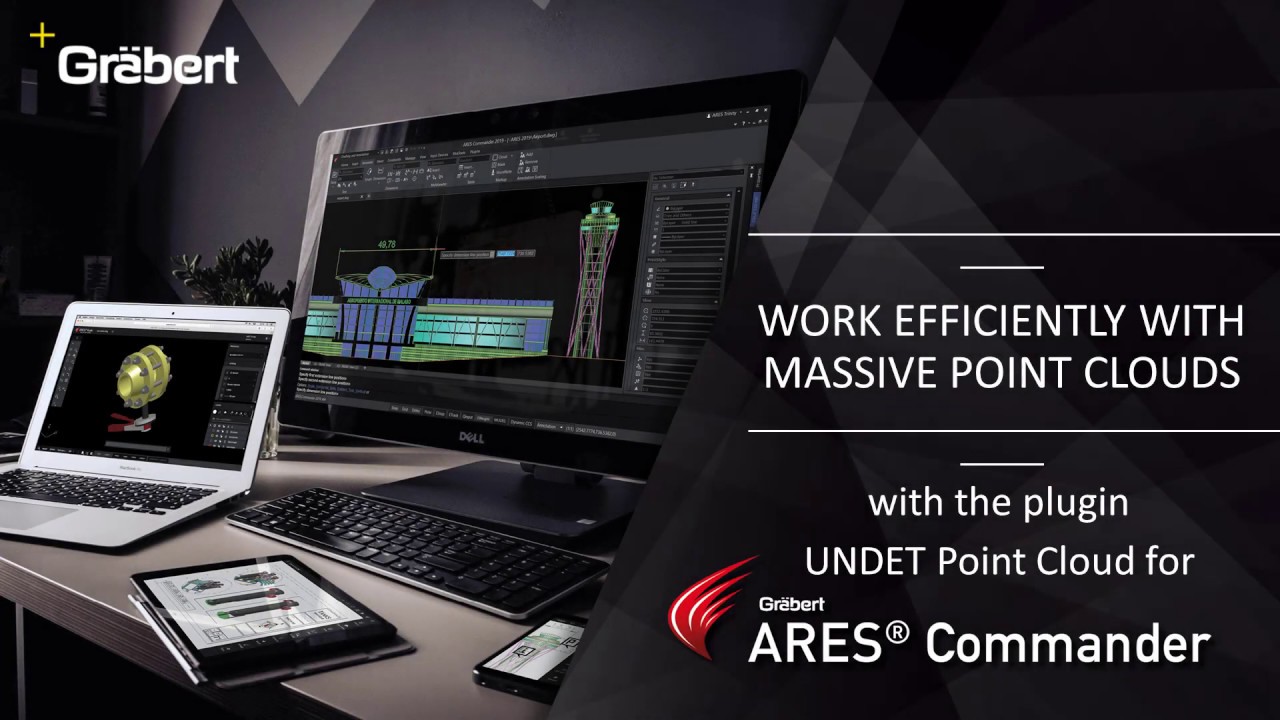
Use Point Cloud Data in ARES Commander The UNDET Point Cloud Plugin for ARES Commander lets you import and handle point cloud data directly inside the ARES CAD Software. Project Management + Undet Indexer – Allows to bring in numerous file types from different scanner vendors. *.E57, *.LAS, *.LAZ, *.PTS, *.DP, *.FLS, *.FPR, *.LSPROJ, *.FWS, *.CL3, *.CLR, *.ZFS, *.RSP, ASCII / NEZ (X,Y,Z/i/RGB). So you can bring in point clouds derived from any technology or application such as Airborne LiDAR, UAV/UAS/Drones, Mobile Mapping Systems, Terrestrial Scanners, Handheld Scanners or Photogrammetry. + Open – Open Undet projects (load point cloud to CAD environment). + Close – Unload point cloud Clipping Box Management + Create, resize, turn on/off Undet Clipping Box – Undet Clipping Box allows rapid point cloud slicing, from bigger chunks to the dollar-bill slices. Color Management + Point Cloud Coloring Options – Enables rendering in natural colors, by intensity, or by
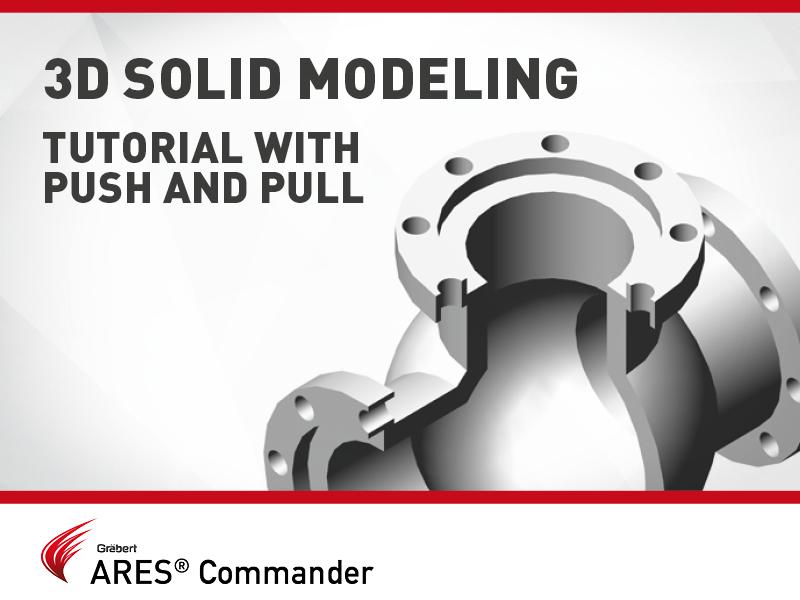
In this video, we will see in action the command Push and Pull of ARES Commander, as well as other functions to model this 3D drawing.
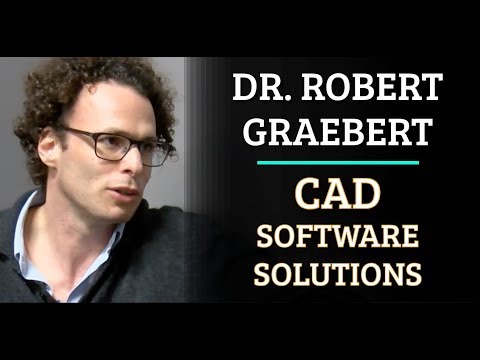
Robert Graebert in discussion with Allen Saakyan at the Congress On the Future of Engineering Software (COFES) event

Did you know that ARES Touch, our mobile DWG Viewer & Editor, is available for both Android and iOS?