STAY TUNED!
Subscribe to our newsletter and get the 600+ pages eBook Inside ARES:


TATA International Vehicle is India’s leading manufacturer of manufactured trailers, TIP trailers, and custom applications goods, and they’re expanding towards exports. TATA began operations in 2005 with a single factory in Pune. Following that, they spread throughout India. Almost 34,500 trailers are now on the road and working efficiently. And continuously they are growing towards this market. And it is possible due to the value-engineered product after-sales, service and competitive price. Why did TATA choose ARES Commander? The DWG drawings they are producing with ARES Commander are essential to delivering projects on time. They had three criterion in mind when they chose ARES Commander. They desired: Perpetual licenses, at a competitive price An easy transition from AutoCAD Increasing productivity and innovation ‘No special training was required for users to instantly switch. Regarding productivity, ARES Commander is not making any compromises in features. I would say that we are now working 10%
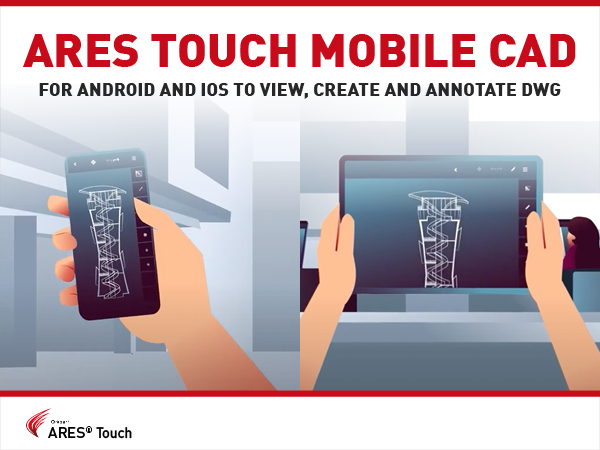
Meet ARES Touch — a Mobile CAD solution that enables real-time collaboration on DWG drawings and helps you share technical details on-site or on the go.

Say hello to ARES Kudo, the first cloud-based CAD solution that offers a full set of 2D features to create, read, and modify DWG drawings online — in your browser! ARES Kudo allows you to view, present, and edit your work anywhere. With nothing to install and nothing to update, it is highly cost-effective.

DWG-based CAD software has been around for over 40 years, and just like millions of other professionals, you rely on it to create and modify 2D and 3D technical drawings. You don’t want to change the way you’re working, but also no longer want to pay the hefty price tag, or be forced into overpriced subscription fees. Which makes ARES Commander the perfect match for you!

The ARES Trinity of CAD Software enables teams to achieve true collaboration across platforms and devices. With ARES Commander, you simply work as you always have, both in 2D and 3D. You can use local files as before, but you can also synchronize your work with a large number of cloud services and enable real-time collaboration with other users and devices. Nothing to install, nothing to update: the Cloud version, ARES Kudo, allows you to access and modify your files on any computer, directly in an Internet browser.

ARES Commander speeds up the process of organizing large drawings with the Sheets Sets Manager. The Sheet Set Manager is a great tool to organize the work with sheets, keeping all drawings and sheets accessible at the same point and at the same time offers a flexible way to customize the structure making it able to support several kinds of projects and workflows. Sheet Sets are typically used in large projects involving multiple drawings and sheets to print. Such projects will imply multiple versions and each version will be printed on paper or PDF.
ARES Commander speeds up 2D DWG drawings production from a BIM project. We can import BIM files in RVT format of Revit, or IFC format. Most interestingly the BIM drawings created with ARES Commander retain all the BIM information and can be updated when a new version of the BIM model is loaded.
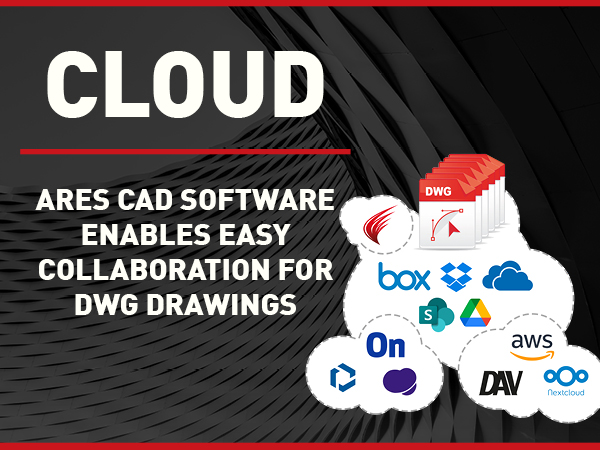
One of the key competitive advantages of the ARES CAD Software is the Trinity concept building synergies between ARES Commander, the desktop version for Windows, Mac and Linux computers, ARES Kudo (Cloud) and ARES Touch (Mobile version for Android and iOS).

In this video, we will see how ARES Commander can create 2D drawings in DWG format from a BIM project. We can import BIM files in RVT format of Revit, or IFC format. We can even combine different BIM files to mix the BIM information from different sources.

ARES Commander brings a new selection method to save time. Use the lasso selection method to specify entities within an irregularly formed contour specified by dragging the cursor.

Did you know that ARES Touch, our mobile DWG Viewer & Editor, is available for both Android and iOS?