STAY TUNED!
Subscribe to our newsletter and get the 600+ pages eBook Inside ARES:

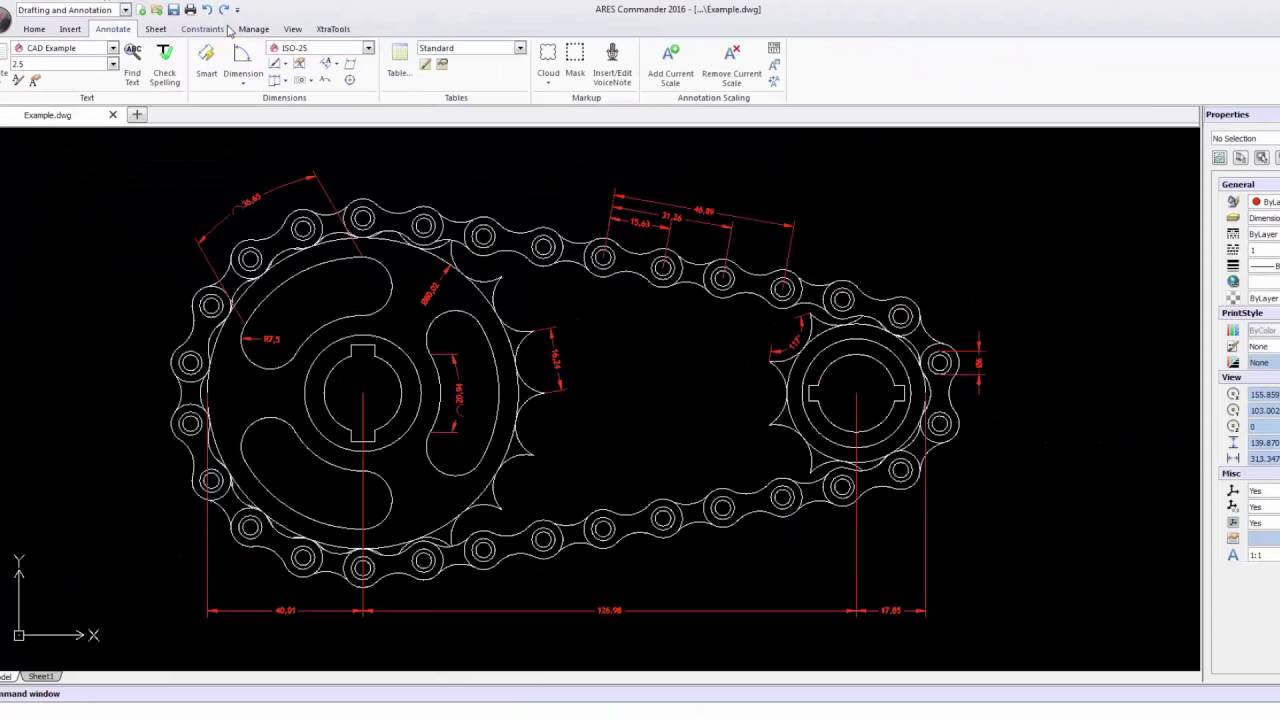
Learn all about dimension styles in here 1 00:00:09,350 –> 00:00:14,809 ARES commander provides all necessary tools to correctly create dimensions for 2 00:00:14,810 –> 00:00:17,380 a technical drawing 3 00:00:17,380 –> 00:00:22,538 find these tools and the section annotation in the Home tab or in the 4 00:00:22,539 –> 00:00:25,380 annotate tab 5 00:00:25,380 –> 00:00:30,960 these tools are easy-to-use they are very intuitive for example you can 6 00:00:30,960 –> 00:00:37,170 easily create lines parallel dimensions as well as narrow angles diameters radii 7 00:00:37,170 –> 00:00:38,640 etc 8 00:00:38,640 –> 00:00:44,100 in this tutorial series we teach you how to create and save dimension styles in 9 00:00:44,100 –> 00:00:47,790 addition to using a different standard and annotated of styles 10 00:00:49,120 –> 00:00:53,349 as we can see in this example the drawing is shown at different scales 11 00:00:53,350 –> 00:00:59,260 while the graphical appearance of the
Use your ARES Commander license on other computers with LicenseToGo After activating a license on a principal computer, LicenseToGo enables you to reuse that license on an additional PC – for a limited period of time. LicenseToGo – How to Use Your ARES License on Several Computers NB: The LicenseToGo system was replaced from ARES Commander 2017 by the login / log out mechanism and the Customer Portal. LicenseToGo was first introduced in ARES Commander Edition 2014 SP2 and further enhanced in ARES Commander 2015. This feature allows you to work with the same license on other computers. It is available on the Perpetual license and Annual Plan for the duration of your Graebert subscription (see after) but not available on the Flex licenses (network licenses) where it is replaced by another mechanism that is quite similar (borrow a license from the network). First of all, LicenseToGo is not an “export”
PDFs are usually not editable like files with a .dwg extension. Graebert offers a simple solution; ARES Commander helps you to converts a PDF file into an editable DWG drawing. How to convert a PDF file to a DWG drawing with ARES Commander PDF files are often an important resource in a technical office. They are the quickest and most effective way to display and save a project for customers. Over time, it can happen that we lack the DWG version of an old project and we have only saved it as a PDF version. When you open the PDF project (created from CAD), it is common to have the layers of the original project. For this reason, a PDF reader can show or hide the different layers of the project. However, a PDF is not editable. At least not like files with a .dwg extension. The good news: ARES Commander
Great Tutorials, Info Videos & More Great tutorials, info videos & more in our Youtube Channel GraebertTV. To learn more about ARES Commander, visit our Youtube Channel: GraebertTV Have fun watching!
Corel writes a testimonial for Graebert “We are partnering with Graebert to power CorelCAD™ with the ARES® Commander platform. Graebert’s long term CAD expertise perfectly complements Corel’s market strengths in the Graphics & Design space to jointly develop and market an affordable CAD software for customers who are looking for a reliable and efficient solution that fully supports CAD standards and the platform of their choice.” Klaus Vossen, Product Manager. For more information, visit Corel GmbH.
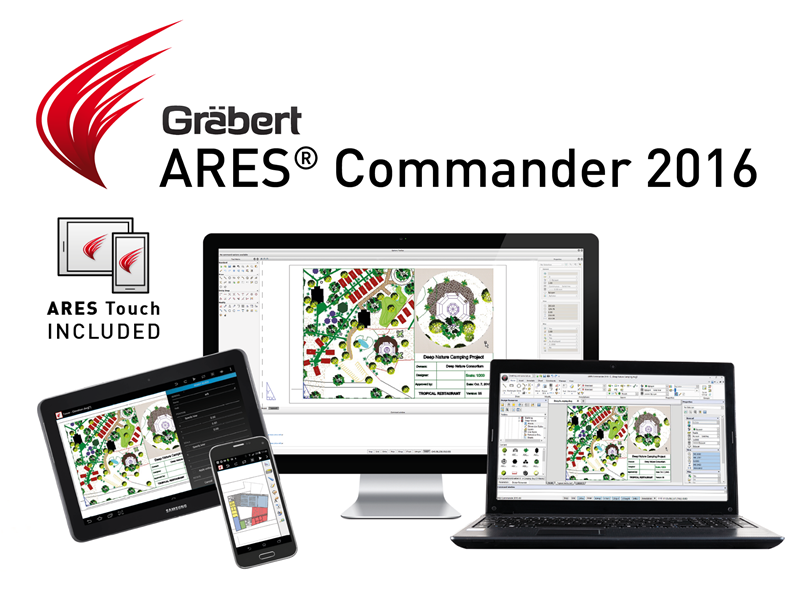
Create & modify your drawings in the office with ARES Commander & on the go with mobile CAD ARES Touch: With the purchase of ARES Commander, you get ARES Touch for free.
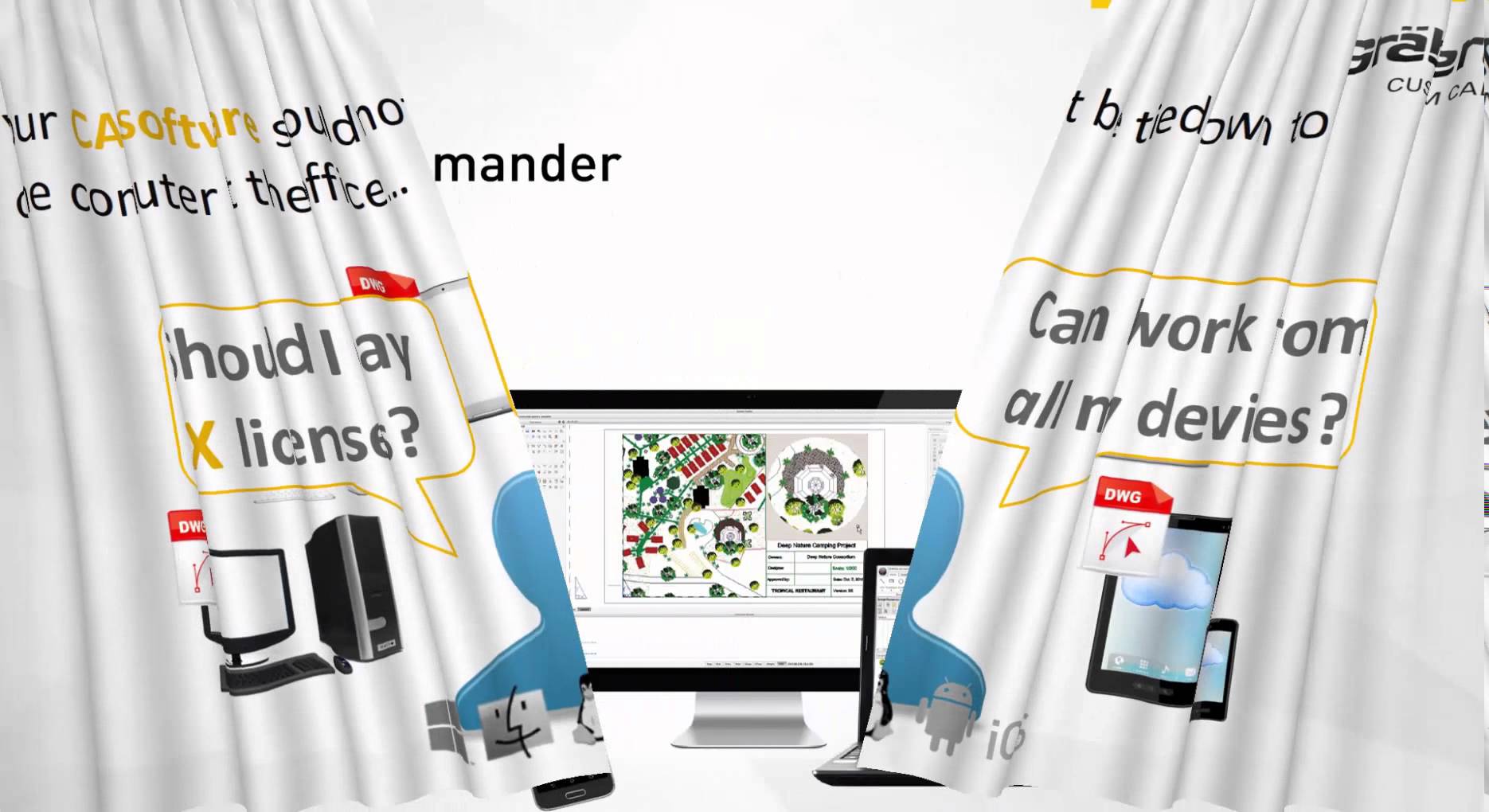
ARES Commander – One of the most innovative CAD programs Nowadays, we see each of us is using an increasing number of devices for our work, at the office at home and on the go. The same user, the same company may now use different computers, potentially running on different operating systems. We also use more and more mobile devices such as tablets and smartphones. So, naturally, you would like to be able to create and modify your DWG drawings on all your devices but, of course, without paying a license for each. That’s what we call the Cross-Device CAD Experience. Ares Commander is much more than a cost-effective alternative for CAD in DWG. Let’s have a look together. Our CAD software runs on Windows, Mac, and Linux and we introduced ARES Touch for Android. With ARES Commander you will not only save money on your license you will also

If you are on Linkedin you can subscribe to follow the ARES CAD Software product news. Our company page on LinkedIn: www.linkedin.com/company/graebert-gmbh

Did you know when you buy ARES Commander 2016 you get ARES Touch for free – and vice versa! Get a free 30 day trial of ARES Touch on the Google Play store now

Ares Commander 2016 offers new tools to improve our productivity Some of them are grouped in the new “XtraTools” tab.In previous videos, we have seen how “Curved Text” and “Hatch Pattern” work. The “XtraTools” section offers nine more commands. You will gradually discover more XtraTools commands in the future versions of ARES Commander. The “Break Line” command allows you to draw a line containing a symbol, in this example, a break-out line. But it could be another file in DWG format, for example, to indicate a specific type of cable or a symbol containing the word “gas” to indicate a gas pipe or any other use we wish to assign or any other use we wish to assign. We simply load a DWG file and the symbol will be integrated into the line we’re going to draw. From this area, we will be able to control the size of the

Did you know that ARES Touch, our mobile DWG Viewer & Editor, is available for both Android and iOS?