STAY TUNED!
Subscribe to our newsletter and get the 600+ pages eBook Inside ARES:


‘…Graebert beat all other primary CAD vendors serving the Mac platform to market with a native version of their CAD software for Apple’s new Macs with the ARM-based M1 processor. This news is one of many exciting items delivered to press and conference attendees this week virtually as part of Graebert’s virtual conference.’

Graebert GmbH has been in the market to supply DWG solutions for 30 years and has been a member of the ODA (Open Design Alliance) since the beginning. The ARES CAD technology is both sold directly to end customers under the brand ARES and licensed to developers including several ODA members as a CAD Platform. What sets the ARES CAD Software apart is our Trinity concept. ARES offers the same core CAD features to create and modify the DWG files on Windows, Mac, and Linux, but also on mobile and cloud.

Swissnologie has replaced its macOS AutoCAD licenses with the ARES CAD Software system. The re-learning phase after replacing the CAD system was rather quick. Thanks to the elaborate training given by Graebert sales, consultants, and support team as a part of the implementation process. Furthermore, the development of existing features on the new CAD system to cater to the needs of Swissnologie is appreciated by all our employees.

Modern DWG Editing in a Browser 1. Commenting on workflow desktop, mobile, and cloud, 2. Commenting on view-only links, 3. Allow view-only drawings to export to PDF, PNG and .SLD and much more

In this video, we will see how ARES Commander can create 2D drawings in DWG format from a BIM project. We can import BIM files in RVT format of Revit, or IFC format. We can even combine different BIM files to mix the BIM information from different sources.

Teams who use technical drawings (DWG) can now create, edit, comment, and review from any device anywhere using Graebert ARES Kudo and the power of Amazon Web Services
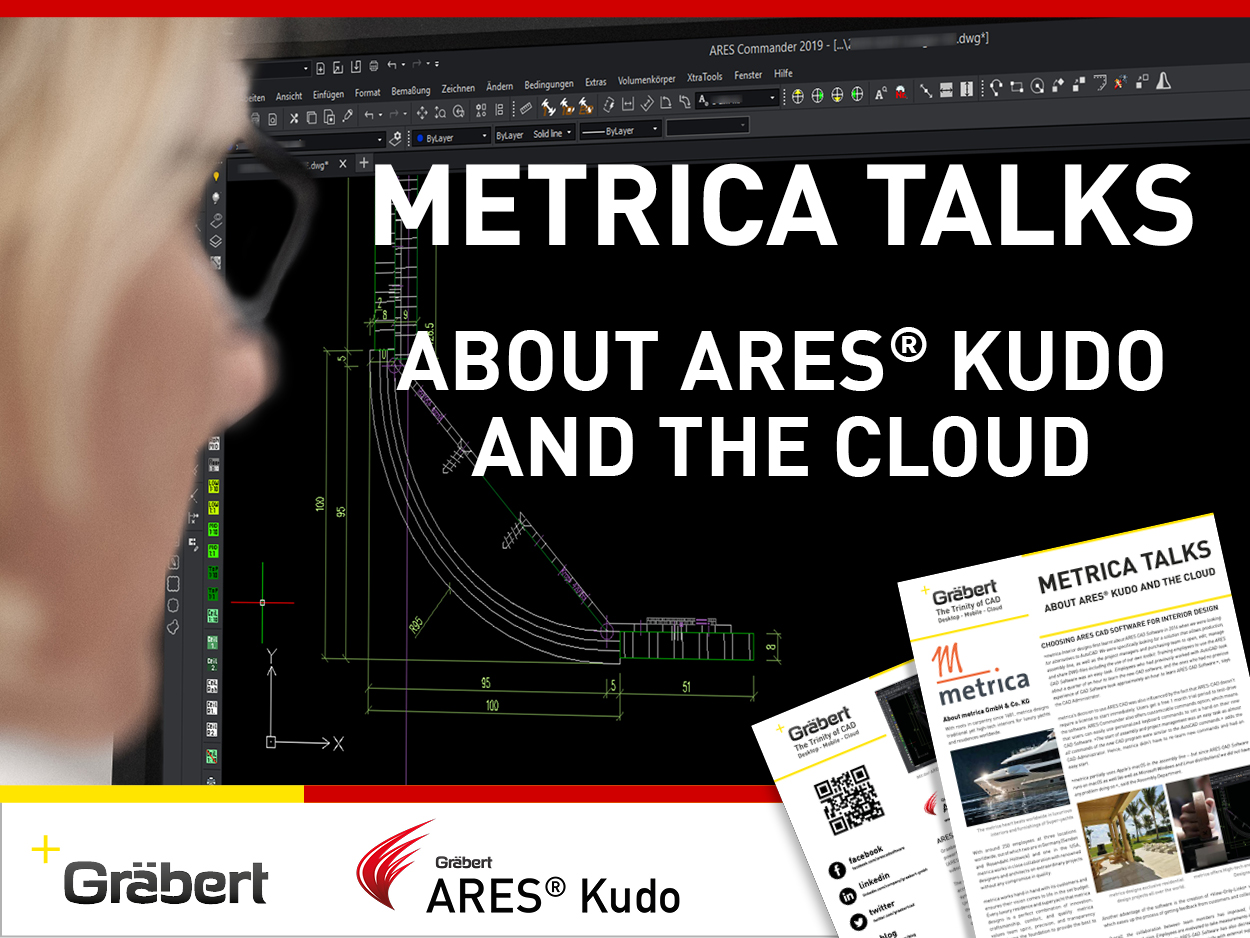
“We (Metrica Interior Design) first learned about ARES CAD Software in 2016 when we were looking for alternatives to AutoCAD. We were specifically looking for a solution that allows production, assembly line, as well as the project managers and purchasing team to open, edit, manage and share DWG-files including the use of our own toolkit.”

Graebert has announced the free availability of Ares Kudo through May. The company says the move was made out of consideration for the millions of professionals who are required to work remotely. Kudo is Graebert’s cloud-based option for its Ares CAD systems.

‘CAD developer Graebert GmbH is offering free use of its ARES Kudo cloud-based CAD solution for working with DWG drawing files. The offer — available at kudo.graebert.com — extends through the end of May 2020.

On March 5, 2020, Graebert Japan held the Graebert Japan Annual Meeting 2020 in Akihabara, Tokyo. Graebert Japan is the Japanese subsidiary of Gräbert GmbH (aka Graebert) in Germany which offers the “ARES” series of DWG compatible CAD software (Formerly JDraf) with outstanding cost performance and advanced technology.

Did you know that ARES Touch, our mobile DWG Viewer & Editor, is available for both Android and iOS?