STAY TUNED!
Subscribe to our newsletter and get the 600+ pages eBook Inside ARES:


ARES Commander brings a new selection method to save time. Use the lasso selection method to specify entities within an irregularly formed contour specified by dragging the cursor.
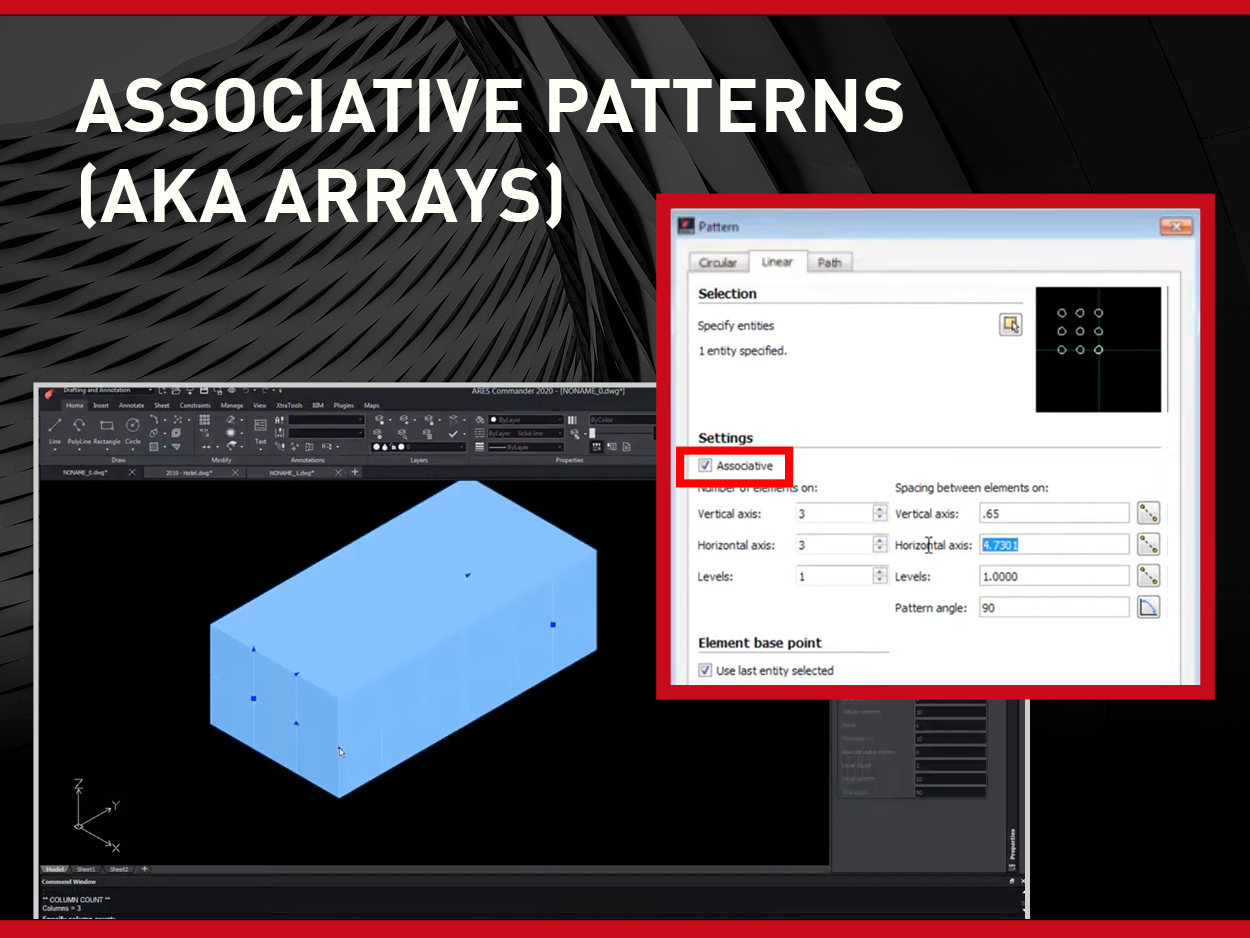
ARES CAD Software now brings array copies of the same entity along multiple lines and columns and lets you modify the pattern as you wish. Patterns allow you to replicate an entity following a linear or circular organization or along a path. These patterns are now associative. You can now edit them using grips or by a double-click on the associative pattern.

Stamps can be used, for example, to indicate if your drawing (or a portion of it) is confidential, draft, approved, rejected, validated… etc
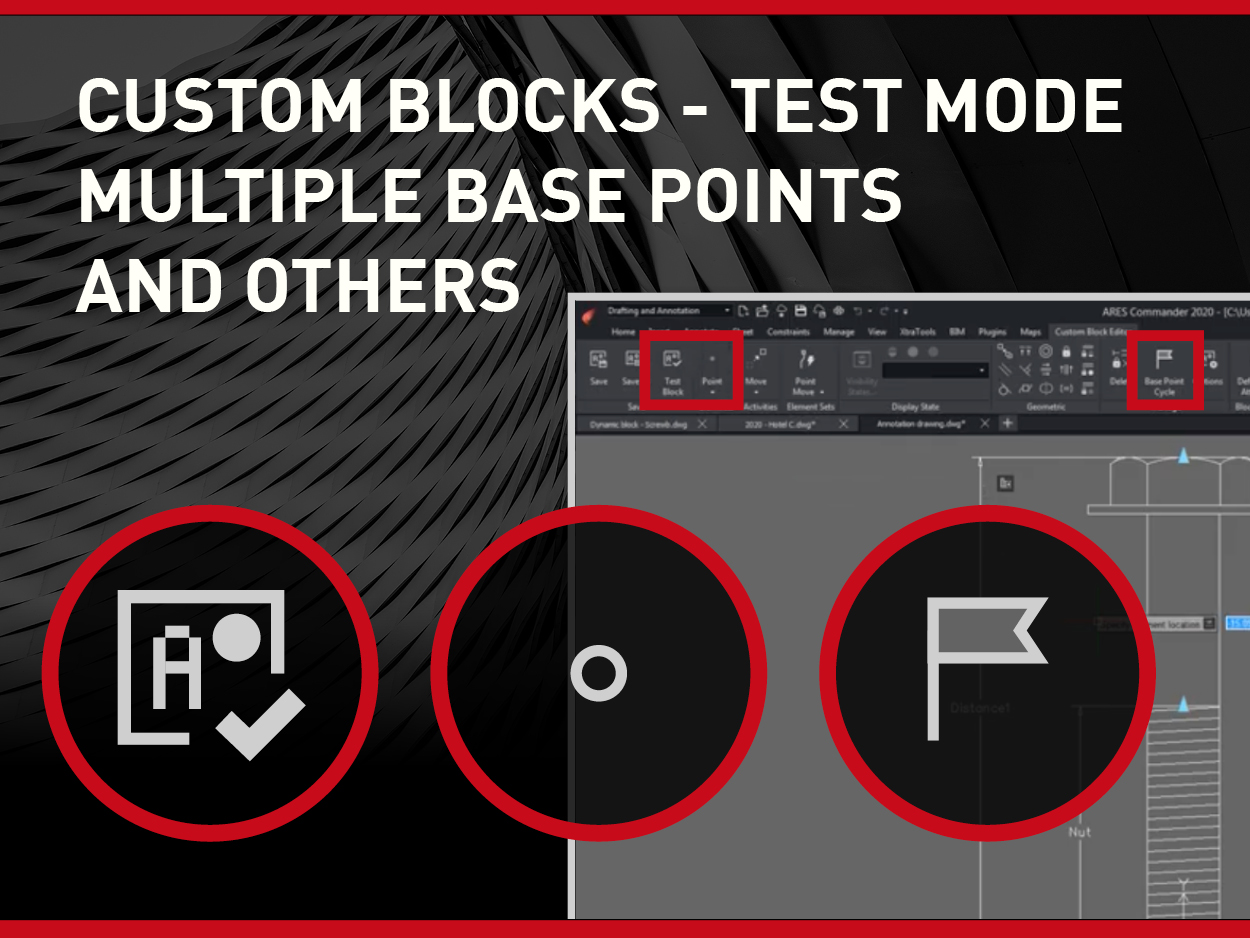
Equivalent to the dynamic blocks in other CAD software, you can use the custom blocks to create smarter entities, which size and look will adapt parametrically with additional grips. You may also include a dropdown menu to switch between different types and options for the same block.
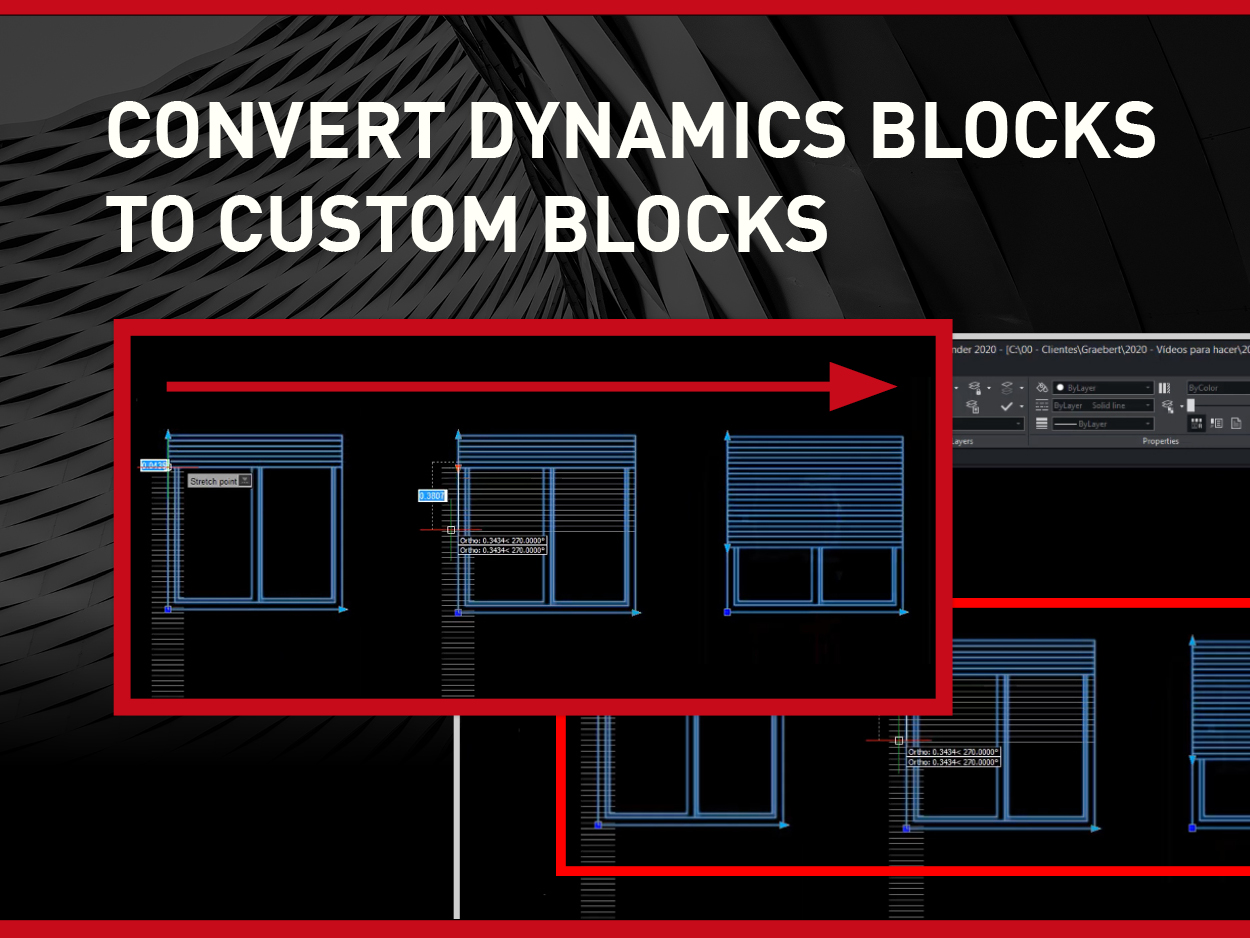
You can use dynamic blocks created with AutoCAD as they are. They will keep their intelligence and parameters in ARES Commander.
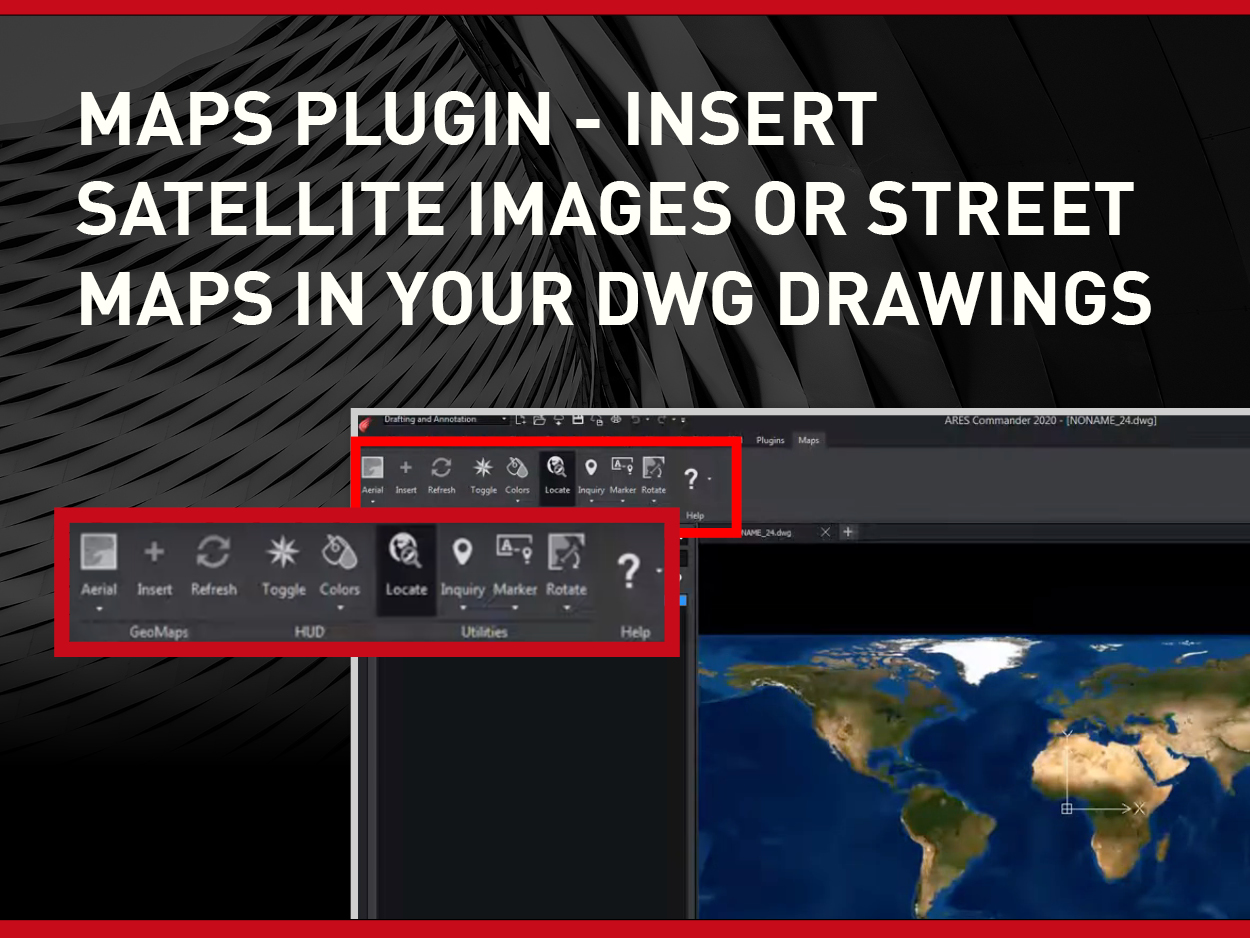
Get free maps service for ARES Commander subscribers. Search for any address and get street maps and satellite images to insert in the background of your drawings.

Select any hatch entity and you will see grips that will help you to manipulate directly the shape. Hovering over a grip point displays also a contextual menu with editing options.

Customize your workspace with the CAD General workspace offers an alternative ribbon to the default “Drafting & Annotation” workspace of ARES Commander. Icons are reorganized to facilitate the switch from AutoCAD or other similar CAD software. You can also reorganize the user interface of ARES Commander as you wish and save your configuration as a new workspace.
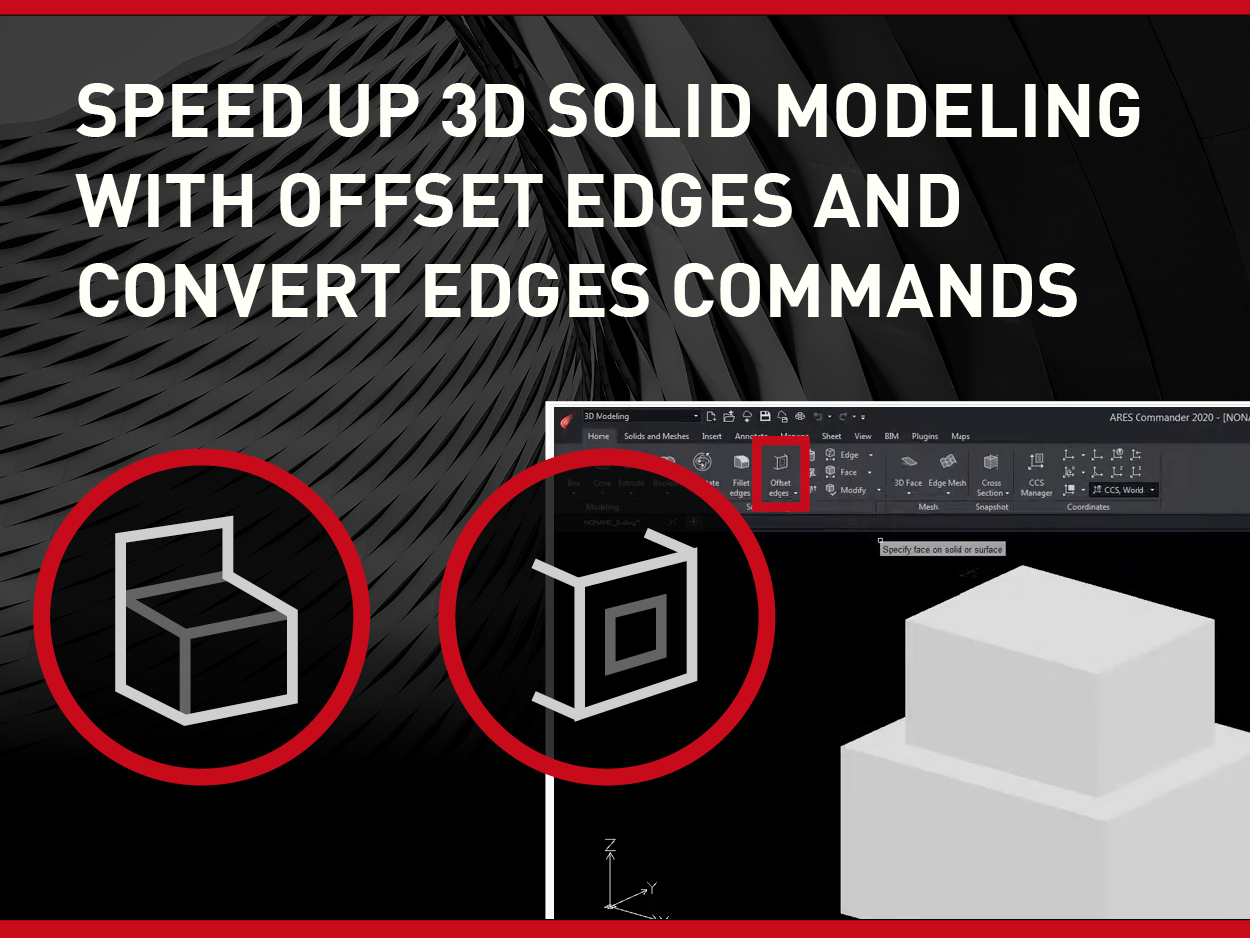
The new Offset Edges and Convert Edges commands help you to extract 2D entities from the edges of 3D solids or surfaces. This is in particular useful to extract construction entities you will use as a reference to create other 3D shapes combining with boolean operations or Push/pull actions.

The new Drawing Compare palette allows you to compare the current drawing with another one. E.g., Understand modifications made by a colleague, compare two options for the same project, show before and after, etc.

Did you know that ARES Touch, our mobile DWG Viewer & Editor, is available for both Android and iOS?