STAY TUNED!
Subscribe to our newsletter and get the 600+ pages eBook Inside ARES:


The 2014 version of ARES Commander Edition, celebrates Graebert’s 30 years of innovation and expertise of CAD. More than just a high-productivity and cost-effective alternative to AutoCAD, Graebert’s CAD technologies are used by nearly 5 million of professionals in more than 100 countries and ARES Commander Edition is the third generation of our CAD software formerly known as FelixCAD and PowerCAD. 1 00:00:09,940 –> 00:00:17,140 ARES Commander Edition 2014 introduces layer and entity transparency. 2 00:00:17,600 –> 00:00:20,600 Let’s add transparency to this Cross-Hatch. 3 00:00:20,800 –> 00:00:24,700 For that, the first option is to go the Layer Manager. 4 00:00:25,400 –> 00:00:27,400 Search for the layer of this entity 5 00:00:27,980 –> 00:00:30,480 and change the transparency factor. 6 00:00:30,800 –> 00:00:33,300 We select this layer 7 00:00:34,600 –> 00:00:37,100 and enter the transparency factor … 8 00:00:39,900 –> 00:00:40,800 …here. 9 00:00:41,600 –> 00:00:43,600 Let’s enter 40%. 10

Saving special files with a .dws extension 1 00:00:08,760 –> 00:00:15,40 ARES Commander Edition 2014 now supports Drawing Standards. 2 00:00:15,40 –> 00:00:21,820 You can now save special files with a .dws extension, which contain your Drawing Standards. 3 00:00:22,100 –> 00:00:26,980 This file is used to define all the common conventions, or standards, 4 00:00:27,120 –> 00:00:30,880 that need to be maintained and checked in your drawings. 5 00:00:31,140 –> 00:00:33,000 Let’s have a closer look. 6 00:00:33,160 –> 00:00:37,239 We open a drawing and link it to a Drawing Standard file 7 00:00:37,560 –> 00:00:43,580 that will be used as a reference to check if our drawing violates any of our standards. 8 00:00:43,780 –> 00:00:48,480 If so, we’ll be able to fix any violation that’s found in our drawing. 9 00:00:48,840 –> 00:00:54,700 The Drawing Standard file has been used to define standard values for LAYERS, Dimension Styles,
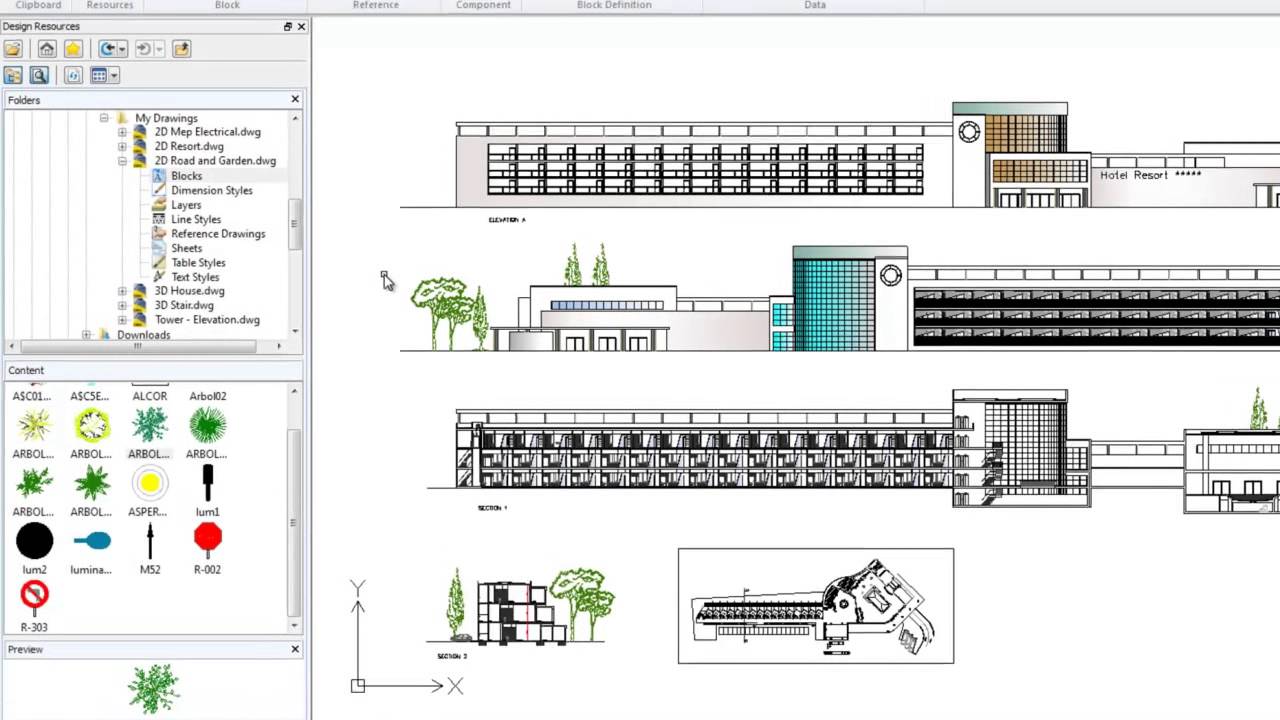
Working with Design Resources palette 1 00:00:08,740 –> 00:00:16,240 ARES Commander Edition 2014 introduces a new Design Resources palette. 2 00:00:16,239 –> 00:00:20,439 You can activate this new palette by pressing Control and 2. 3 00:00:20,440 –> 00:00:24,980 You may also activate it by entering DESIGNRESOURCES in the command line. 4 00:00:25,220 –> 00:00:28,680 Or from the Insert Tab, using this icon. 5 00:00:28,680 –> 00:00:32,420 The palette helps you to browse for content in your projects. 6 00:00:32,619 –> 00:00:38,939 The elements you find here from your computer or network can easily be reused in the current drawing. 7 00:00:39,260 –> 00:00:43,940 For example, we can access the blocks of a file. 8 00:00:45,600 –> 00:00:50,880 But we can also find: Dimension Styles, Layers, Line-types, 9 00:00:51,280 –> 00:00:53,600 attached external references, 10 00:00:54,180 –> 00:00:59,320 sheets created in paper space, Table Styles and Text Styles. 11 00:00:59,600 –> 00:01:04,879
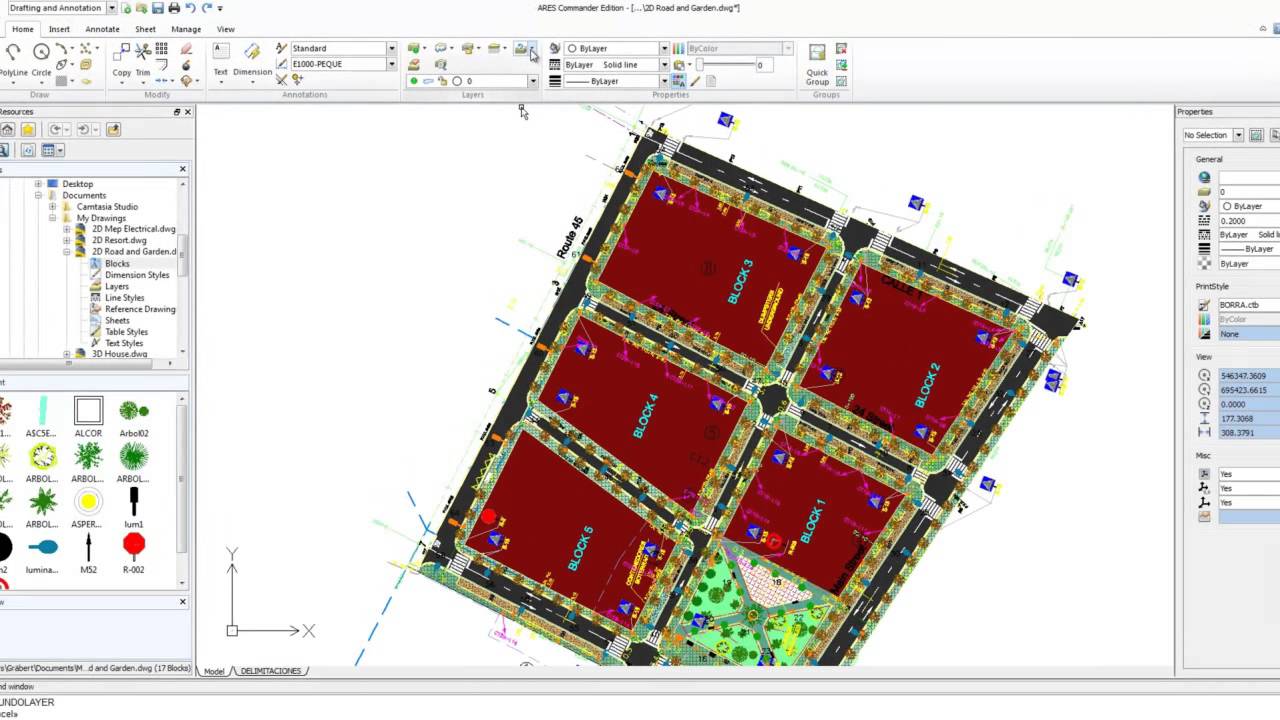
AECcafe discusses Graebert’s new software releases “Graebert is one of the pioneers in the CAD industry, having been a recognized leader for more than 30 years in the 2D and 3D architectural, engineering and surveying markets.” Read the full article on AECCafe here.

Did you know that ARES Touch, our mobile DWG Viewer & Editor, is available for both Android and iOS?