

CREATE AND MODIFY DWG FILES
IN SYNC WITH YOUR ONSHAPE® DOCUMENTS
ARES KUDO FOR ONSHAPE USERS
If you are an Onshape user, ARES Kudo is the perfect companion to create and modify DWG drawings without leaving the Onshape environment:
- Works inside Onshape if you click on a DWG file
- Alternatively you can use your ARES Kudo license from kudo.graebert.com
ARES Commander + ARES Kudo:
The perfect combination to replace AutoCAD®
Subscribe to our Trinity license to combine ARES Kudo with ARES Commander, a full-featured 2D/3D desktop-based alternative to AutoCAD, with the modern cloud-based Trinity collaboration features connected with Onshape and many other cloud-storage providers.





ARES KUDO: CREATE AND MODIFY DWG FILES
IN YOUR INTERNET BROWSER
ARES Kudo is our Cloud version. Nothing to install, it runs directly inside your Internet browser like Onshape. You can log in to ARES Kudo from any device on kudo.graebert.com. You can further connect ARES Kudo with your Onshape account to browse and read any DWG or DXF file uploaded to your Onshape Documents.
Sign up for a free 30 day trial and proceed as shown on the video to connect your Onshape account:
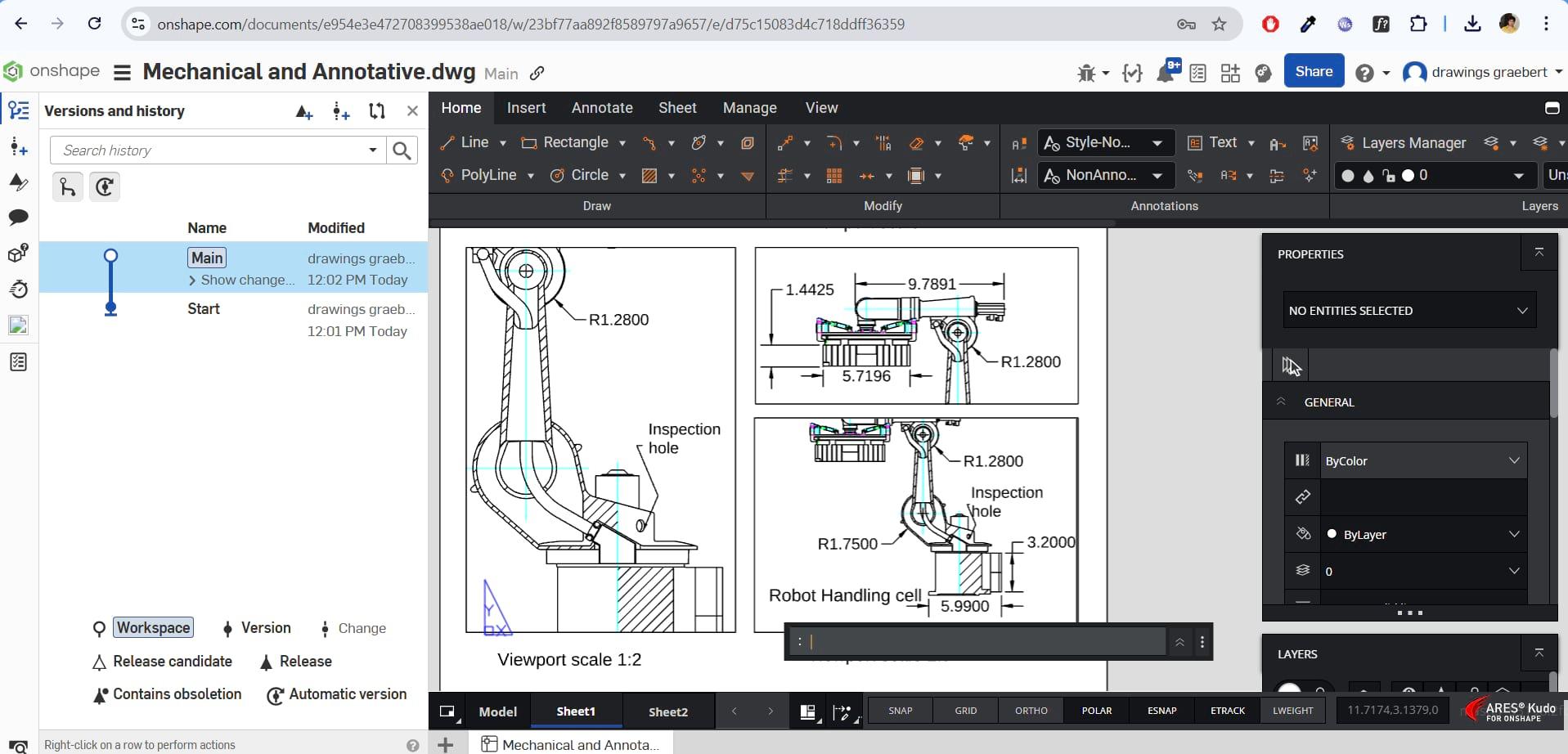
Key features of ARES Kudo include:
- The highest compatibility: Native DWG support without import or export
- Draw with Line, Circle, Polyline, Arc, Spline, Point
- Create and insert blocks
- Hatches and Gradients (Fill)
- Edit entity properties with Properties palette
- Dimensions including Linear, Aligned, Angular, Continue, Radius, Diameter, Leader
- Texts and tables
- Precision tools: tracking, entity snaps, grid, ortho mode
ARES COMMANDER AND ARES TOUCH:
FOR WHENEVER YOU NEED TO WORK OFFLINE
ARES Commander is our Desktop version for Windows, macOS or Linux computers. ARES Touch is our Mobile version.
These two products are combined with ARES Kudo in a same “Trinity” subscription to offer you the agility to work in any context.
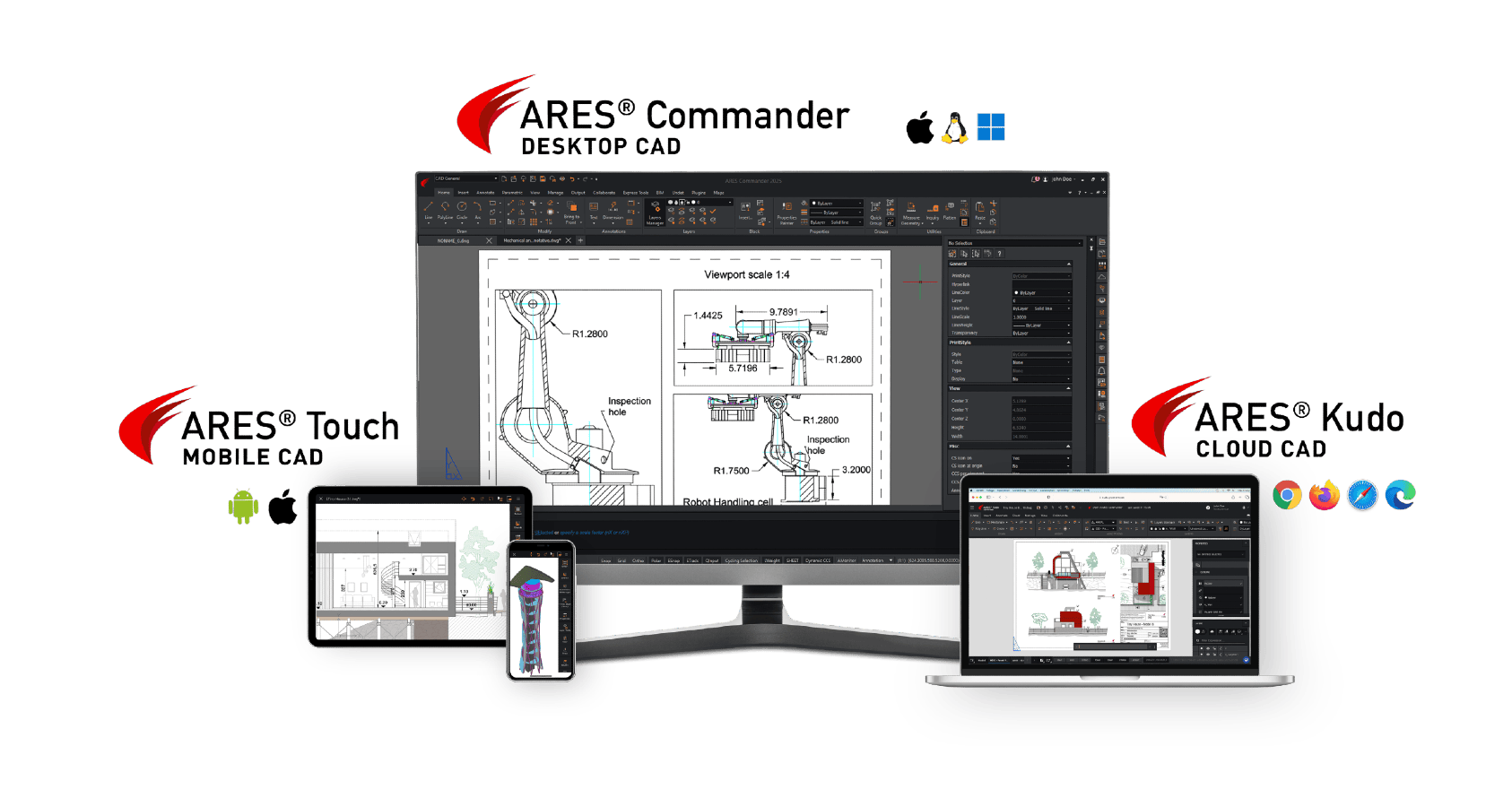
Key features of ARES Commander
- The highest compatibility: Native DWG support without import or export
- Full-featured: 300+ CAD features for DWG editing in 2D or 3D
- Easy switch: Familiar look and feel for any CAD user working with DWG files
- Flexible licensing: Log in / Log out mechanism to use ARES Commander’s license on multiple computers
ARES Kudo brings the agility of Cloud to ARES Commander
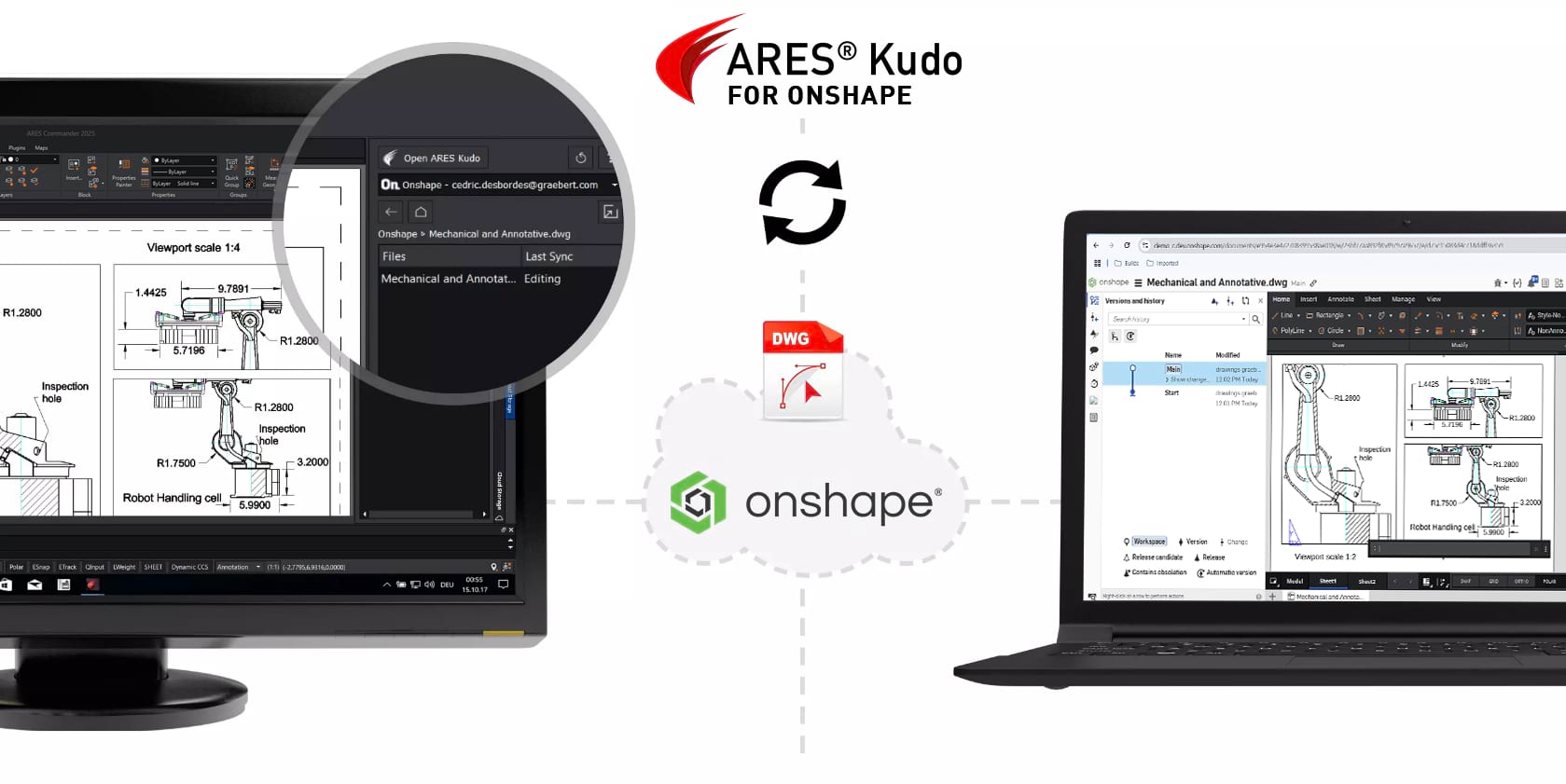
The Cloud Storage palette inside ARES Commander is powered by ARES Kudo
You can browse and edit locally the DWG files stored in your Onshape Documents. Yet, the DWG file stays in Onshape and ARES Kudo will synchronize any change you will save in ARES Commander.
FAQ: Frequently Asked Questions
Do you have more questions?


DISCOVER MORE GRAEBERT SOFTWARE

ARES Neo
Cloud-Based, Automated BIM Documentation at Scale

ARES Commander
Powerful, DWG-based CAD Software for Windows®, macOS® and Linux®

ARES Kudo
Cloud-based CAD-Software for DWG drawings

ARES Touch
DWG-based CAD solution for Android® and iOS® tablets and smartphones

ARES Mechanical
2D Mechanical CAD solution based on the ARES Commander CAD engine

ARES Map
CAD for GIS and GIS for CAD

ARES Electrical
Modern ECAD Software to Automate Electrical Schematics in DWG
SiteMaster™ & Building
Maximize your efficiency and minimize the time on-site surveying any building