
Insert Picture Note in CAD Drawing
- 10/06/2016
- Posted by: Graebert
- Category: Tips & Tricks
No Comments
Amit Kumar features Picture Note in CADBlogbyAmit
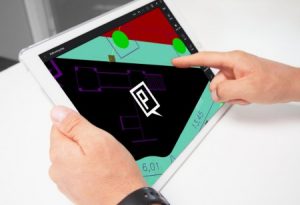 “Picture note is a wonderful feature of ARES Touch. The user can insert a picture in the CAD drawing which will be available as the icon. Tapping on that icon will expand the picture. Tapping on the picture will display the picture to the full size. You can add “Name” and “Description” to picture note as well.”
