

Modern ECAD Software to Automate Electrical Schematics in DWG
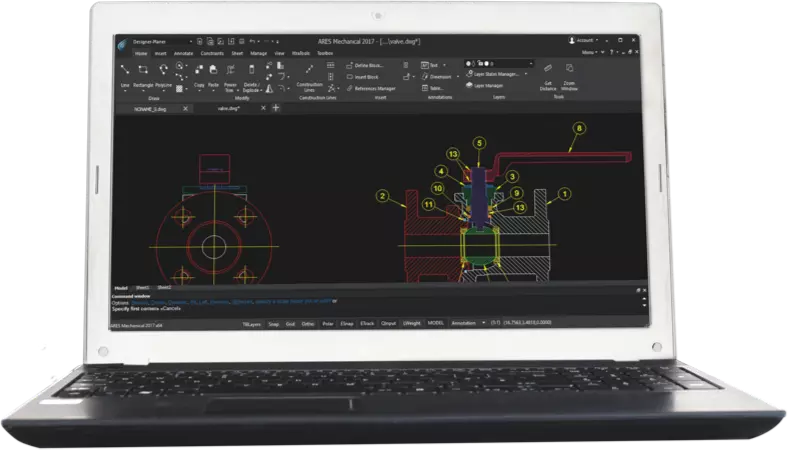
ARES Electrical is a fully DWG-compatible ECAD solution,
custom-built to eliminate burdensome manual tasks
With its modern automation, standardization, and collaboration features, ARES Electrical can reshape your DWG-based ECAD workflows — helping you complete your electrical projects sooner, with less effort.
One way that ARES Electrical speeds up the creation of wiring diagrams, control panels and BOM, is by automating operational tasks, such as wire numbering, component tagging, and cross-referencing. This automation also dramatically reduces the occurrence of design errors arising from manual processes.
Supporting the adoption of industry standards is another way in which ARES Electrical helps companies to shorten their development cycle. ARES Electrical was developed to support international electrical standards (including ANSI, DIN, IEC and ABNT), and it features a standardized electrical components library that provides agility when creating and modifying electrical schematics.
Additionally, ARES Electrical users may leverage the Trinity collaboration features to improve teamwork and save time during the design process, while keeping all files securely stored in the cloud. This way, authorized users can access and work on their DWG drawings anywhere, at any time.
Available in 3 languages:
Available for Windows only (64-bit) - in English, Portuguese and Spanish
What Can You Do with ARES Electrical?
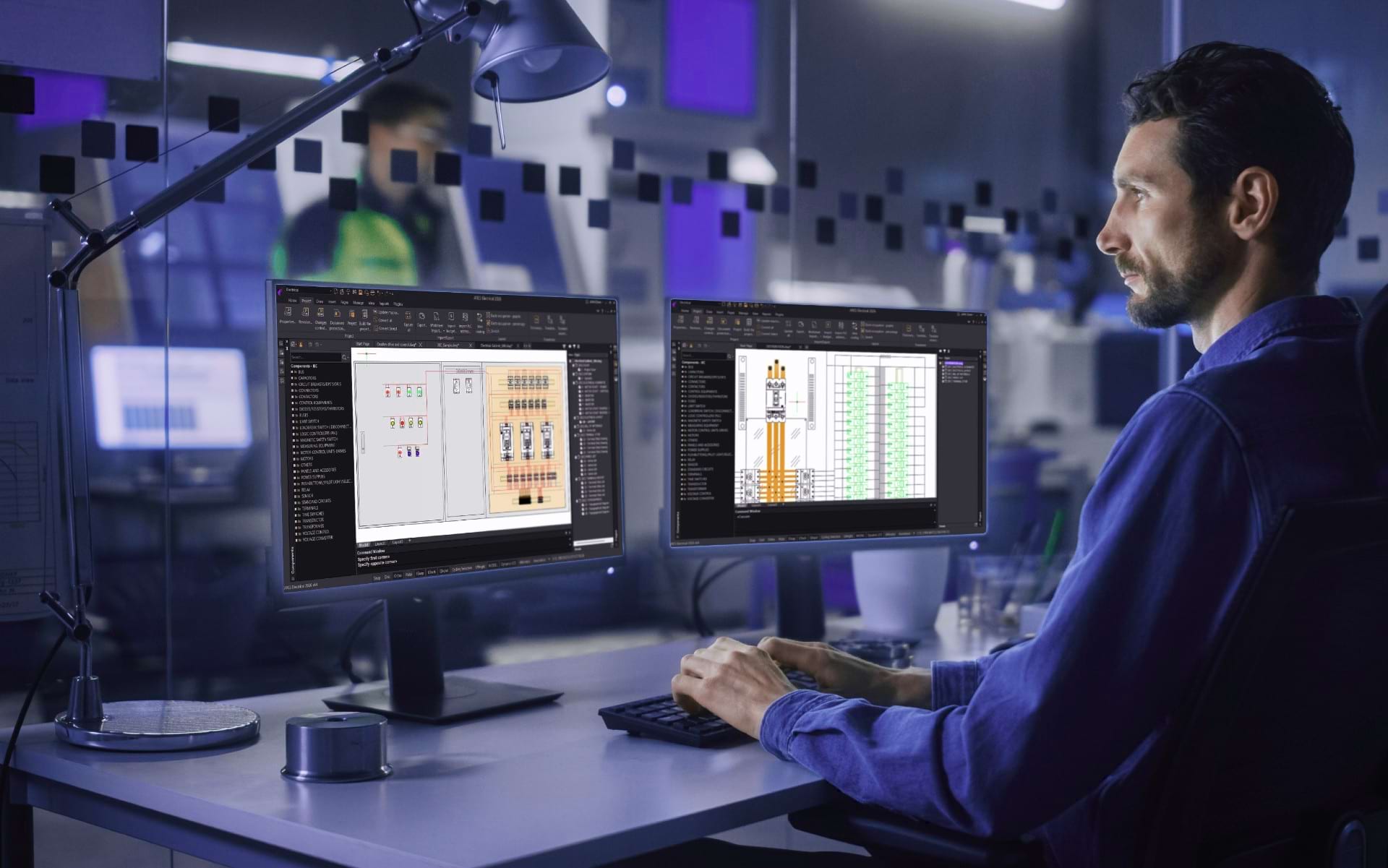
Share Your Projects Easily
Extract information from ARES Electrical through reports, and share it with suppliers, customers, and partners in neutral formats — such as PDF or DXF.
Calculate Project Wiring Effortlessly
Automatically create wire routes within the mechanical layout, given the total amount of wires used in the project.
Develop Integrated Mechanical Layout Drawings
Using intelligent assembly and equipment positioning resources, integrate the panel layout with the electrical diagram.
Read and save in DWG format
ARES Electrical reads and saves in the DWG format natively and adds exclusive electrical CAD features to automate your projects. Each project in ARES Electrical is a DWG file that can contain tens or hundreds of pages. Although other CAD software doesn't have the features to navigate these pages, ARES Electrical can generate DWG, PDF,, or DXF files to share with other DWG-based CAD software, such as AutoCAD.
ARES Trinity Collaboration Features
Your projects can be either saved locally on your hard disk, or synchronized with your favorite cloud storage provider to unlock all the power of the ARES Trinity Collaboration features. Collaboration features include sharing View-only links to invite people to view and comment online for free, as well as email notifications, markups and more.
Save Time with Customizable Libraries
You can copy and modify all the available components in the ARES Electrical Components library, and create brand-new components as needed, making your company‘s most-used devices available for placement in your electrical designs.
Focus on Design, not Counting
Develop the entire project structure without limits on the number of pages, components, wires, or cables.
Generate Project Reports Automatically
ARES Electrical creates electrical project reports that accurately represent the project; in addition, they are fully customizable to the company or customer‘s standards.
Pre-configure Projects Your Way
With ARES Electrical, you can define the rules for creating electrical diagrams, enabling automatic project creation according to your requirements.
See ARES Electrical in Action


What’s new in ARES Electrical 2026 – Smarter Components Libraries & Cloud CAD Collaboration

ARES Electrical CAD – DWG-Based Design for Wiring Diagrams, Control Panels, Automation & BOM
How to Customize Parts & Symbols in ARES Electrical – Smarter DWG-Based CAD Libraries
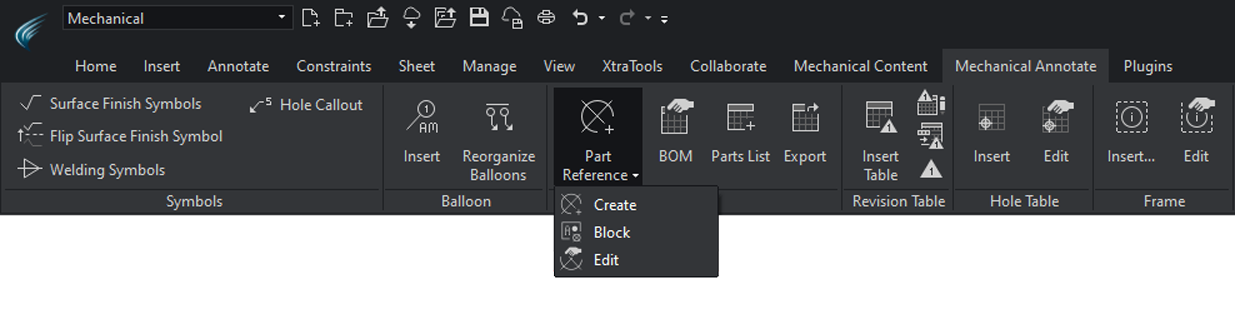
 Mechanical Standards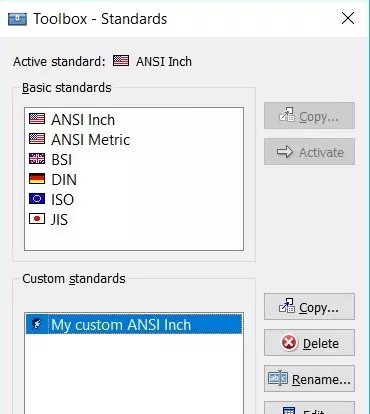
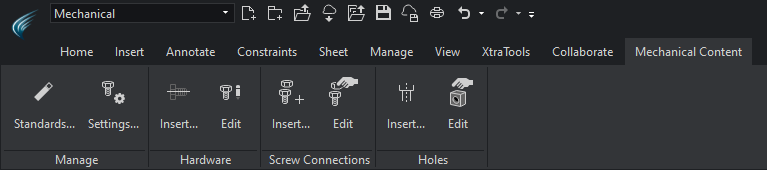
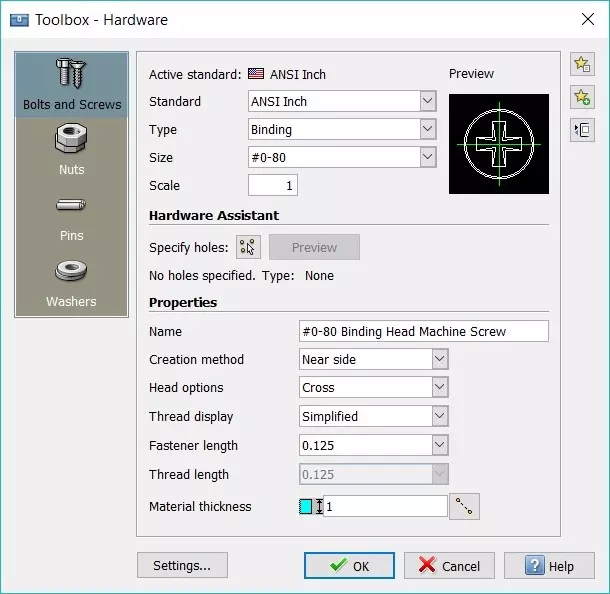
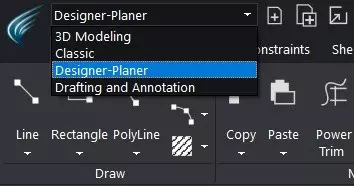

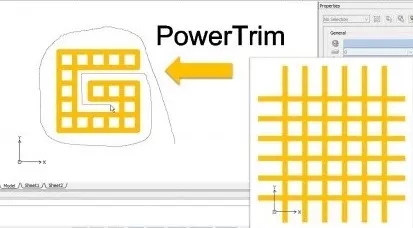
A Professional ECAD Solution Powered by ARES®
Including All the Electrical Features You Need
- A full DWG-based CAD software with hundreds of CAD features
- Familiar user interface for any CAD user
- Add, modify or delete information using the drafting tools
- Create or modify any DWG drawing – without the need to use ARES Electrical’s toolbox
- New Drawing Automation Features
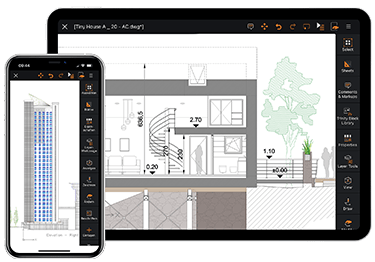
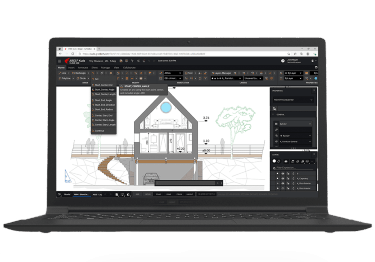
ARES Electrical is a good example of the vertical applications that developers can create with the ARES OEM platforms. This solution combines Graebert’s CAD features available in ARES Commander with electrical features, support for industry standards and a customized user interface.
If you are a development company you can click on the following button to learn more about using ARES as a development platform for your CAD software:
Discover more Graebert Software

ARES Commander
功能強大、以 DWG 為核心的 CAD 軟體,支援 Windows®, macOS® 和 Linux®

ARES Kudo
雲端 CAD 軟體-線上編輯 DWG 圖檔

ARES Touch
以 DWG 為核心的 CAD 解決方案,專用於Android® 和 iOS® 平版與智慧型手機

ARES Mechanical
2D 機械 CAD 解決方案,建構於 ARES Commander CAD 引擎上

ARES Map
用於 GIS 的 CAD 和用於 CAD 的 GIS

ARES Electrical
現代 ECAD 軟體可以自動產生 DWG 格式的電氣原理圖
SiteMaster™ & Building
最大化工作效率,同時縮短現場作業和測量所需時間
